

A screen in the kitchen: any browser on a TV or tablet.
Restaurant › Every day › Kitchen display. A screen in the kitchen: any browser on a TV or tablet.
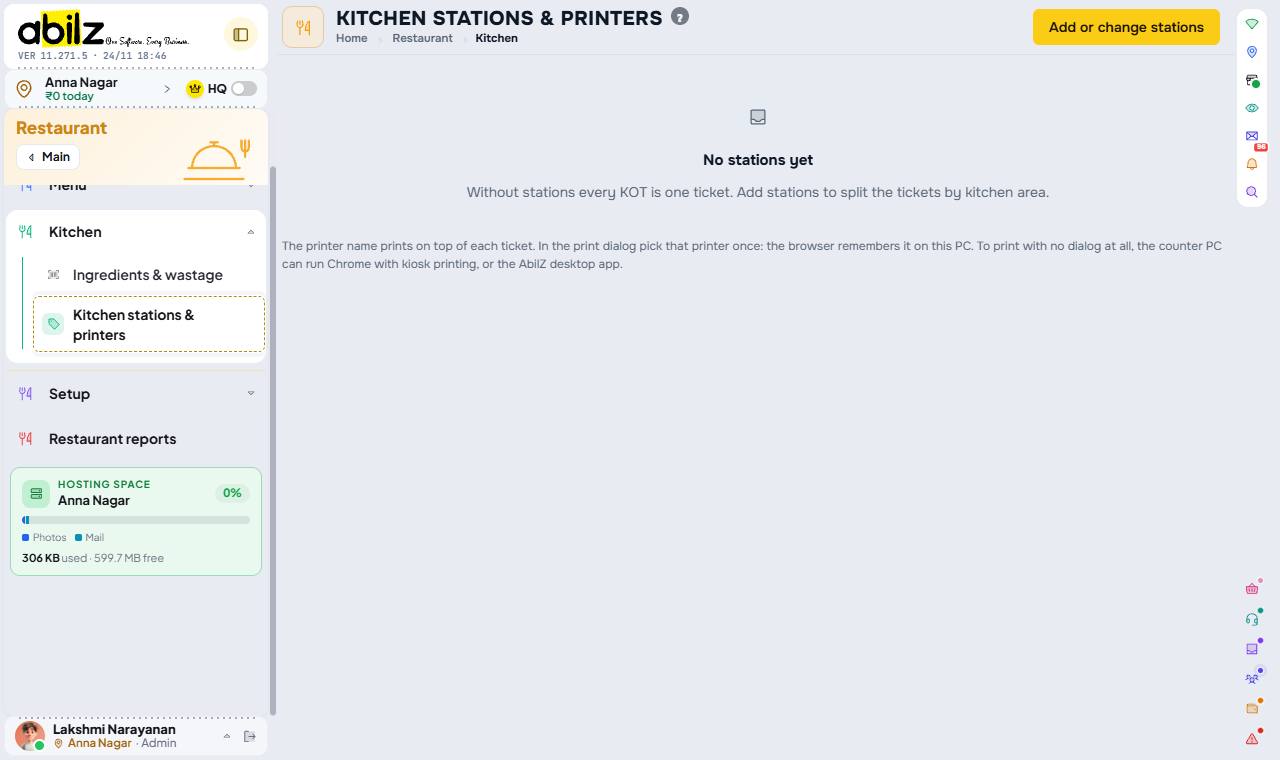
- Make the stations in Restaurant › Kitchen › Kitchen stations & printers (for example Tandoor, Chinese, Drinks). Each station takes item categories, with their sub-categories.
- Open the Kitchen display on the station's screen. New tickets come with a sound.
- Tap a ticket to move it on. Tap back to recall it.
- An Everything station (the pass) sees every line and how each station is doing with the ticket.
- Each station chooses where its ticket prints: at the counter with the KOT, at its own printer, or not at all. The printer is chosen on each PC.
Was this helpful?
Something wrong in this guide?
Still stuck?Press ? in your portal, then Raise a ticket. It carries the page you are on.
Contact AbilZ