

For any dates: sales and food cost by dish, sales by table, by staff member, by order type (dine-in, takeaway, counter) and by hour, and how long the kitchen took on each KOT.
Restaurant › Restaurant reports. For the days you pick, in tabs: Dishes (sales and food cost by dish), Tables, Staff, Dine-in / takeaway, Busy hours, Kitchen (how long the kitchen took on each KOT) and Cancels & removals.
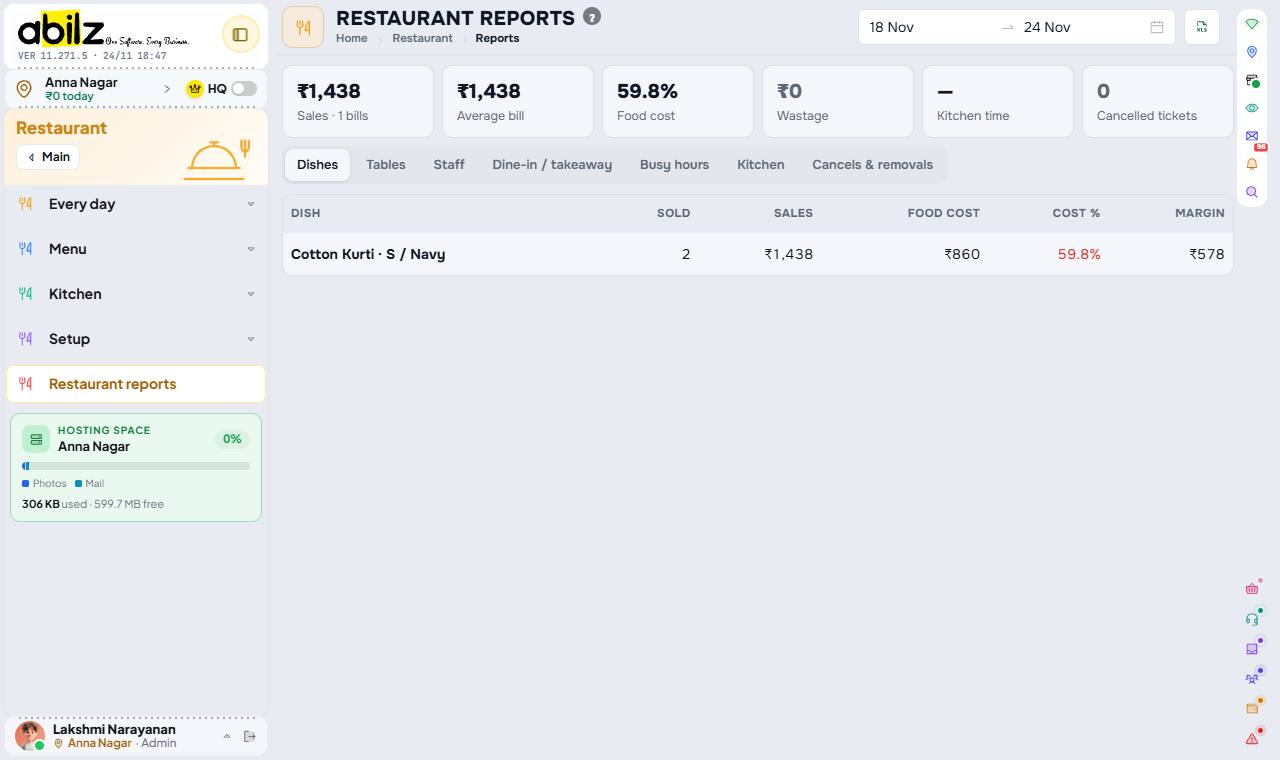
Cancels & removals: every dish removed and every order cancelled after KOT: when, table, dishes, value, the reason, who did it, who gave the PIN, and whether it was made (with the wastage cost). See it as Every cancel, By staff or By reason, filter, download Excel or print. When one person cancels more than the day limit (₹500 to start), the owner gets an alert on the phone and in the bell.
Something wrong in this guide?
