

A TV for customers that shows token numbers when their order is ready.
Restaurant › Every day › Order-ready screen.
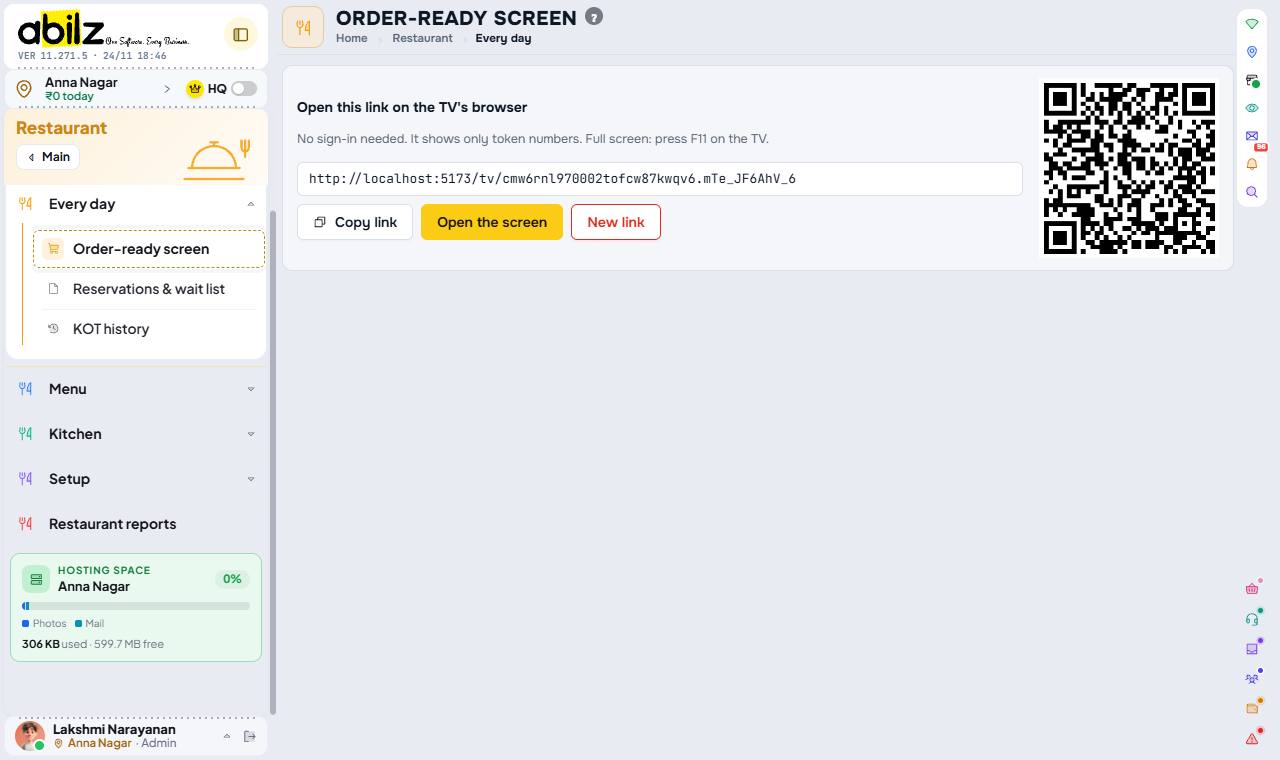
A TV for customers: the takeaway tokens being made and the ones ready to collect, with a chime when one is ready. Staff mark them on the POS register (the right-side Order ready button).
- Open the page and press Open the screen, or Copy link and open it in the TV's browser. No sign-in is needed, and it shows only token numbers. Press F11 on the TV for full screen.
- Scan the QR on the page with the TV or tablet to open the same link.
- New link stops an old screen: it shows no tokens until it opens the new link.
Was this helpful?
Something wrong in this guide?
Still stuck?Press ? in your portal, then Raise a ticket. It carries the page you are on.
Contact AbilZ