

What waits for your approval, the team's tasks, notes and reminders, and chat.
Approvals inbox
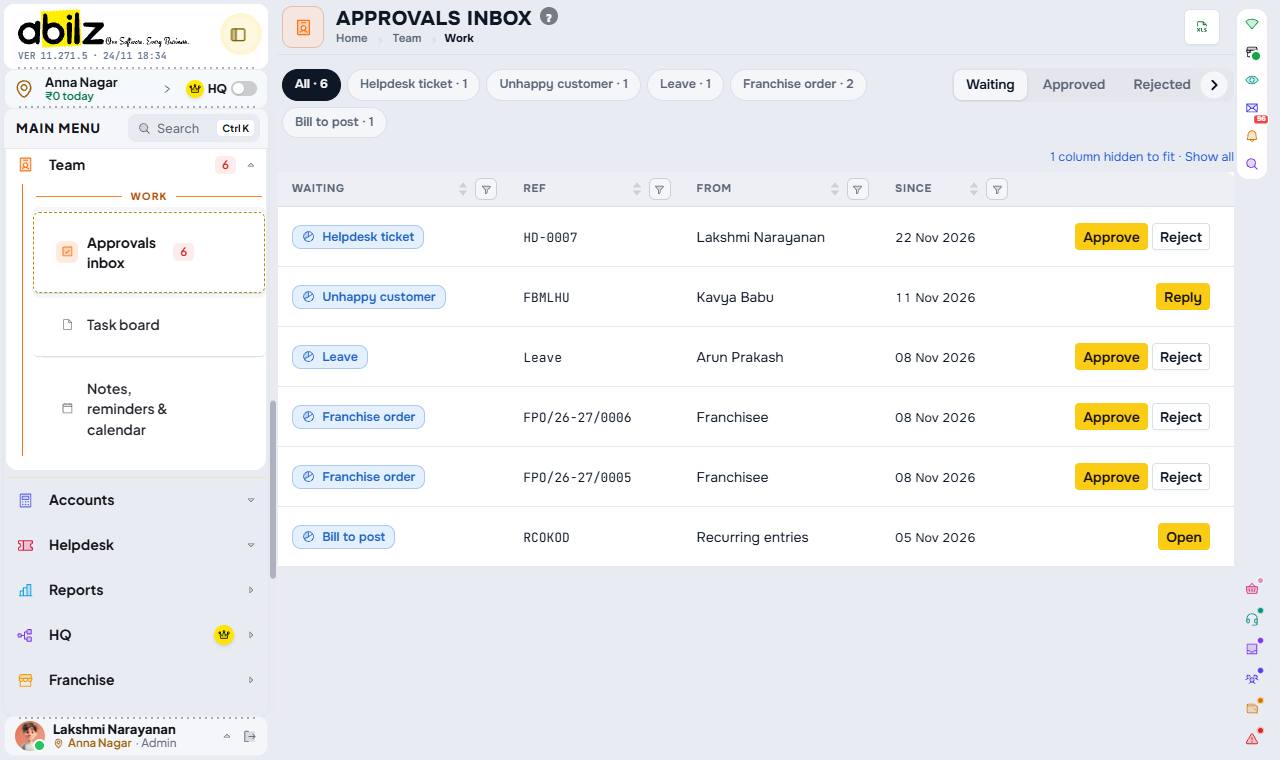
Team › Work › Approvals inbox: everything waiting for your yes or no (big discounts, payments, price changes, complaints). Approve, Reject or Review it; Open the document to see it in full. A complaint can be answered with Reply, which goes to the customer and closes it.
Task board
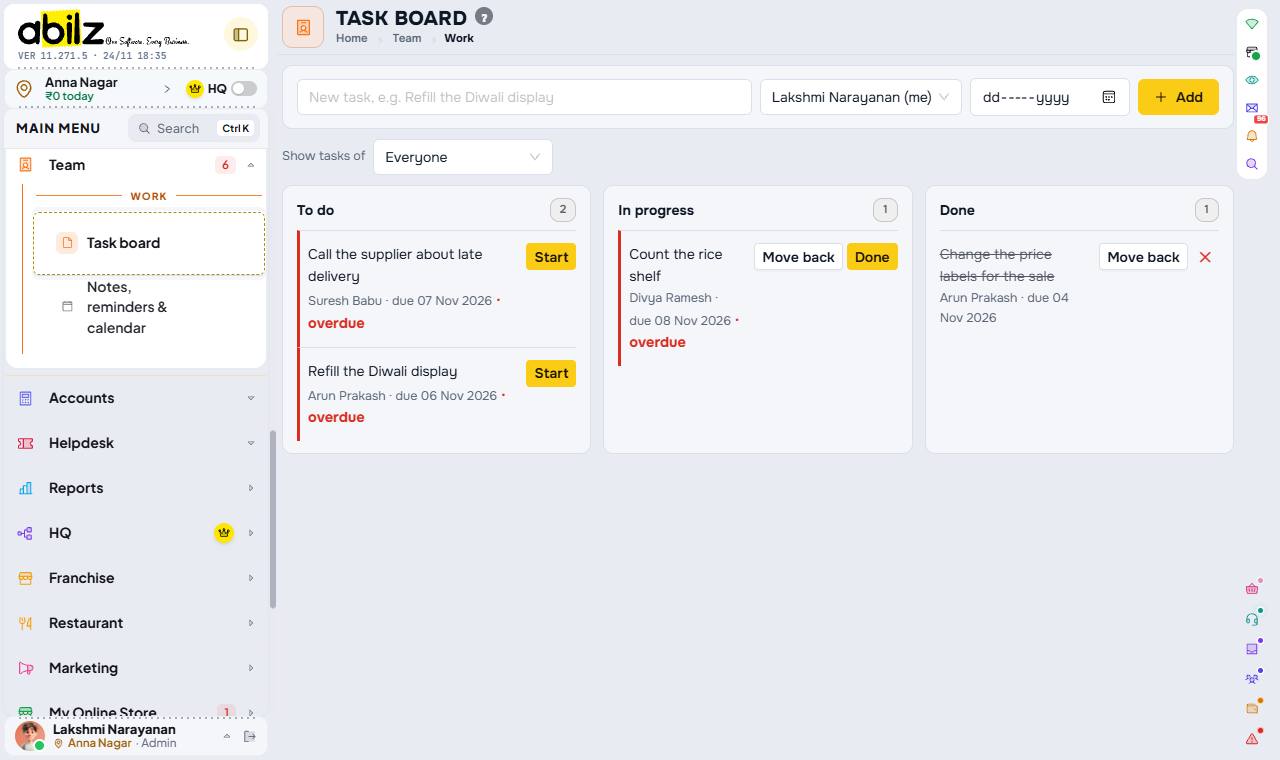
Team › Work › Task board. Add a task (for example Refill the Diwali display), give it to someone, and move it across the board as it is done. Me or Everyone.
Notes, reminders & calendar
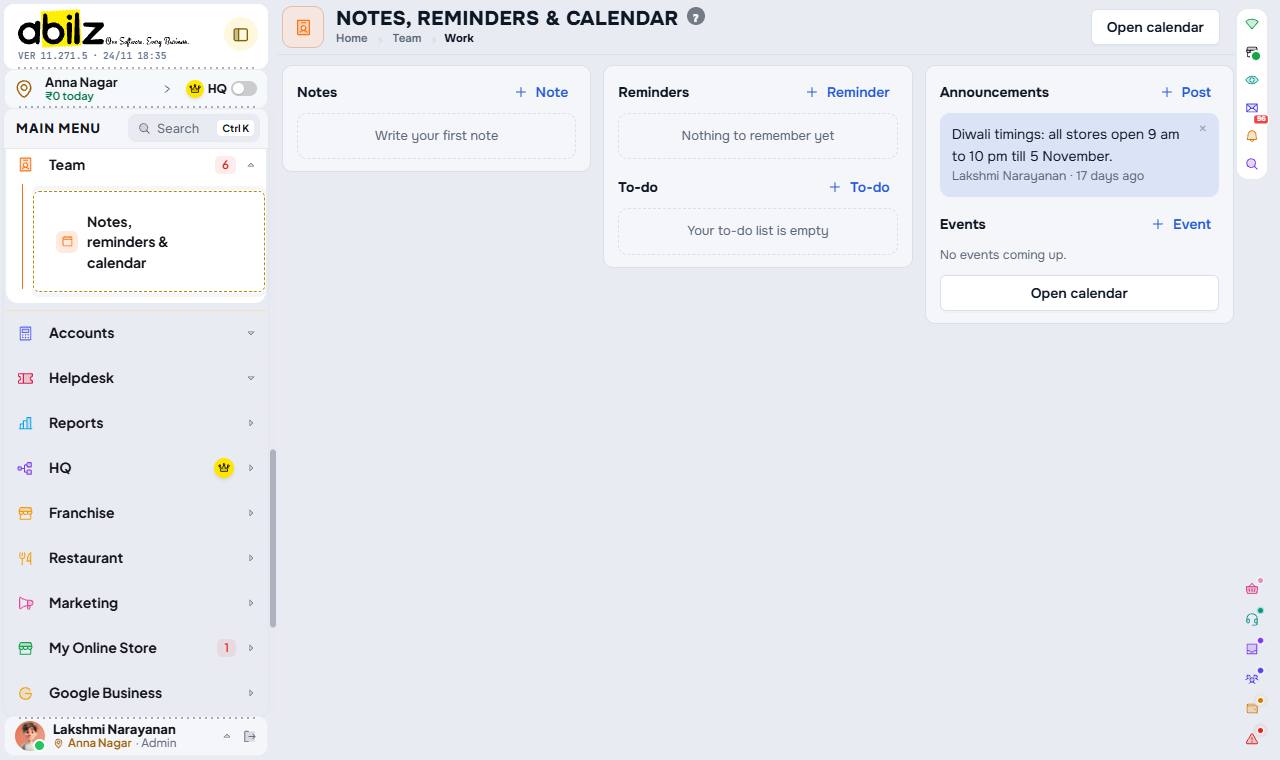
Team › Work › Notes, reminders & calendar: notes with a reminder date, and the calendar of what is coming up.
Team chat
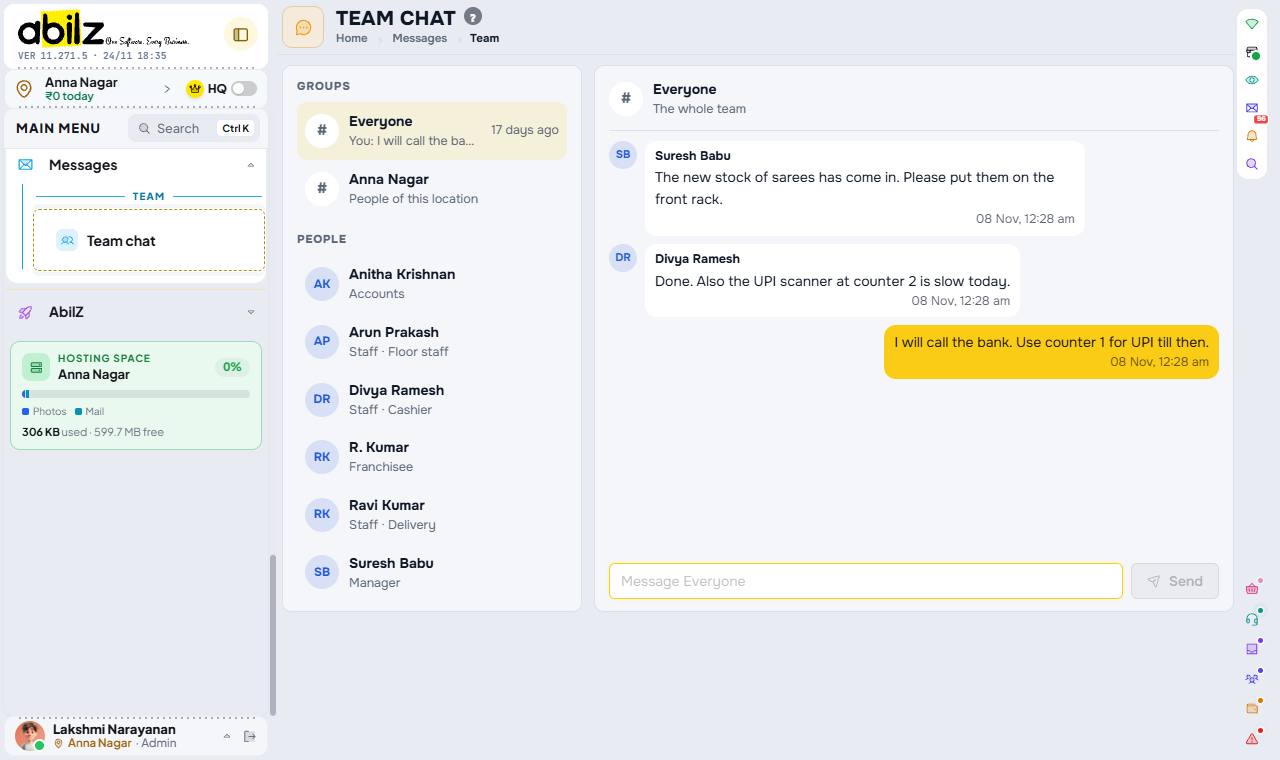
Messages › Team › Team chat. Choose a group or a person on the left to chat.
Was this helpful?
Something wrong in this guide?
Still stuck?Press ? in your portal, then Raise a ticket. It carries the page you are on.
Contact AbilZ