

Pay salaries from the attendance, with the deductions done for you.
Team › Pay & performance › Salaries & incentives. Pay salaries from the attendance, with the deductions done for you. The tabs are Pay run, Salary structure, Staff files, Advances & loans, Leaving, Bonus and PF · ESI · PT · TDS.
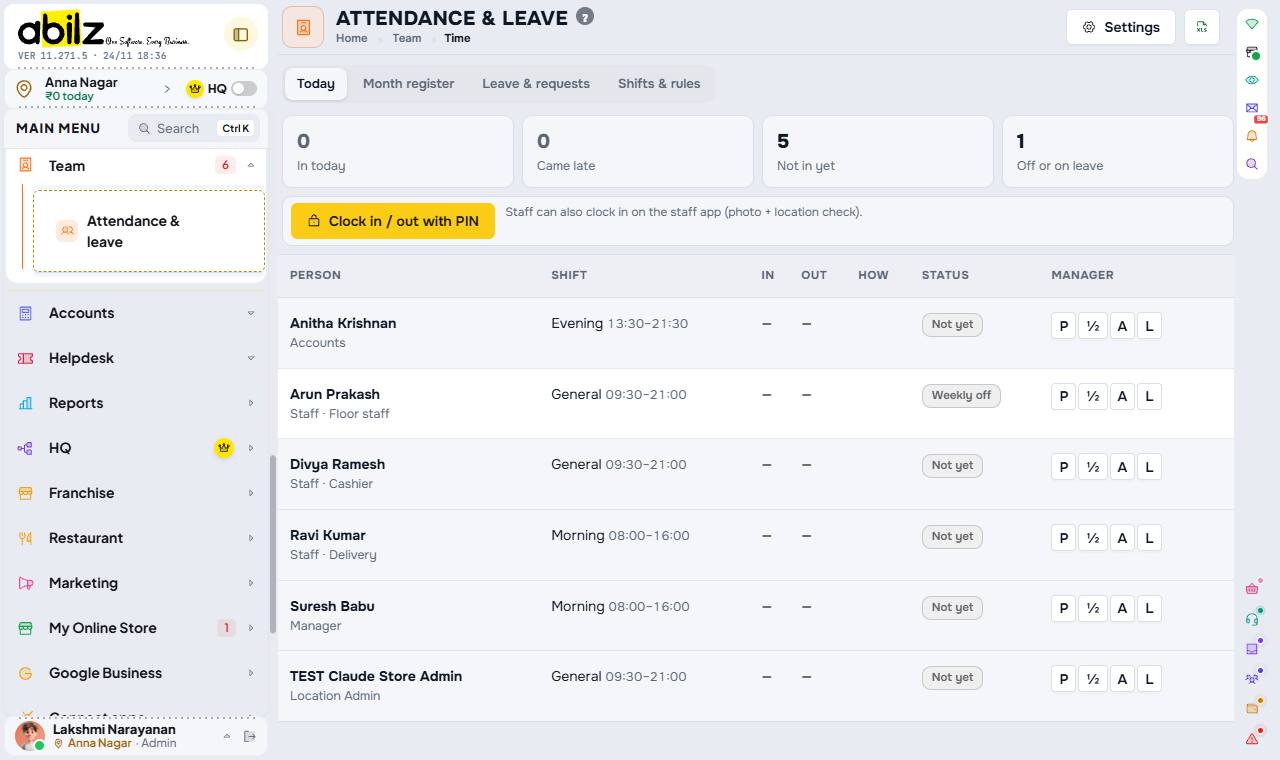
- Pay run: each month's pay run for a location. Each line takes the paid days from attendance, the salary (monthly or daily), PF, ESI and Professional Tax, advances to recover, and incentives.
- Salary history: each salary change is kept with its date, so a month is always paid at the salary of that month.
- Advances: give an advance, and it is taken back from later pay runs until it is cleared.
- Bank file: download the salary file for HDFC, ICICI, SBI or Axis and upload it on the bank's site. Check the first file with your bank once.
- ESI file and PT register: for filing.
- PF (EPFO ECR): the monthly upload file. EPF wages are the basic earned; pension (EPS) and EDLI wages stop at ₹15,000, and the pension share is 8.33% of them.
- Labour Welfare Fund (LWF): for states that have it, switch it on in Payroll settings and enter your state's months and amounts (your CA can confirm them). It is taken from pay in those months, the business share is added to the cost, and both go to LWF payable in the books.
- Year statement for Form 16 (Part B): in the PF · ESI · PT · TDS tab, each person's paid salary, professional tax, employee PF and TDS for the financial year, with Download for the CA. Add each person's PAN in their salary structure.
- Yearly bonus: 8.33% by default, worked out for the year.
- Full and final: when someone leaves, AbilZ works out what is due: salary to the last day, earned leave left (if encashment is on), gratuity (if on), notice not served, and advances still owed.
- Payroll settings: notice period, leave encashment, gratuity and the bonus.
Note PF, ESI, Professional Tax, LWF, the ECR file and the Form 16 statement come with the India Payroll Rules module (India only).
Was this helpful?
Something wrong in this guide?
Still stuck?Press ? in your portal, then Raise a ticket. It carries the page you are on.
Contact AbilZ