

How fast each cashier bills, and how many cashiers each hour of the week needs.
Team › Pay & performance › Staff performance › Cashier speed & staff hours (a tab) is for the owner. Choose one location at the top.
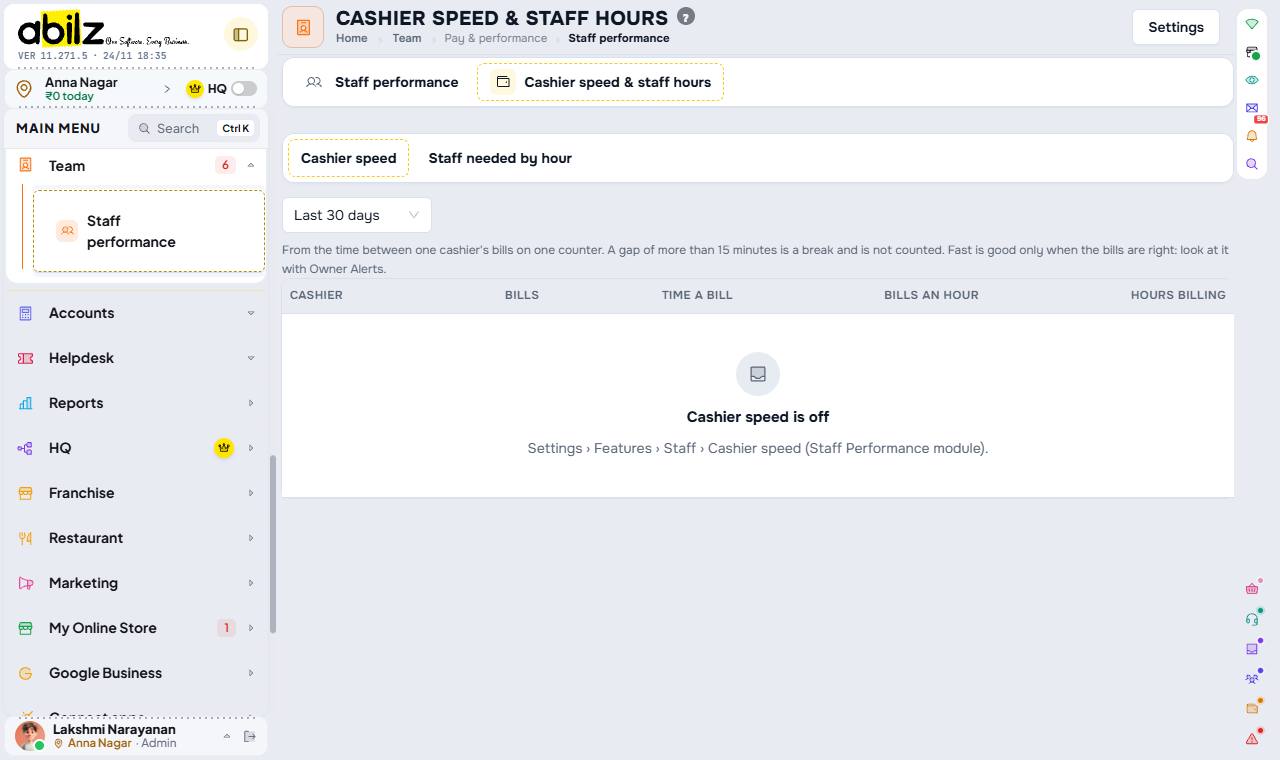
Cashier speed (Staff Performance module; switch it on in Settings › Start here › Features › Staff › Cashier speed)
- For each cashier: the bills, the time a bill, bills an hour and the hours billing, for the last 7, 30 or 90 days.
- It is worked out from the time between one cashier's bills on one counter, so nothing changes at the counter. A gap of more than 15 minutes is a break and is not counted.
- Fast is good only when the bills are right. Look at it together with Reports › Owner Alerts (items removed, discounts).
Staff needed by hour (Staff Attendance module; Settings › Start here › Features › Staff › Staff needed by hour)
- A week grid: each hour of each weekday shows the cashiers that hour needs, with the average bills under it, over the last 4, 8 or 13 weeks. The busier the hour, the darker the box.
- Set One cashier handles … bills an hour in Settings (20 to start). Use the grid when you plan Team › Time › Shifts & rota.
Was this helpful?
Something wrong in this guide?
Still stuck?Press ? in your portal, then Raise a ticket. It carries the page you are on.
Contact AbilZ