

Press the ? beside the title of any page to read the guide for that page, without leaving your work.
The ? on every page
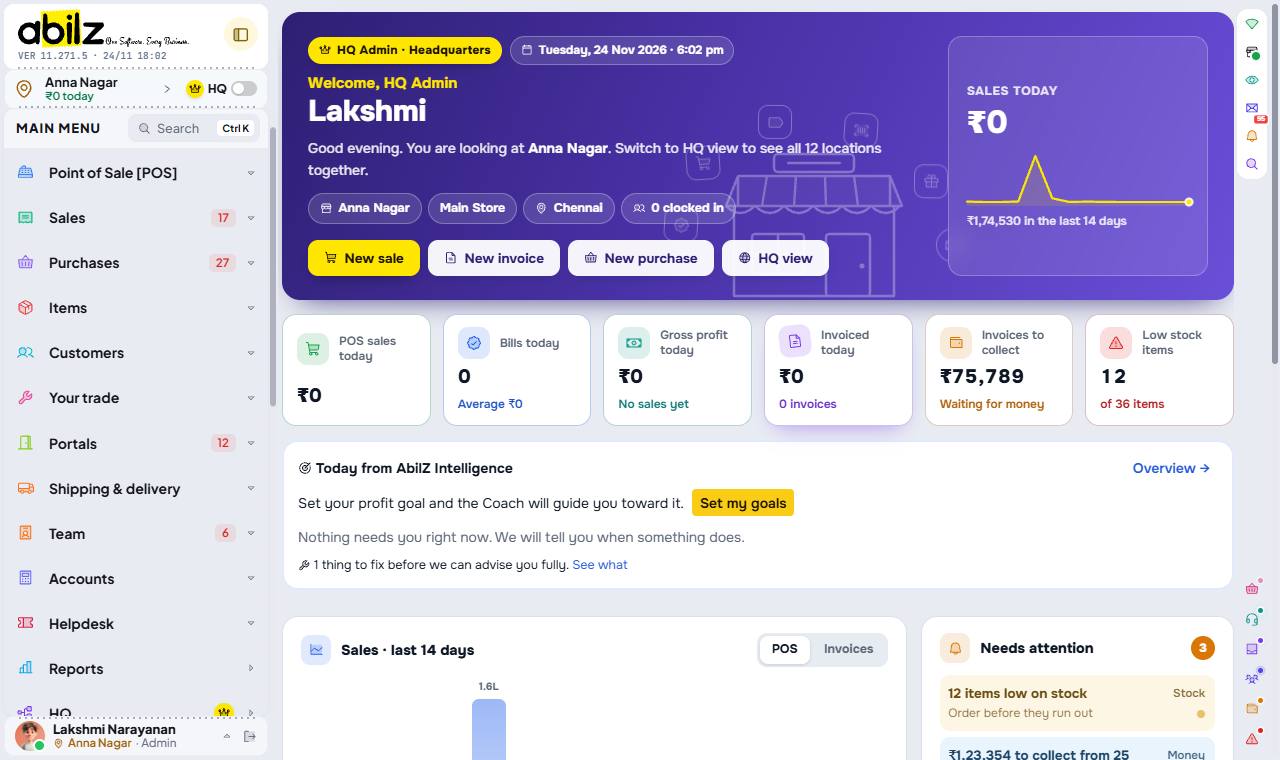
Press the ? beside the page title. The guide for that page opens on the right side, and your page stays as it is. Press Esc or ✕ to close it.
- Open this page buttons inside a guide take you straight to the page it talks about.
- Open full guide opens the same guide on abilz.com/help in a new tab, for reading on a bigger screen or sharing.
- Parts of a guide about modules your shop does not have are hidden. Where a module would help, you see Add module.
Search help
Press Ctrl K (or the search box at the top). Pages come first, and under them a Help group with the guides that match. Pick one and it opens in the help panel.
Something wrong in a guide?
Every guide ends with Was this helpful? and Report a mistake. A report goes straight to the AbilZ team with the page you were on. When the guide is fixed, the shop owner gets a thank-you in the bell, and every shop sees the corrected guide.
You can also search every guide in AbilZ › Support › Help guides.
Find any page with Ctrl K · Talk to AbilZ support
Something wrong in this guide?
