

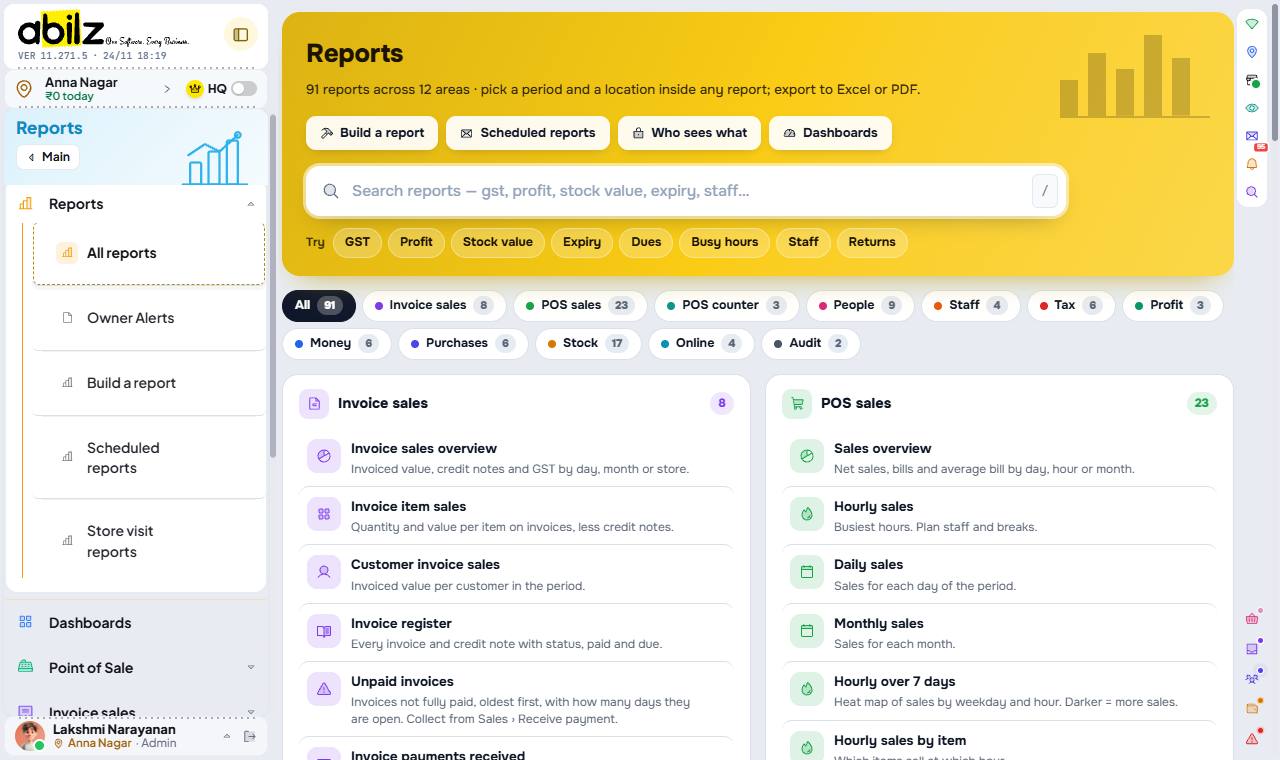
Reports › Build a report makes your own report without a developer:
- The data: Counter sales (POS bills, less returns), Invoices (less credit notes) or Purchases.
- Show it by: item, category, brand, day, week, month, weekday, hour, location, staff, customer, supplier, paid by, HSN or GST rate, and optionally a second one (for example category, then location).
- The numbers: Qty, Total with GST, Value excl. GST, GST, Cost, Profit, Margin, Bills, Average bill, Lines.
- Name it.
The preview on the right updates as you choose. Start from gives ready ideas (Sales by category and location, Staff by how customers paid, Brand profit, Busy weekdays…). The report is saved in the area My reports on Reports › All reports and works like every other report: period, location, filters, compare, side by side, Excel, PDF, saved views and email. Change this report on the report page opens it again; Remove deletes it.
Was this helpful?
Something wrong in this guide?
Still stuck?Press ? in your portal, then Raise a ticket. It carries the page you are on.
Contact AbilZ