

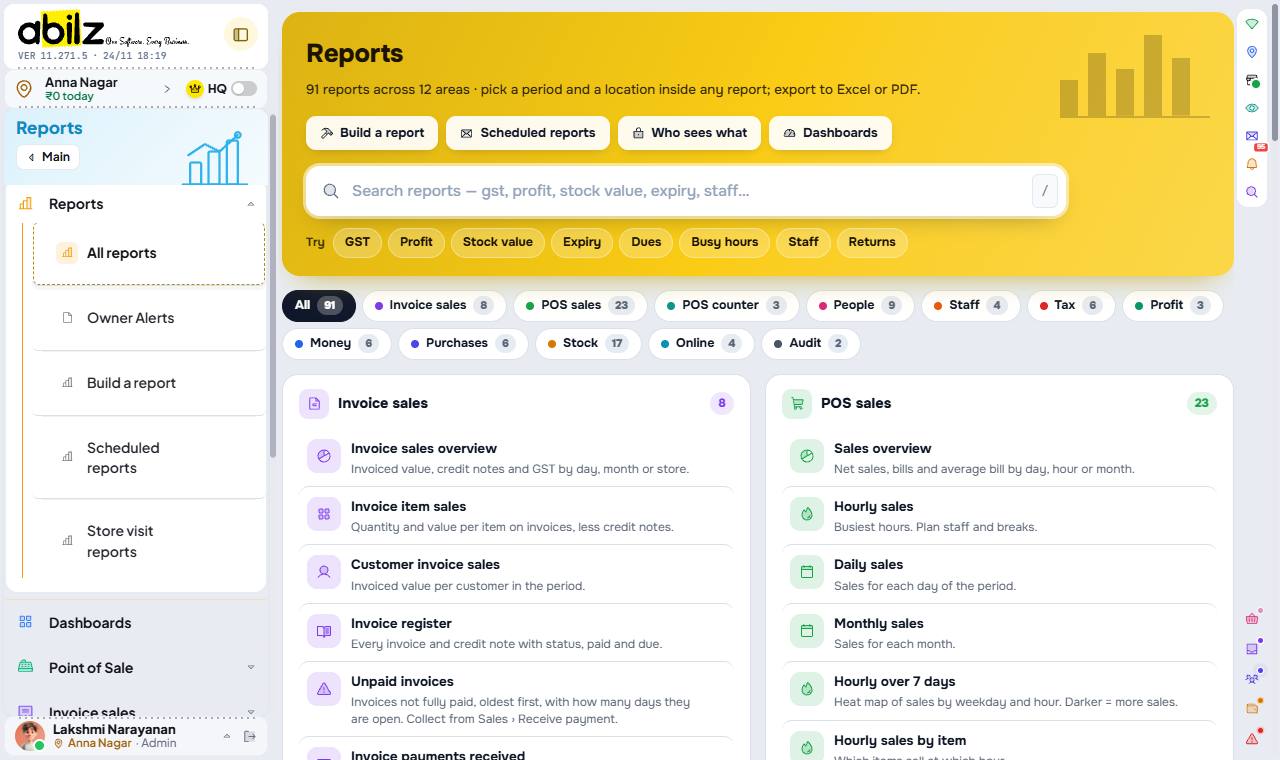
Switch on Compare with the period before. Every total (money and quantities) shows this period, the one just before it of the same length, and the change in %. It works for any period, custom dates too (1–31 Oct is compared with 31 Aug–30 Sep). The numbers at the top get a ▲ / ▼ with the change, and day-by-day reports show a line for this period and a dashed line for the one before.
Was this helpful?
Something wrong in this guide?
Still stuck?Press ? in your portal, then Raise a ticket. It carries the page you are on.
Contact AbilZ