

Your phone tells you when something at the counter needs a look; every alert and the removed-items report in one page.
Owner Alerts is a module (₹10 a month per location). Set it up in Settings › Start here › Features, in the Owner alerts part (the Settings button on the Owner Alerts page opens it); each alert has its own switch, its limit, who gets it (owner, store manager, admins) and how (app notification, WhatsApp, email).
- Business hours: when the shop should be open. The no-bill and opening alerts use them.
- No bill for a while: no bill for the set minutes while the shop is open. You are told once for each quiet spell.
- Opening and closing time: no register opened (and no opening checklist done) by opening time plus the minutes allowed; and, if you like, when the last register closes before closing time.
- Big bill: a bill above your amount.
- Discount given today: the shop's total discount for the day, and one cashier's, above your limits. Each is told once a day.
- Items removed from bills: one cashier removes more items than your limit (set on the same Features page, under Cash & shift › Removed items log).
- Too much cash in the drawer, and Opening checklist late.
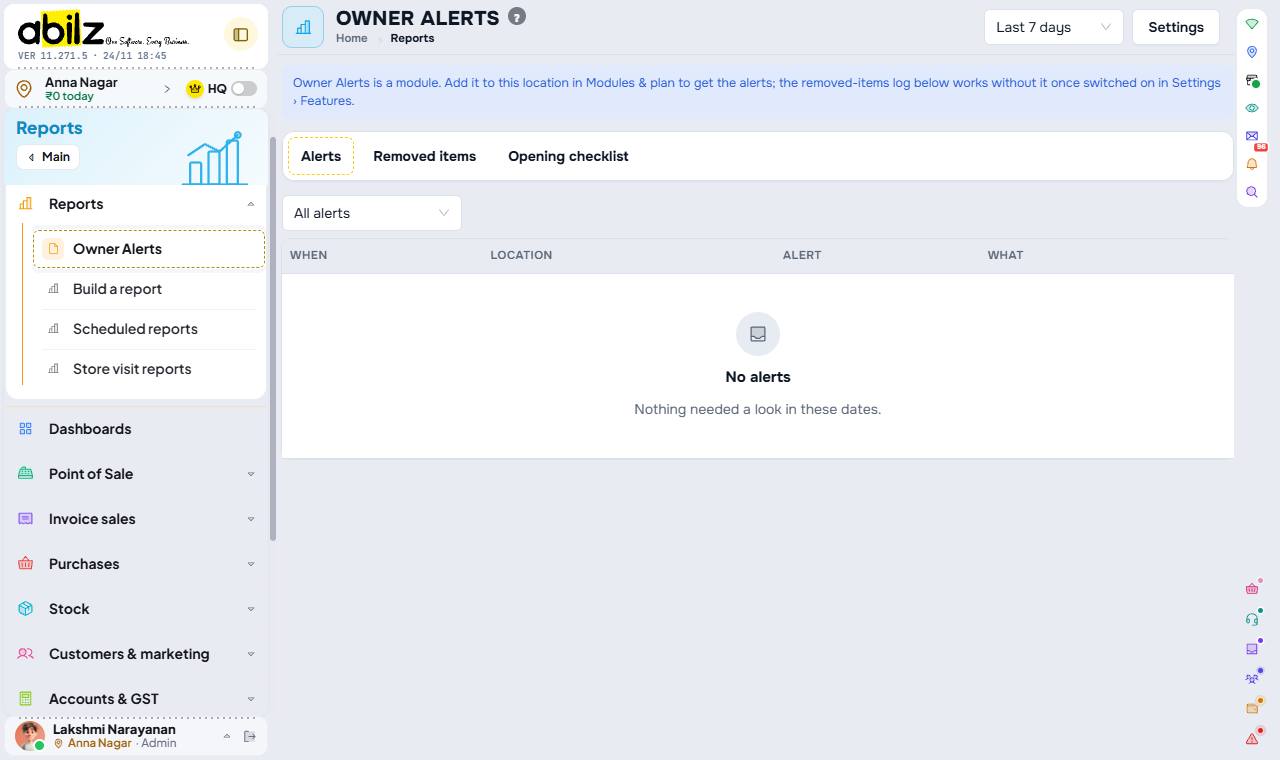
Reports › Owner Alerts lists every alert of the chosen days with Open (it goes to the bill, register or list) and Seen. The Removed items tab shows, per cashier, how many items were taken off bills before payment, their value, and each one. That log works without the module once Removed items log is switched on; removing is never blocked.
Something wrong in this guide?
