

Book customers for a service with a staff member, confirm, mark arrived and make the invoice.
Your trade › Clinic & appointments › Appointments. When it is your only trade menu, the menu is called Clinic & appointments.
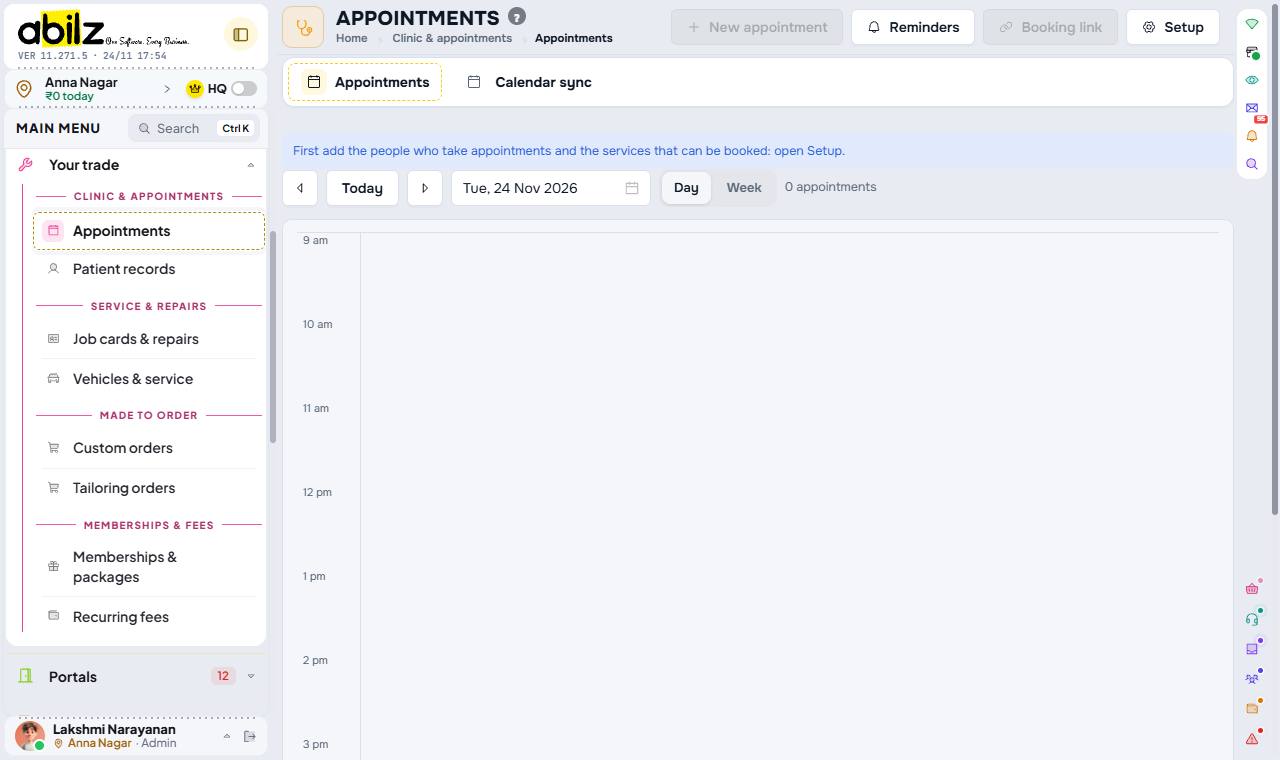
Set up once
- Staff: doctors, therapists, stylists… They need no login; link one if they sign in.
- Services: your service items (items of the type Service). Tick the ones that take an appointment.
- Payment: Pay at the visit, an Advance when booking, or the Full price when booking.
Each day
- Book: pick the service, the person (or Anyone) and one of the Free times.
- Confirmed by the customer when they confirm; Arrived when they come.
- Done · make the invoice at the end, or No-show if they did not come.
- Today jumps back to today; tomorrow's list shows who to remind.
Was this helpful?
Something wrong in this guide?
Still stuck?Press ? in your portal, then Raise a ticket. It carries the page you are on.
Contact AbilZ