

Sell memberships and packages, and bill monthly fees by themselves, with UPI AutoPay.
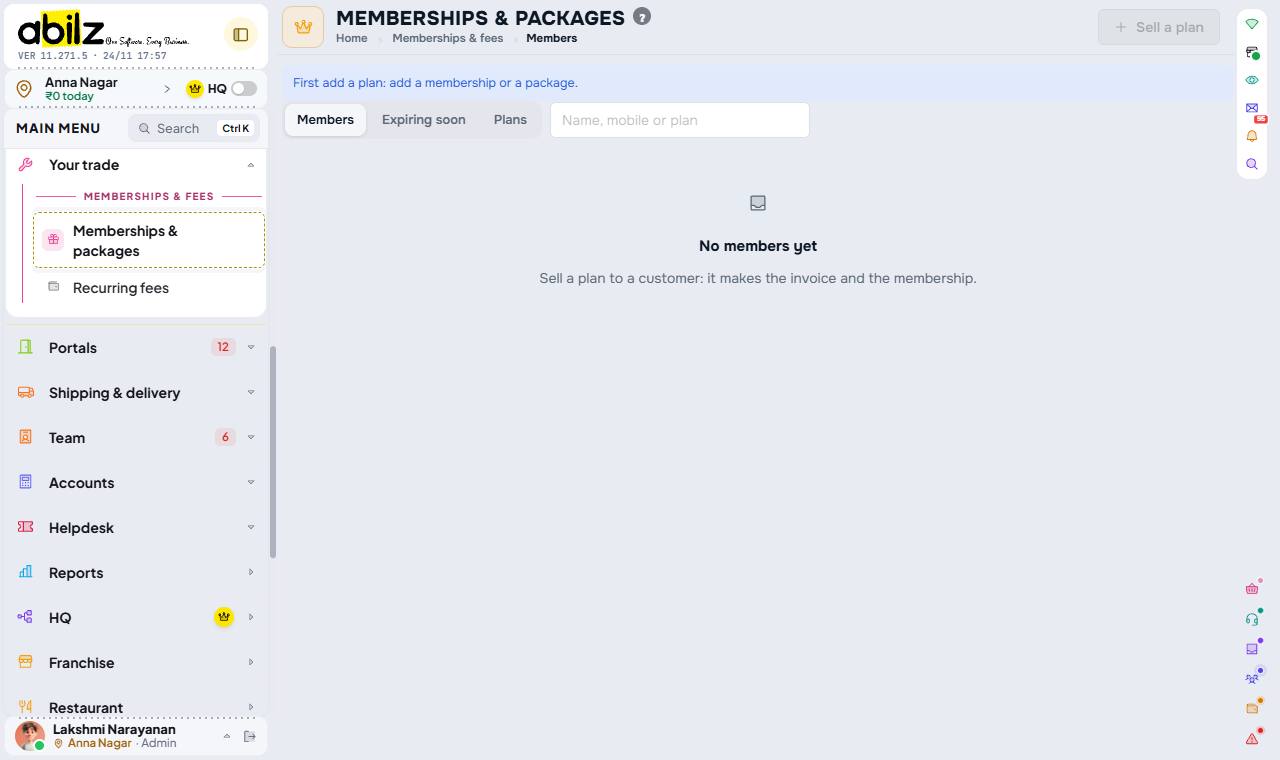
Memberships & packages
Your trade › Memberships & fees › Memberships & packages. Make a plan (for example a 10-wash package or a yearly membership) with its services and price. Find a member by name, mobile or plan; each use is counted against the package.
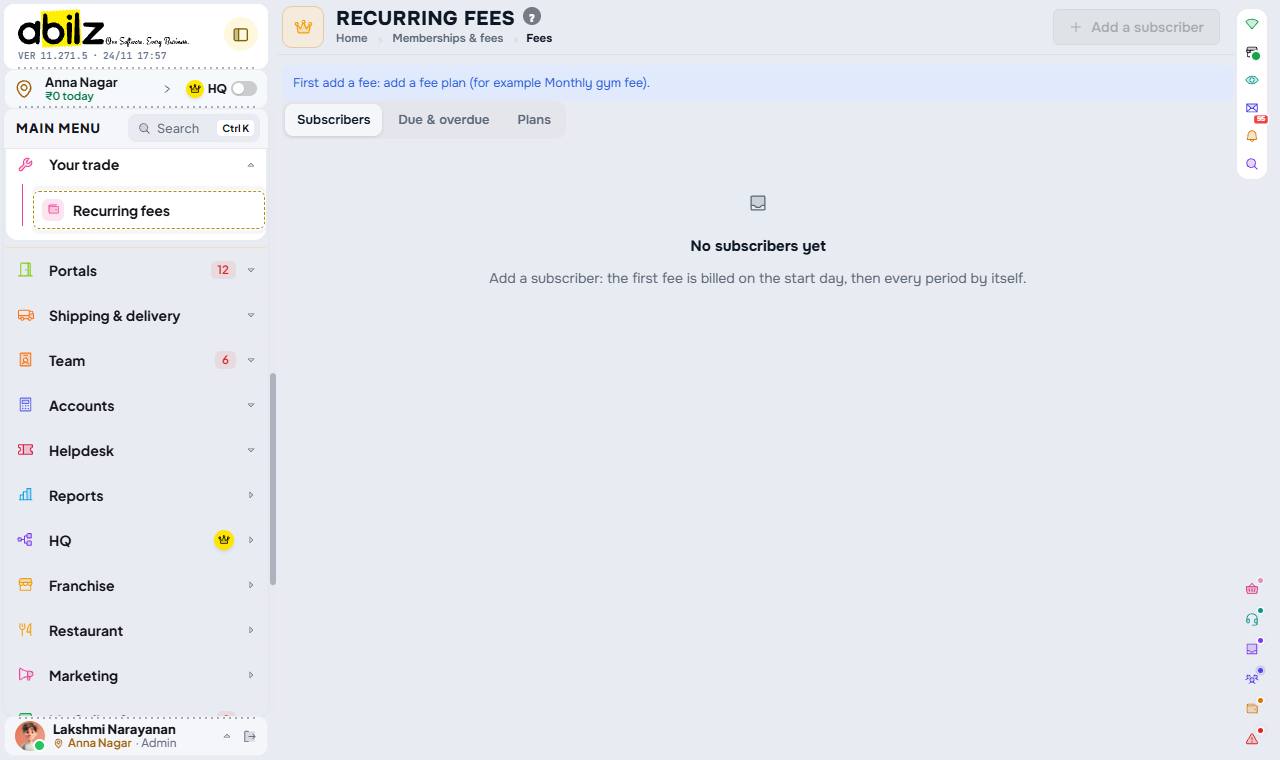
Recurring fees
Your trade › Memberships & fees › Recurring fees.
- Make a fee plan, for example Monthly gym fee.
- Add a subscriber: the first fee is billed on the start day, then every period by itself.
- Unpaid fee bills show first, the most overdue on top.
- Set up AutoPay: the customer approves once in their UPI app, then each fee is collected by itself. If a charge fails, the normal pay link goes out. Check now and Stop AutoPay are on the subscriber.
Note Without payment keys set up, AutoPay runs in practice mode and no money moves.
Was this helpful?
Something wrong in this guide?
Still stuck?Press ? in your portal, then Raise a ticket. It carries the page you are on.
Contact AbilZ