

Customers scan the store QR to check in; staff see each visit, its path and whether it ended in a bill.
Customer self sign-up (the QR)
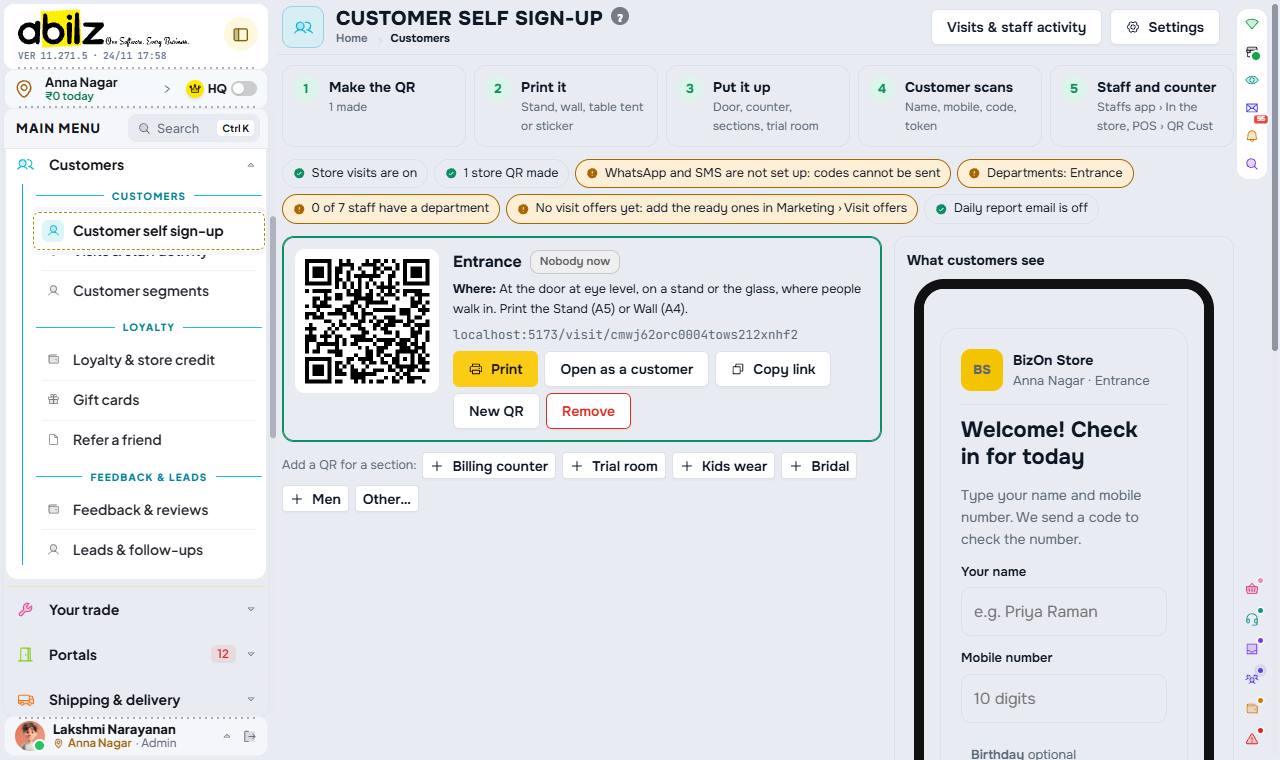
Customers › Customer self sign-up. Each location has its own QR. Start with a sample Entrance QR, or add a QR for a section (for example Sarees, Footwear): a section's QR also moves the visit to that department.
- Print the QR, or Open as a customer to see what the customer sees.
- Checking in here makes a real visit with your number.
Visits & staff activity
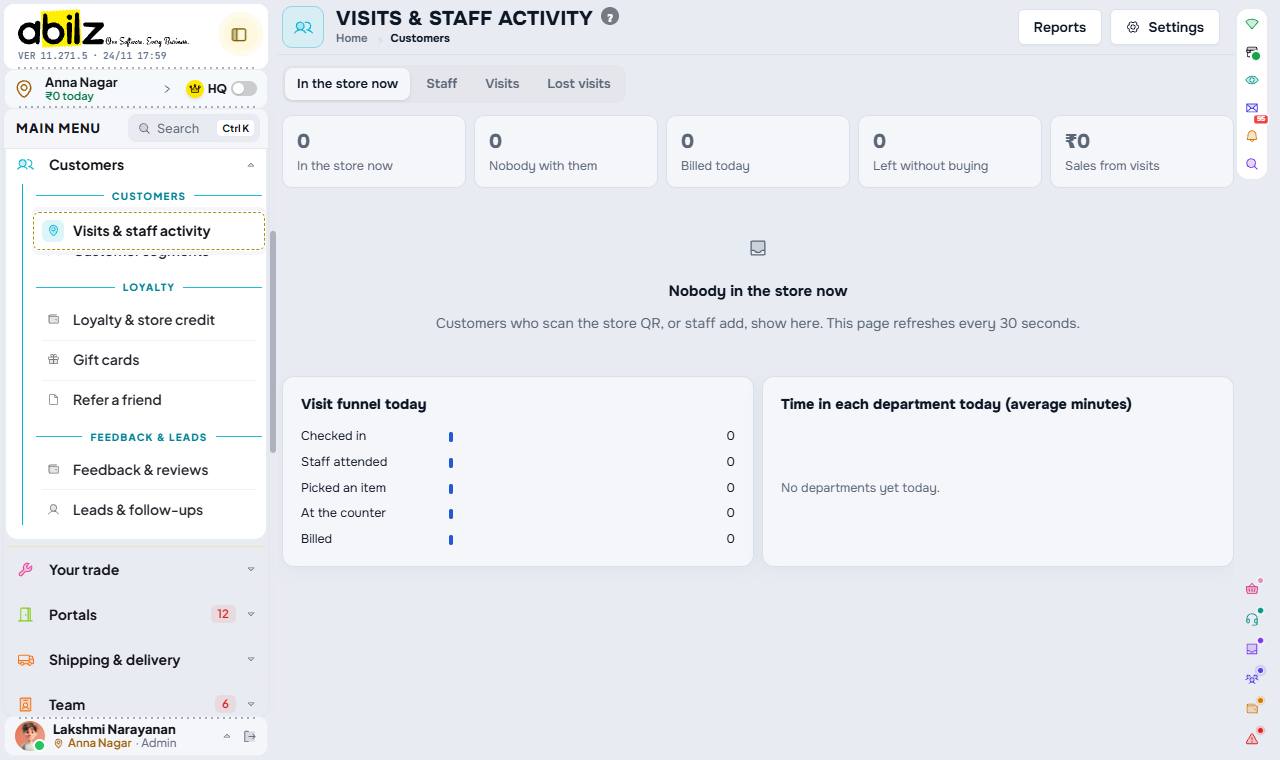
Customers › Visits & staff activity. Customers who scan the store QR, or staff add, show here with their Token, the time In → out, their Path through departments, the Bill and the Staff who helped. The page refreshes every 30 seconds.
- A visit with no bill can get a message: Send WhatsApp (the lost-visit message is set in Store visit settings, under messages and follow-up).
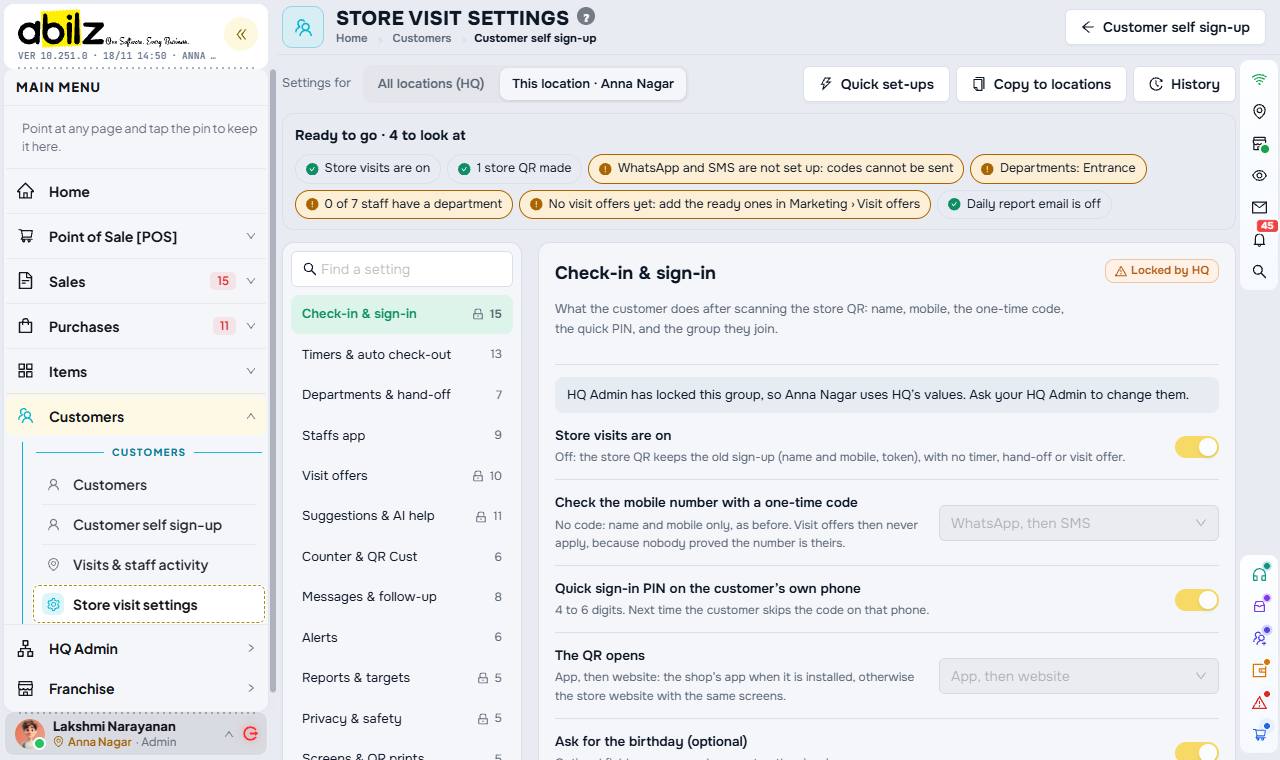
Store visit settings
Settings › Customers & marketing setup › Store visit settings. Check-in, departments, messages and follow-up. Choose a location in the top bar to change its own settings. HQ Admin can lock a group so every location uses HQ's values.
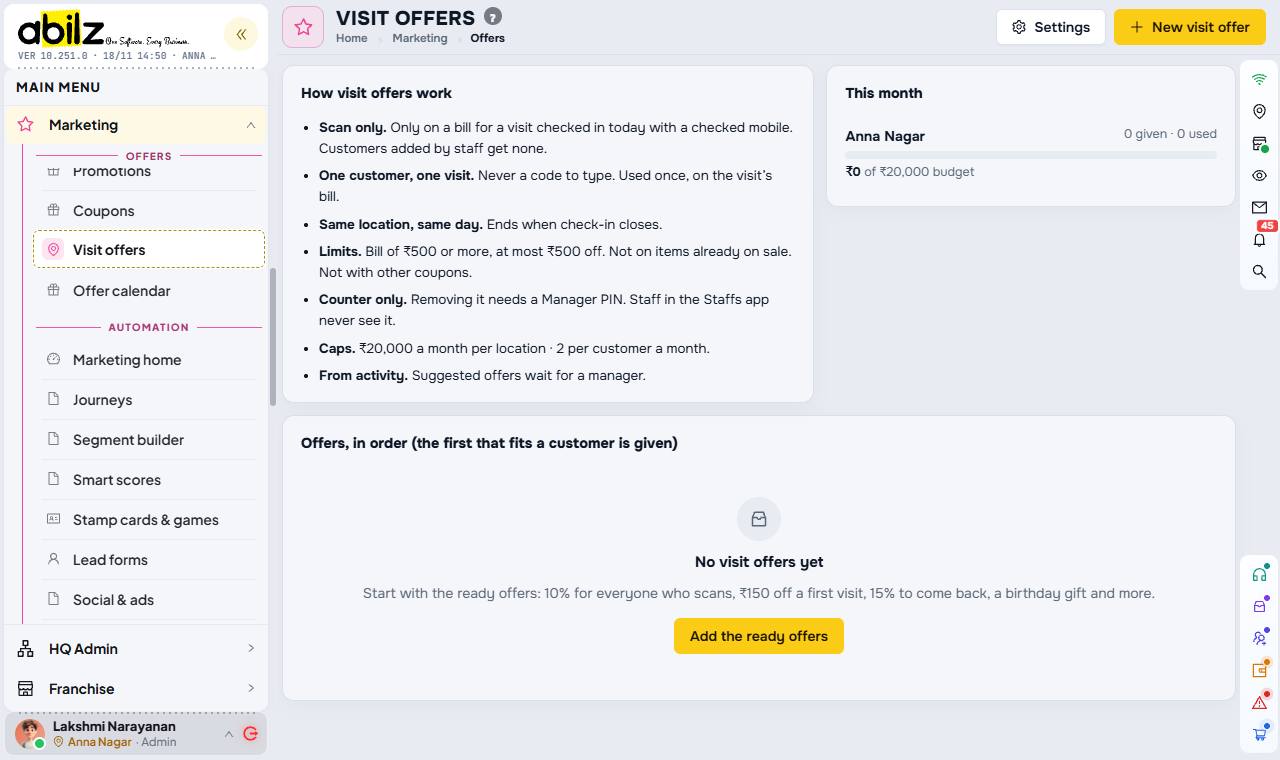
Visit offers
Marketing › Offers › Promotions › Visit offers (a tab at the top of Promotions). Start with the ready offers (10% for everyone who scans, ₹150 off a first visit, 15% to come back, a birthday gift) using Add the ready offers, or make your own. When an offer needs a person to approve it, Give or Refuse it.
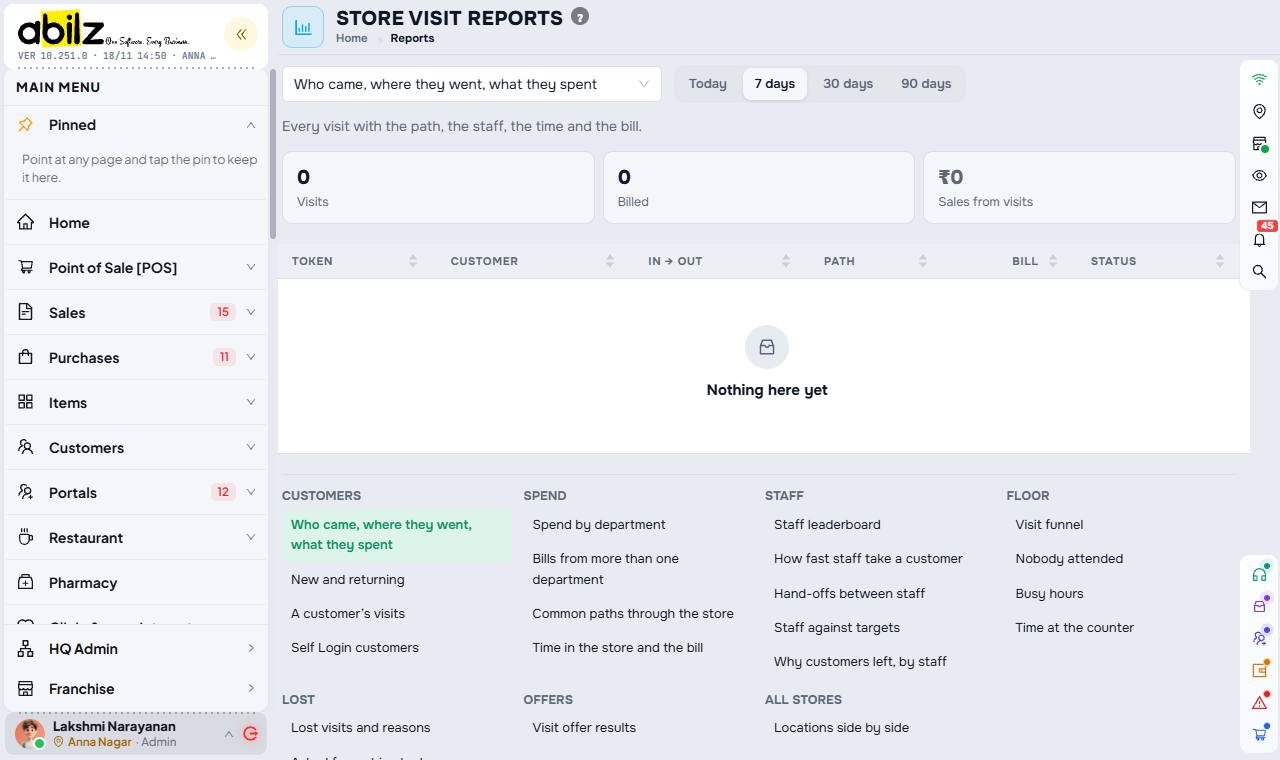
Store visit reports
Reports › Customers & marketing › Store visit reports: visits, bills and staff over any period; find a customer by name or mobile.
Something wrong in this guide?
