

When a customer asks to see or delete the data you keep on them.
Settings › Your data › Data requests. The law lets a customer ask what data you keep on them, and ask you to delete it.
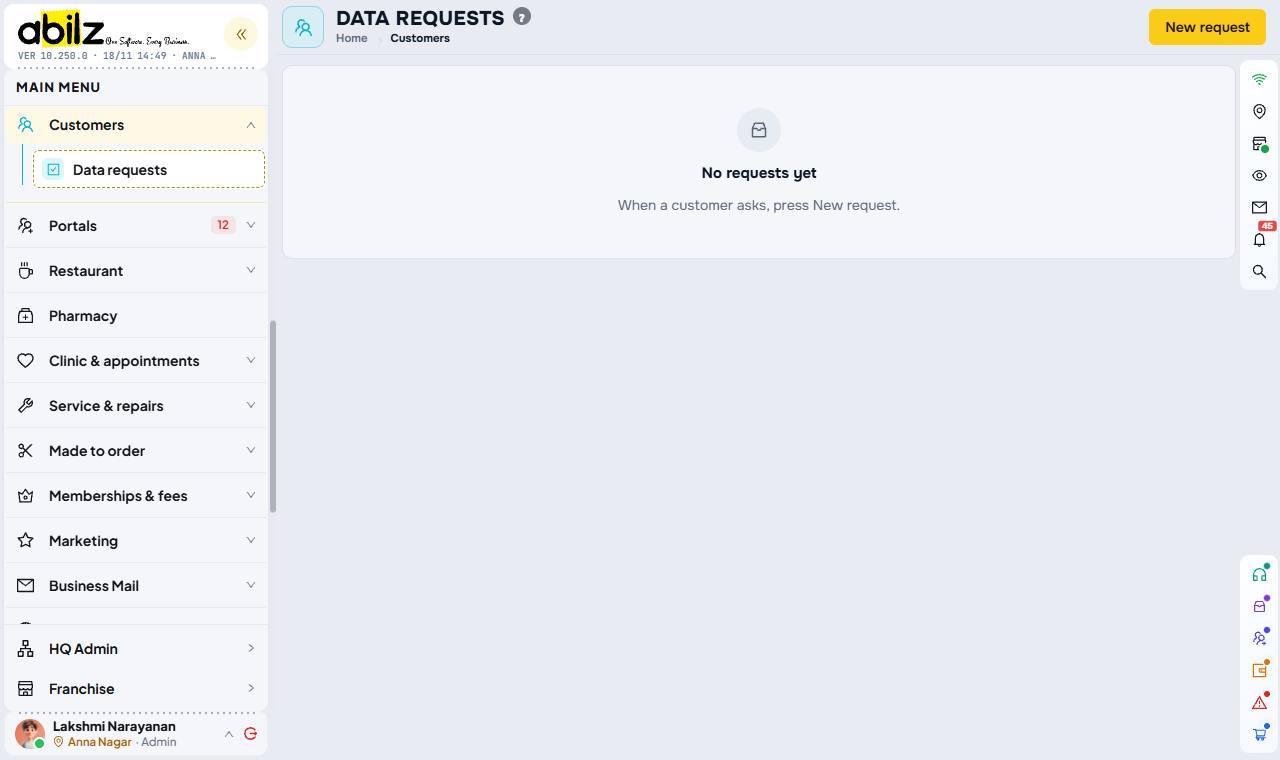
- When a customer asks, press New request and choose See the data you keep on them or Delete their data.
- Check it is really the customer (their mobile, a code sent to it, or ID in the shop) before you give or delete anything. Write how you checked.
- Give the data prepares their details, bills and points for them.
- Delete removes their personal details. Bills stay (the law needs them), shown as Deleted customer. If money is still open with this customer, settle it first.
- Refuse when you could not confirm it is the same person; say why, for the record.
Was this helpful?
Something wrong in this guide?
Still stuck?Press ? in your portal, then Raise a ticket. It carries the page you are on.
Contact AbilZ