

Payments (on the purchase): record a full or part payment.
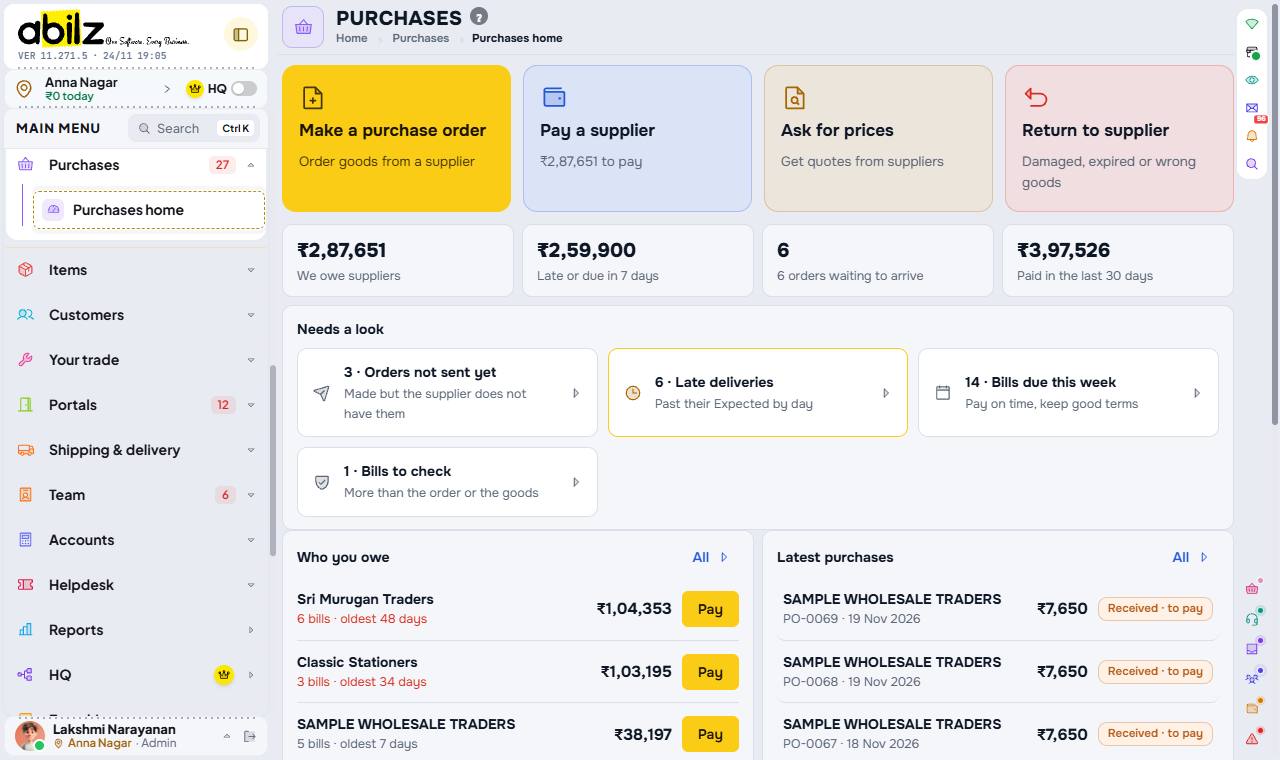
- Payments (on the purchase): record a full or part payment. Pay the supplier shows when money is still due. To pay many bills at once, use Purchases › Pay & adjust › Supplier payments (see The Purchases menu and supplier payments).
- Purchase return (after receiving): goods going back to the supplier. Damaged and near-expiry goods waiting to go back are in Purchases › Pay & adjust › Purchase returns › To return.
- Print labels after receiving.
- Attachments: keep the supplier's bill photo or PDF with the purchase.
- Scan bill (photo or PDF): opens Purchases › Receive & bill › Bill Scan, which reads the supplier's bill into a purchase for you to check (Purchase Scan module).
Was this helpful?
Something wrong in this guide?
Still stuck?Press ? in your portal, then Raise a ticket. It carries the page you are on.
Contact AbilZ