

Damaged and near-expiry goods to send back, by supplier, before their return window closes.
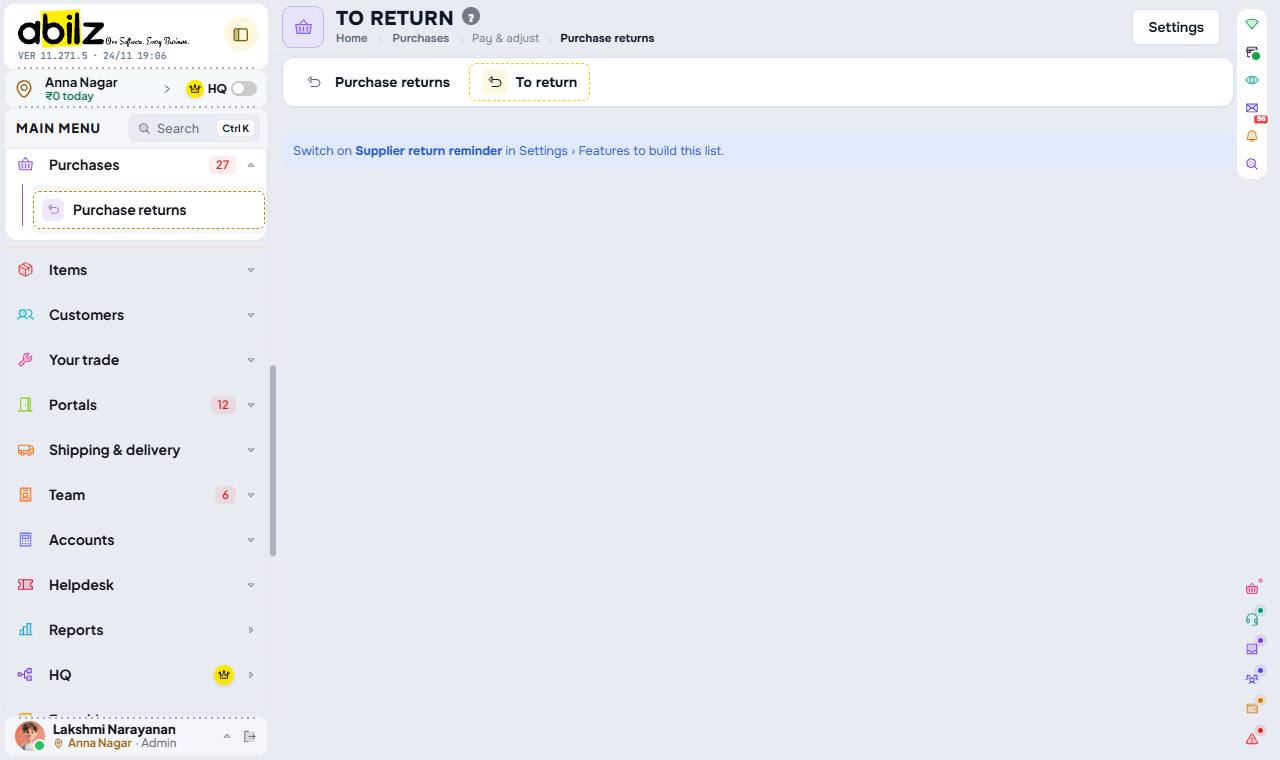
Switch on Settings › Start here › Features, group Purchases & suppliers, Supplier return reminder:
- Return window (when the supplier has none): days after the purchase the supplier takes goods back.
- Remind me … days before it closes.
- Add batches expiring within … days.
Purchases › Pay & adjust › Purchase returns › To return (a tab at the top of Purchase returns) lists what can go back, grouped by the supplier each item was last bought from at this location:
- Damaged (customer return): a counter return taken without putting the item back in stock;
- Damaged: stock written off as damaged;
- Near expiry: batches in stock that expire within your days.
Each supplier shows the last day to send them back (the purchase date plus their return window) and how many days are left. Return policy sets that supplier's own window and whether they take back damaged or near-expiry goods.
Tick the items and press Make purchase return: a purchase return draft opens with them at the price you paid, and WhatsApp opens with the list for the supplier. Check the draft and post it when the goods go. Not returning takes ticked items off the list.
Before a window closes you get a notification (once a day) with the supplier and the items waiting.
Something wrong in this guide?
