

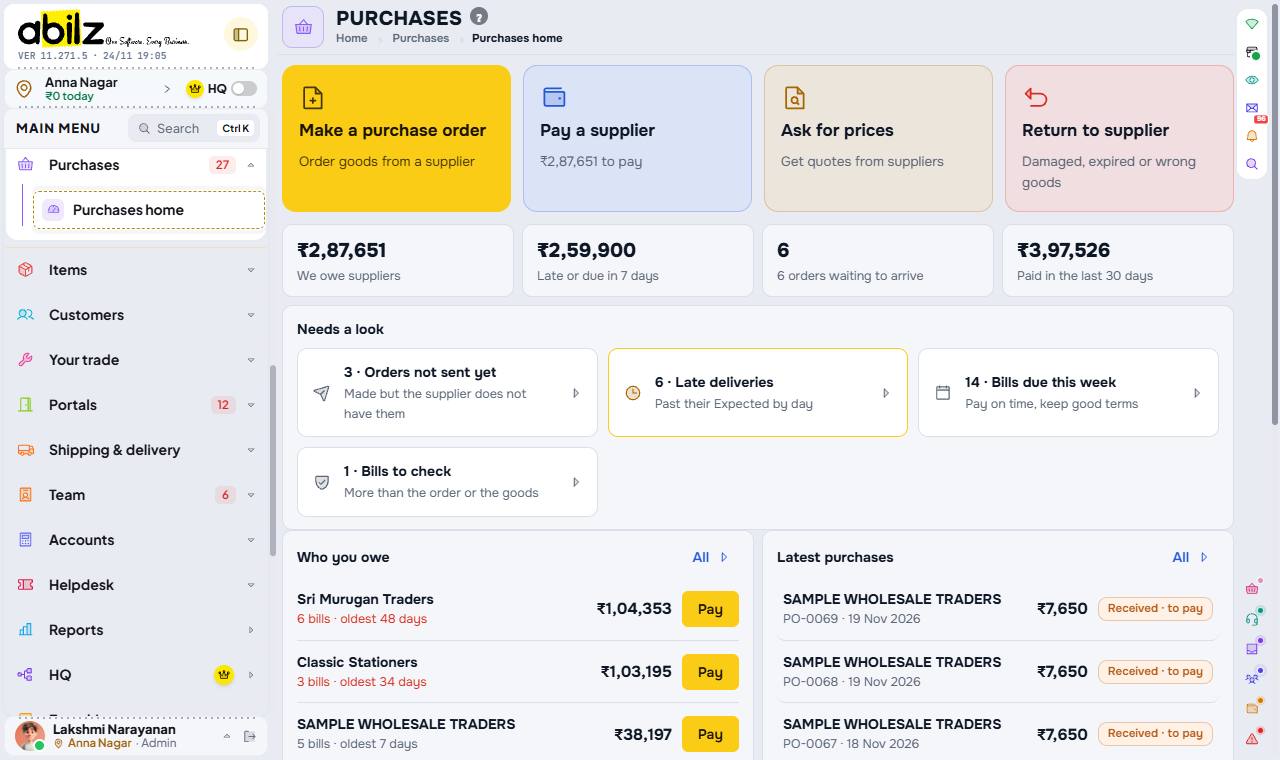
AbilZ works for a small shop that buys over the counter from a distributor, and for a big store that sends purchase orders and waits for delivery. Both use the same Purchases page.
| Direct purchase (Purchase bill) | Order first (Purchase order) | |
|---|---|---|
| When to use | The goods are already in the shop and you have the supplier's bill. | You order from the supplier and the goods come later. |
| How to choose | Direct purchase ticked (it is ticked on every new purchase). | Untick Direct purchase. |
| Number | PB-0001, PB-0002 … | PO-0001, PO-0002 … |
| Steps | Draft → Received | Draft → Ordered → Part arrived → Received |
| Main button | Receive now: stock goes in at once. | Send order to supplier (PDF by email), later Receive goods. |
| Printed as | Purchase bill | Purchase order |
You can tick or untick Direct purchase only while the purchase is a draft. After that, a tag shows which kind it was. In the Purchases list each row has a green Bill or blue Order tag.
Was this helpful?
Something wrong in this guide?
Still stuck?Press ? in your portal, then Raise a ticket. It carries the page you are on.
Contact AbilZ