

Receive now (direct purchase) or Receive goods (order) adds the stock to your location.
- Receive now (direct purchase) or Receive goods (order) adds the stock to your location.
- Items with batches need the batch and expiry first. Items with serial numbers / IMEI need each serial first.
- Mark part arrived (orders) when only some of the goods came.
- Free units go into stock with the paid ones.
- Prices changed? If the new cost of an item is different from before, a window opens: "Costs changed: update selling prices?"
- It shows the old and new cost, a suggested selling price that keeps your old margin, the MRP and the margin %.
- Untick anything that should stay as it is, then Update prices. Or choose Not now.
- After a price change, print new shelf labels (Print labels at the top).
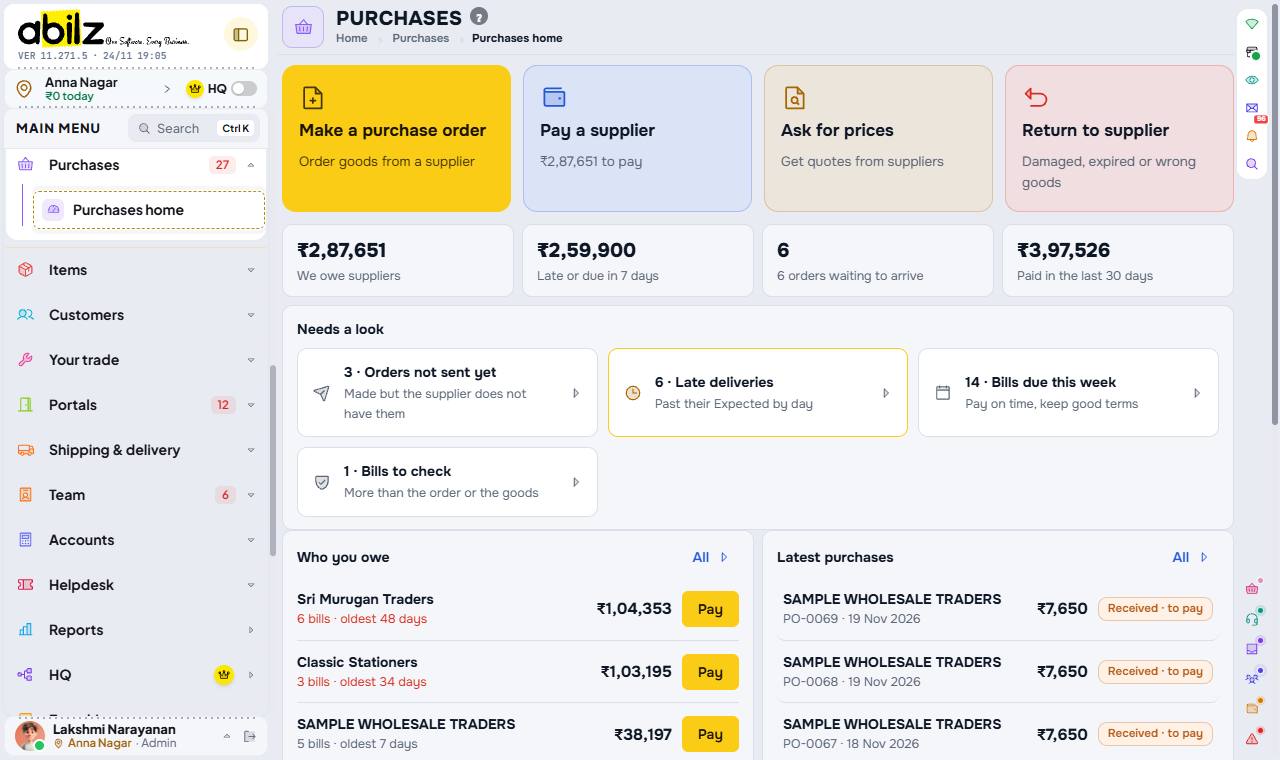
- Purchases › Receive & bill › Goods received lists orders still on the way and what has arrived. Orders past their Expected by date come first, in red (late), and the tab shows how many are late. Orders past their date are also in Purchases › To do › Purchase orders › Late deliveries, a tab on Purchase orders.
Was this helpful?
Something wrong in this guide?
Still stuck?Press ? in your portal, then Raise a ticket. It carries the page you are on.
Contact AbilZ