

Upload any bank's Excel or CSV; lines match your books by themselves, and rules book the rest next time.
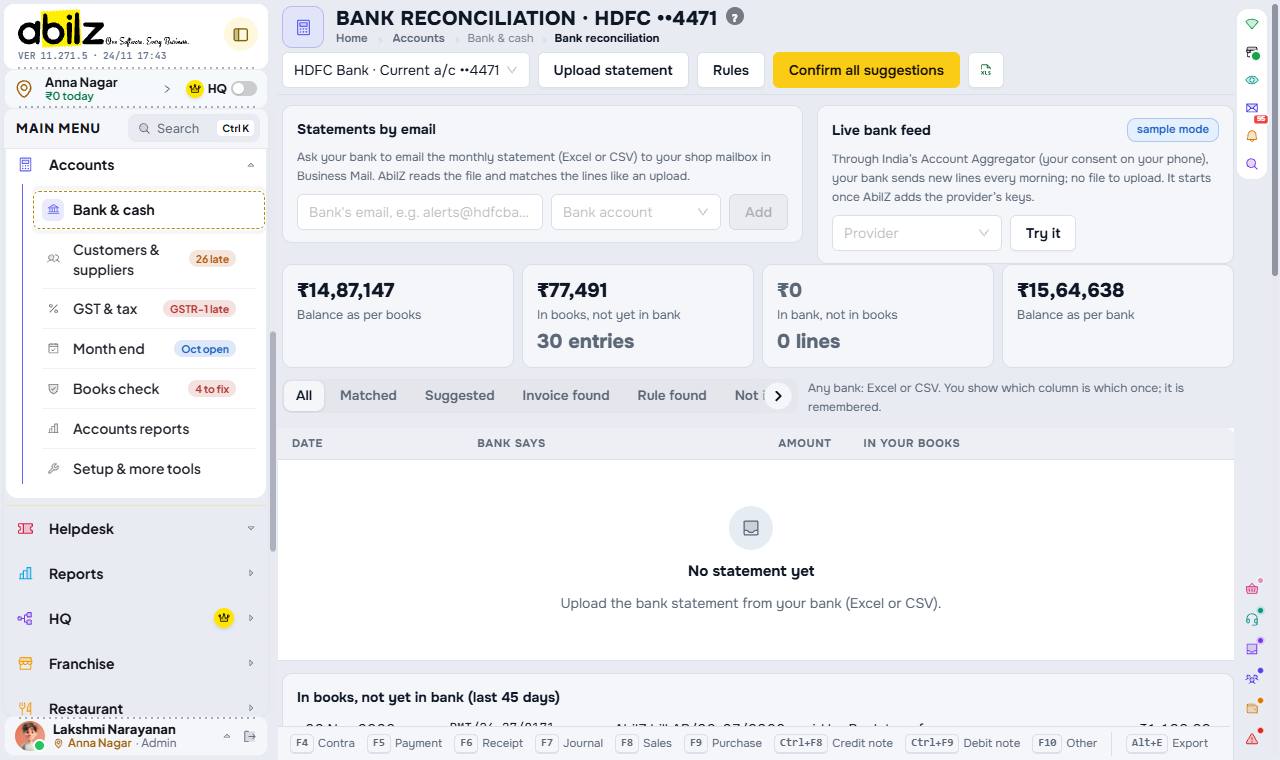
- Open Accounts › Bank & cash › Bank reconciliation and press Upload statement (Excel or CSV from any bank).
- The first time, show which column is the date, the narration and the amount (or money in and money out). It is remembered for that bank.
- Lines match your books by themselves.
- For a line only the bank knows (electricity, bank charges), press Book it, pick the account and keep suggest next time ticked. Next time the bank writes those words, AbilZ suggests it, and Book all by rules books them together.
- Card and UPI settlements (Razorpay, Paytm and others) are booked against money on the way; what is left after a week is usually the payment company's fee.
- Statements can come by email through Business Mail.
- Company card statements are matched here too: see Cash, bank and company cards.
Note A live bank feed (lines coming in by themselves) is ready but runs in sample mode until AbilZ connects a bank provider.
Was this helpful?
Something wrong in this guide?
Still stuck?Press ? in your portal, then Raise a ticket. It carries the page you are on.
Contact AbilZ