

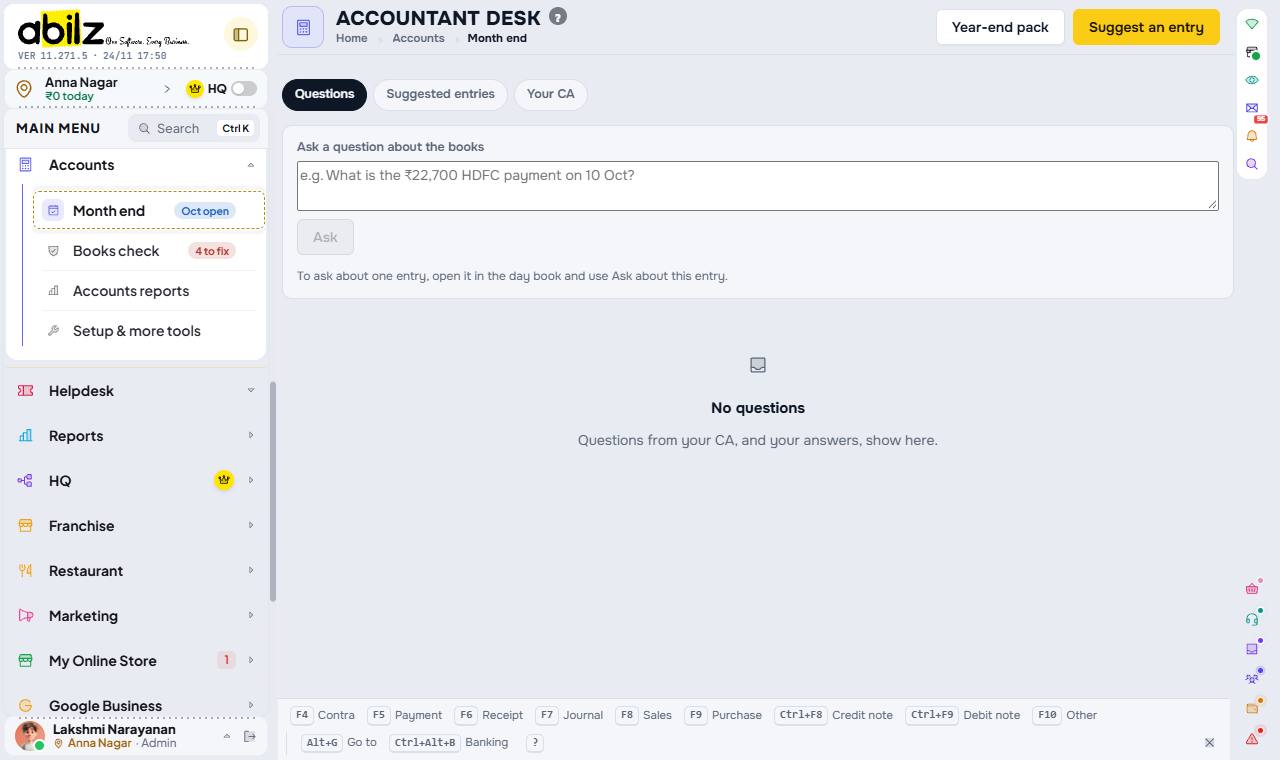
Invite your CA to see the books, answer their questions, accept their suggested entries and give them the year-end pack.
- Give your CA a sign-in: Give an auditor access in Accounts › Month end › Auditor pack (or Invite accountant (read-only) in Accounting settings). They sign in, see the books and change nothing; End access stops it.
- They can ask a question on any entry (in the day book: Ask about this entry) and suggest an entry (a correction or provision).
- You answer, and Accept a suggestion to put it in the books, marked "By CA" (Accounts › Month end › Accountant desk).
- Accounts › Month end › Auditor pack gives them every report in one download.
- On the 1st, the Monthly letter (Accounts › Month end › Monthly letter): how the month went, three things to do, and a PDF for your CA. Turn on Monthly letter on WhatsApp to get it on WhatsApp too, or press Send on WhatsApp to send it to your CA.
- Your books can also go to Tally or Zoho Books by themselves (Accounts › Setup & more tools › Accounting software).
Was this helpful?
Something wrong in this guide?
Still stuck?Press ? in your portal, then Raise a ticket. It carries the page you are on.
Contact AbilZ