

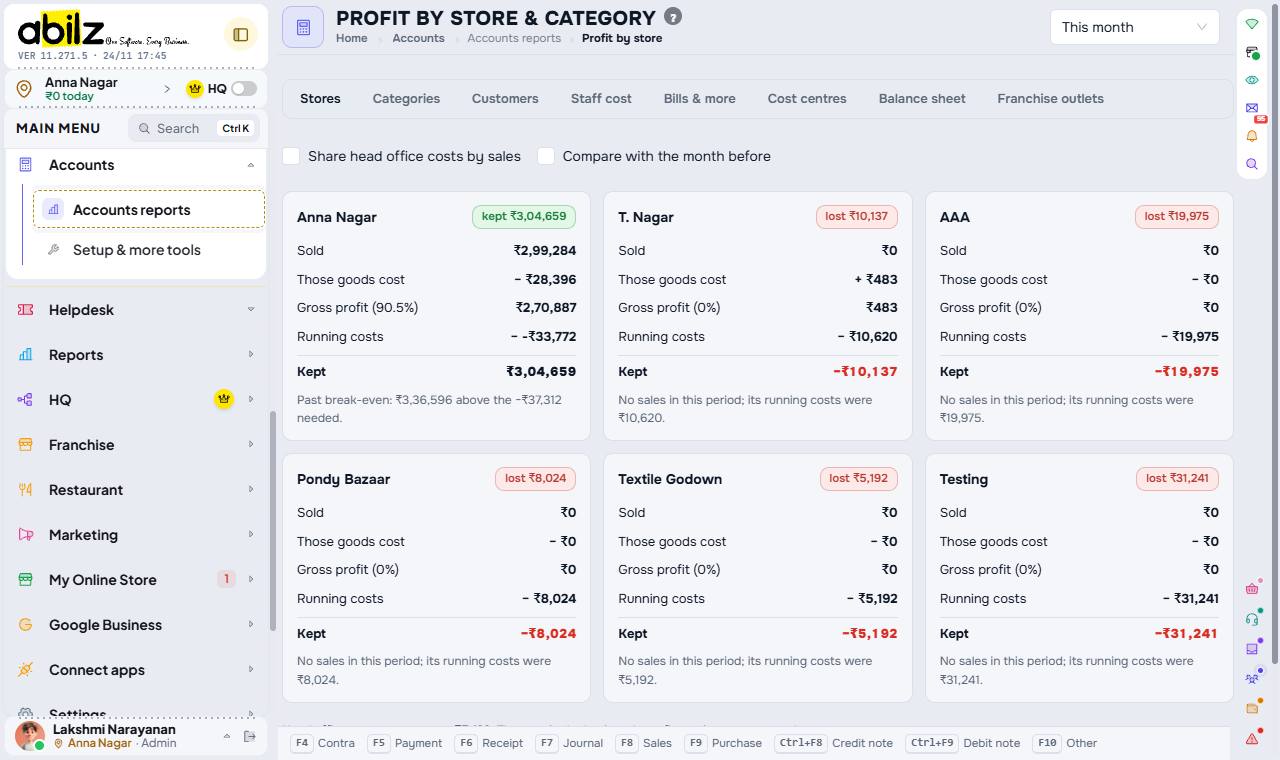
Tag income and costs to an event, project or department, and see what each sold, spent and kept, with a budget alert.
- Open Accounts › Ledgers & parties › Cost centres (the Cost centres tab of Profit by store) and add your tags (an exhibition, a project, a department).
- Pick one on an expense, and tag invoices and purchases.
- See what each sold, spent and kept.
- Give each a budget: you are alerted at 90% and 100%.
Tip Cost centres wait under For special cases on the Ledgers & parties page until you use them.
Was this helpful?
Something wrong in this guide?
Still stuck?Press ? in your portal, then Raise a ticket. It carries the page you are on.
Contact AbilZ