

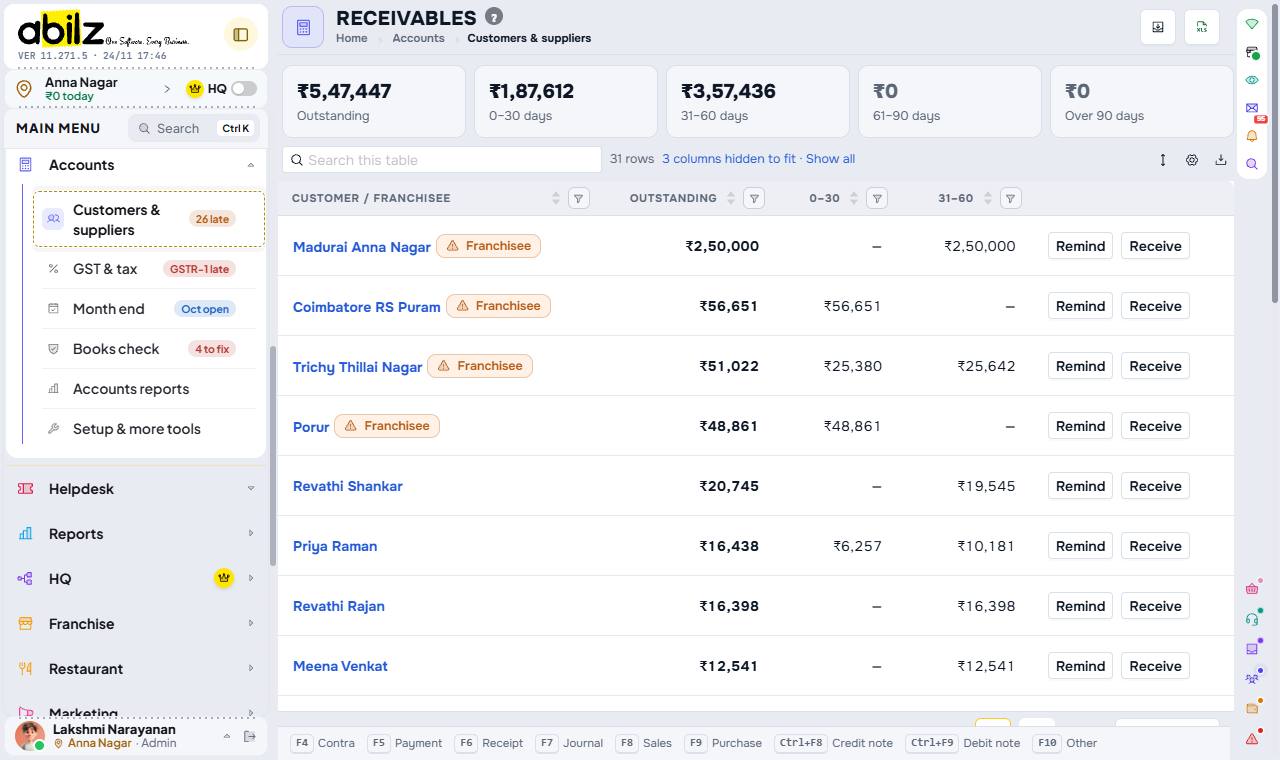
See every customer's dues and how late they are, send reminders and statements, and write off a bad debt.
- Open Accounts › Customers & suppliers › Receivables and tap a name.
- Their page shows what they owe, how late, the open bills, and a statement with a running balance.
- Remind sends a reminder. The statement can also go on WhatsApp or as a PDF.
- Credit grades (A to D) show who pays well.
- Get paid shows how many days each customer usually takes; slow payers are reminded 3 days earlier (Reminder settings › Remind slow payers earlier).
- Profit by customer shows what each customer really earns you.
- A bad debt can be written off by the owner only.
See also Foreign currency dues and Advances and deposits.
Was this helpful?
Something wrong in this guide?
Still stuck?Press ? in your portal, then Raise a ticket. It carries the page you are on.
Contact AbilZ