

Above the owner's limit, a supplier payment by anyone else waits; Approve pays it at once.
Accounts › Customers & suppliers › Big payments to approve. The card Supplier payments waiting for the owner keeps big supplier payments until the owner says yes.
- The owner presses Set a limit. A supplier payment above it, made by anyone else, waits here.
- The owner sees each one with the supplier, the bill number, how it is paid and who asked. Approve and pay pays it at once, with the bill's own checks; Refuse stops it.
- Others see their payment marked Waiting until the owner decides.
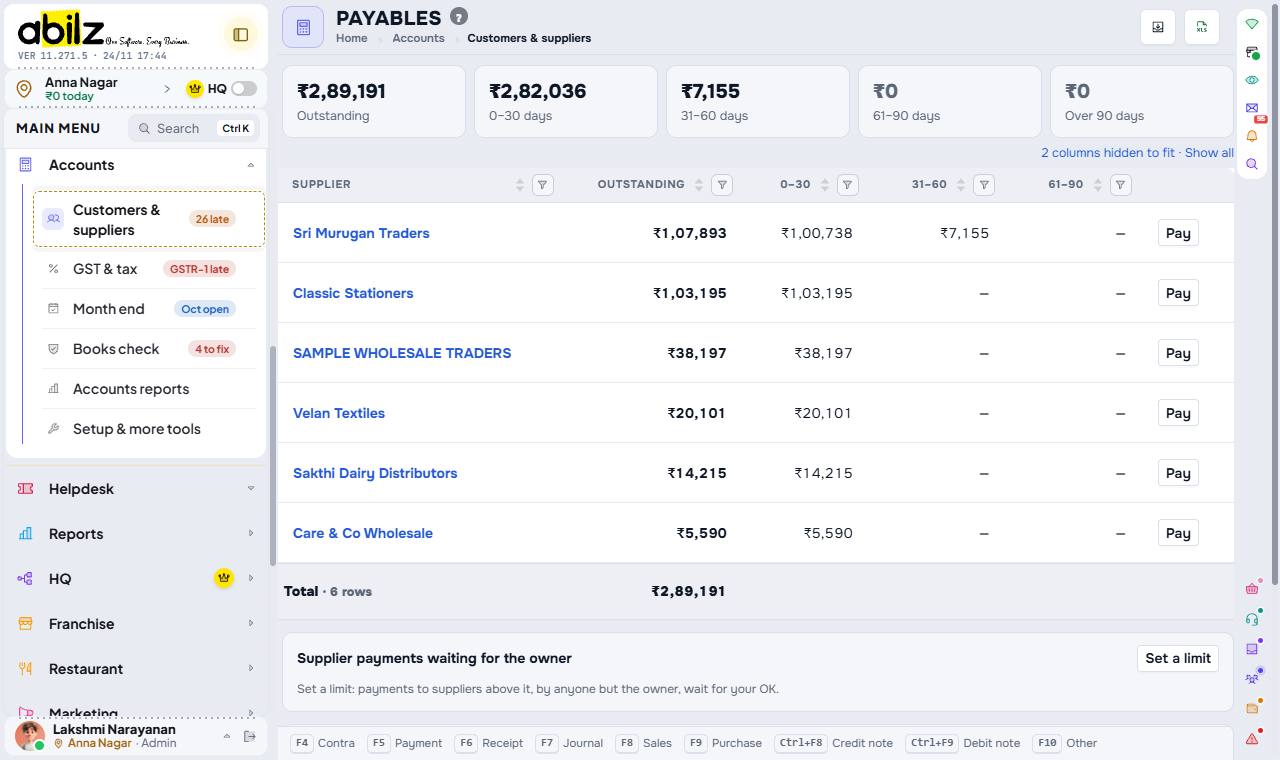
Tip The row shows on the Customers & suppliers page once you use it. Until then it waits under For special cases there.
Was this helpful?
Something wrong in this guide?
Still stuck?Press ? in your portal, then Raise a ticket. It carries the page you are on.
Contact AbilZ