

iPhone: customers add the store with Share → Add to Home Screen; the store shows these steps.
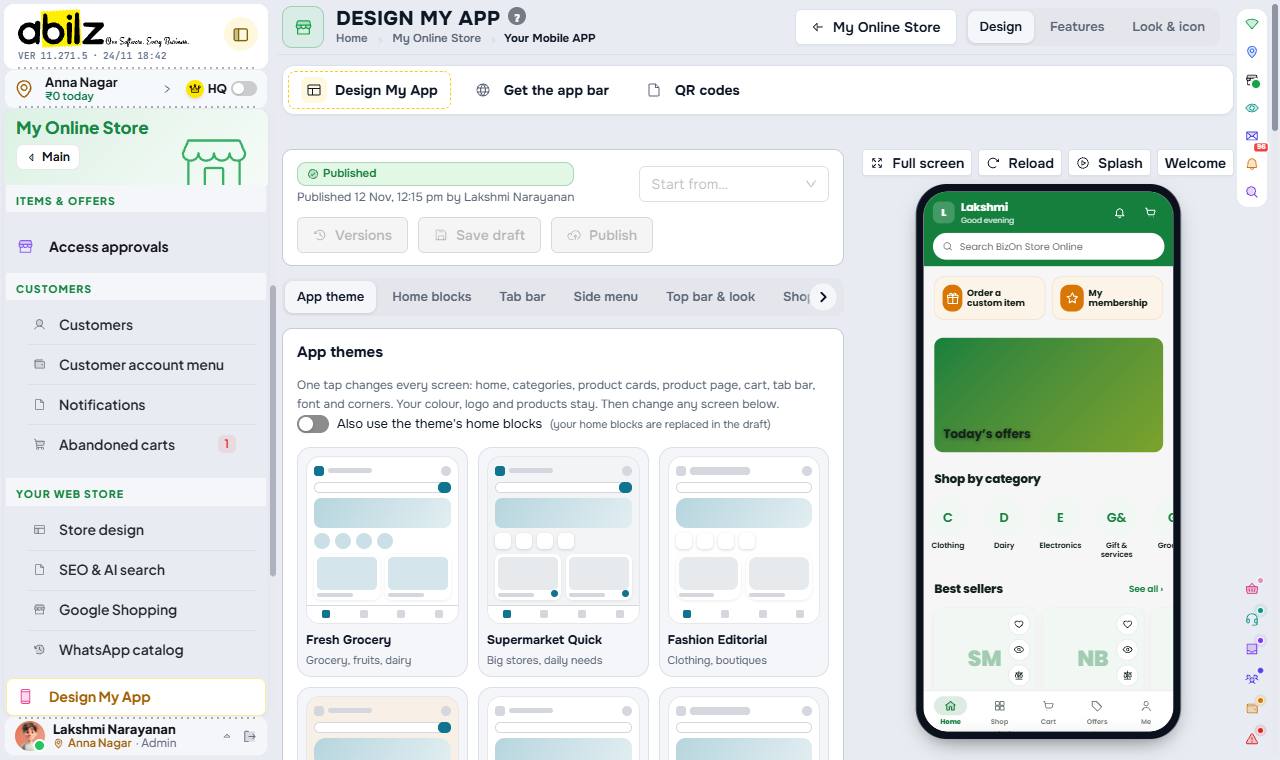
- iPhone: customers add the store with Share → Add to Home Screen; the store shows these steps. Notifications on iPhone work only after that, on iOS 16.4 or newer. iPhone shows the title and text only (no picture).
- A customer can turn notifications off in Account › Notifications, or in the phone's settings.
- Without the module the store still installs from the browser as before, without your own name, icon or notifications.
- The old customer app (
/appand Settings › Customer app setup) is now part of the store. Old links and QR codes open the store.
Was this helpful?
Something wrong in this guide?
Still stuck?Press ? in your portal, then Raise a ticket. It carries the page you are on.
Contact AbilZ