

Design My App › Design › Product page now starts with 16 templates, each with a small drawing: Classic, Bottom sheet, Soft panel, Thumbnails, Fashion, Grocery, Deals, Gadgets & specs, Boutique, Food,…
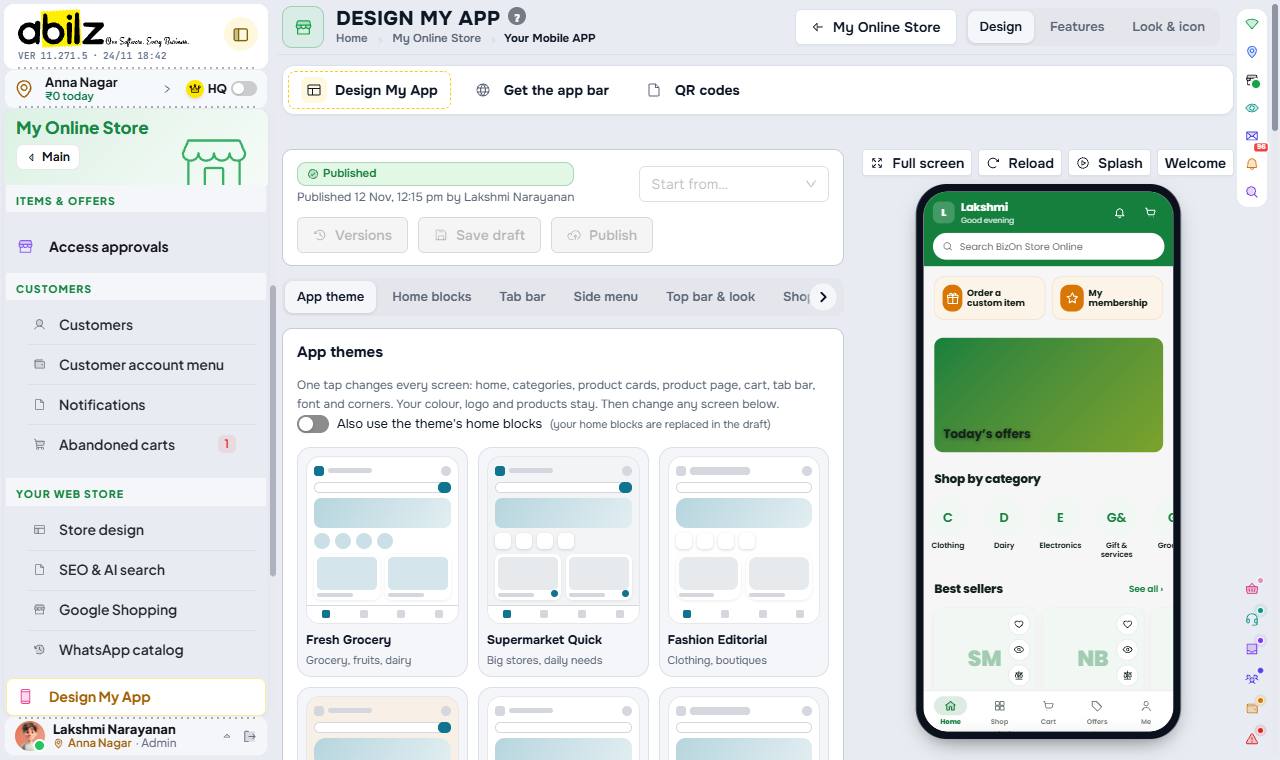
- Design My App › Design › Product page now starts with 16 templates, each with a small drawing: Classic, Bottom sheet, Soft panel, Thumbnails, Fashion, Grocery, Deals, Gadgets & specs, Boutique, Food, WhatsApp shop, Big button, Magazine, Clean & clear, Luxury, Compact. One tap sets the pictures, price, sections, details and buttons; the phone shows one of your products.
- Pictures: page layout, edge to edge or in a card, shape (square, tall for fashion, wide for food), whole product or fill the box, dots or 1 / 4, and Tap to see big (full screen, swipe, double tap to zoom in).
- Price, choices and details: plain, big, a red % OFF badge with You save, or in a box; size and colour as chips, circles or boxes; sections as cards, flat or lines; About, Product details and Reviews open, as folded rows or as tabs; Top strip while scrolling keeps the name, price and Add on top.
- Buttons at the bottom: Add + Buy now, Add to cart, one big button with the price, Qty · Total · Add, cart icon + Buy now, or Add + Order on WhatsApp (needs WhatsApp ordering on). On the bottom edge or floating. After Add to cart: a short note, or a sheet with the cart total, things to add with it in one tap, Keep shopping and View cart.
- New part Product details: brand, category, sizes and colours, and the unit in a small table (switch it off in the parts list below).
- App only: the website product page keeps its own design (Store design).
Was this helpful?
Something wrong in this guide?
Still stuck?Press ? in your portal, then Raise a ticket. It carries the page you are on.
Contact AbilZ