

New orders on WhatsApp (Delivery & payment): every new order with that location's items goes to up to 5 WhatsApp numbers, with the customer, items, total and delivery.
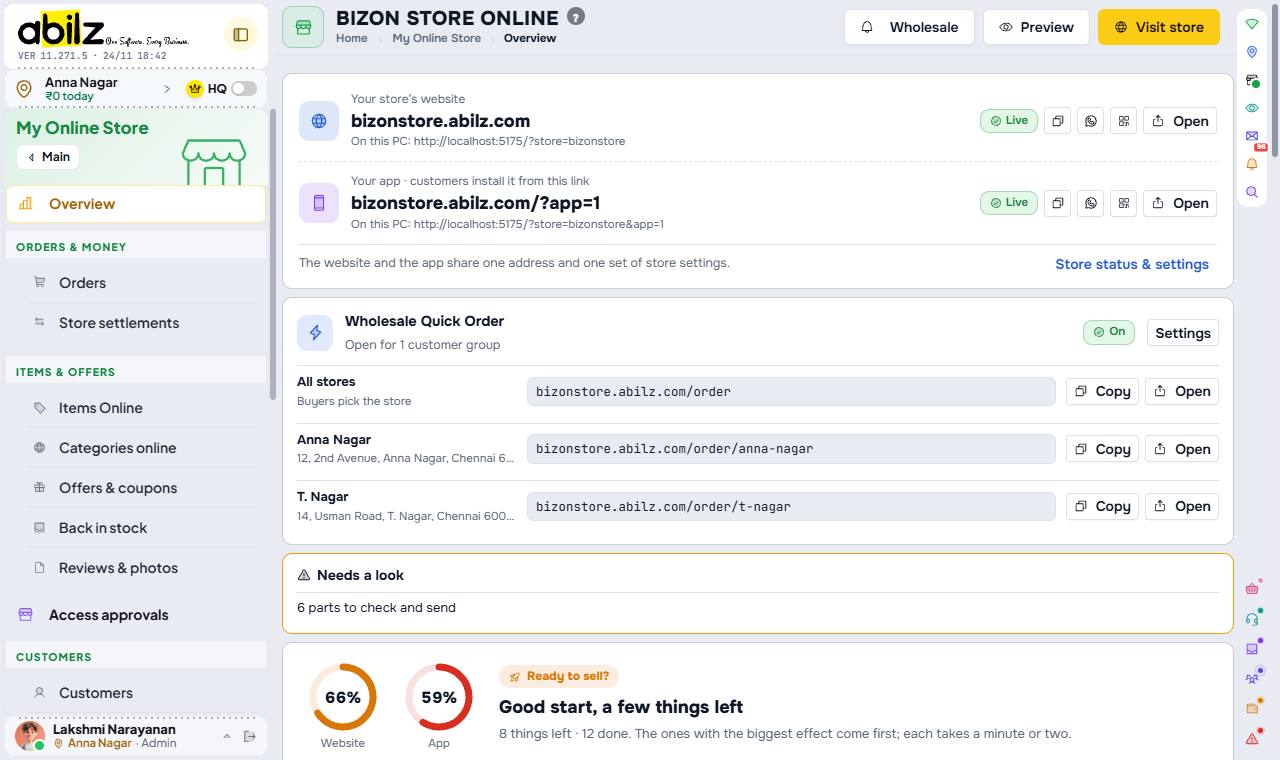
- New orders on WhatsApp (Delivery & payment): every new order with that location's items goes to up to 5 WhatsApp numbers, with the customer, items, total and delivery. Save and send a test checks the numbers.
- The messages go out through the business's WhatsApp connection (Settings › Business & locations › Business settings › Gateways & messages). Until it is connected, they wait in the message log as "Not sent".
- Order on WhatsApp (Store settings): customers can pick "Order on WhatsApp" in the cart or checkout. The order is saved like any other, with the popup and alerts. Then the customer's WhatsApp opens with the order, so you agree payment and delivery in the chat.
- Chat button on every page (Store settings): a WhatsApp button in the corner of the store, and Ask on WhatsApp on each product.
Was this helpful?
Something wrong in this guide?
Still stuck?Press ? in your portal, then Raise a ticket. It carries the page you are on.
Contact AbilZ