

The app shows extra screens for your kind of business. You do not build any menu: each one comes with its module, and you can switch any of them off in My Online Store › Your Mobile APP › Design My App › Features (a tab at the top).
| Feature | Comes with | What the customer does in the app |
|---|---|---|
| Book an appointment | Appointments module | Picks a service, the person (or anyone free), the day and a free time; sees and cancels their appointments (until 30 minutes before). Services must be set Online in the booking setup. |
| Book a table | Tables module | Picks the restaurant, guests, day and time. The booking shows in Restaurant › Every day › Reservations & wait list, marked From the app. |
| My eye power | A location with the business type Opticals | Sees the eye power card (right and left SPH, CYL, AXIS, ADD, vision, PD, lens advice) and the next eye test date. Staff save it on the customer page › Eye power. |
| My tailoring orders | Alterations & tailoring | Follows each order: Booked → Cutting → Stitching → Trial → Ready, with trial and ready dates. |
| Custom orders | Custom orders | Orders a made-to-order item and follows it to Ready. |
| My repairs | Job cards | Follows each repair: Received → Checking → Waiting approval → In repair → Ready. |
| My visits | Patient records | Sees each visit, the doctor and the next visit date. Medical notes stay private with the clinic. |
| My vehicles | Vehicles | Sees insurance and PUC dates (in orange when due within 30 days) and the last services. |
| Prescriptions | Prescriptions | Sends a photo of a prescription. You see it in My Online Store › Customers › Customers › Prescriptions (a tab), press Ready (the customer gets a notification) and then Done. Delete removes the photo for good. |
| My membership | Memberships | Sees the plan, discount, sessions left and end date. |
| My fees | Recurring fees | Sees the plan, amount and next due date. |
- Home shows big buttons for the features that fit your business (4 at most). The others are still in Me › Services.
- Ready notifications: when you mark a tailoring order Trial or Ready, a custom order Ready, or a repair Waiting approval or Ready, the customer's phone gets a notification by itself. Your usual WhatsApp note still goes as before, so nothing is sent twice.
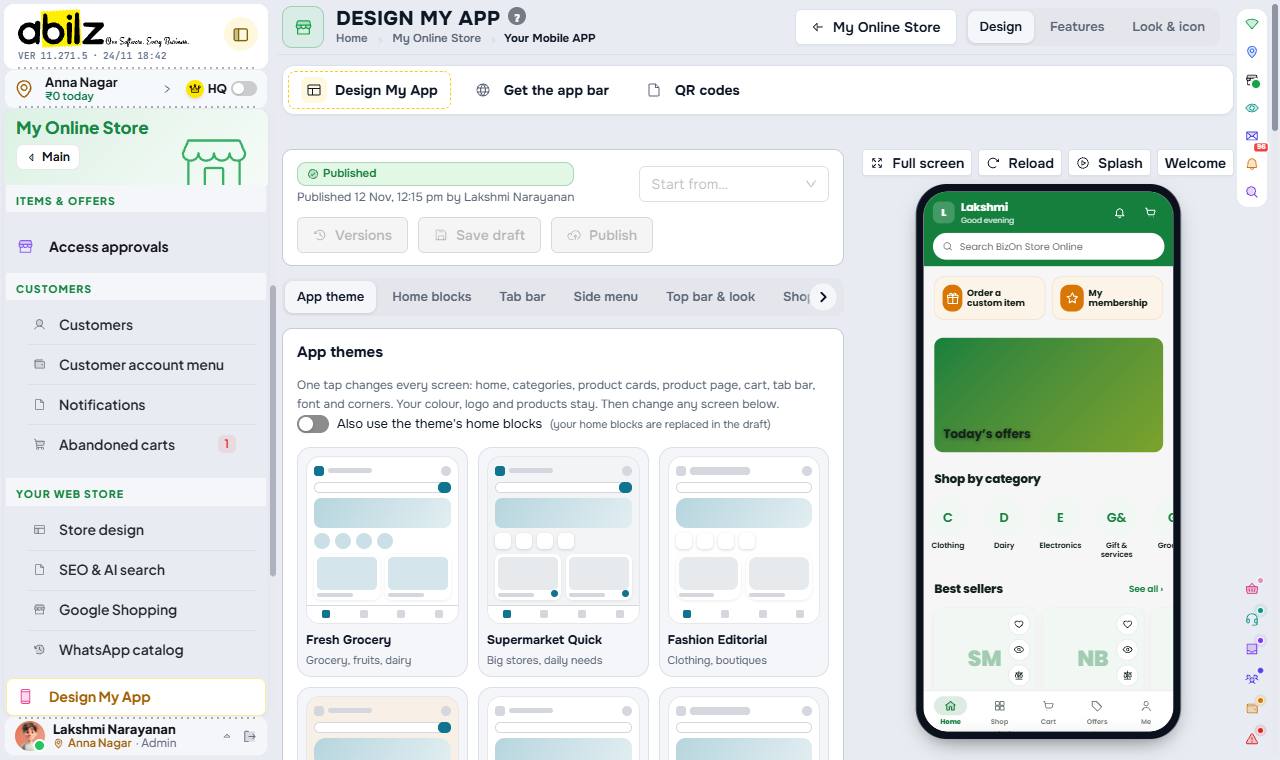
- The Features tab of Design My App shows your business type, each feature with a switch, what is not on yet (with Add module), and a recommended tab bar (for example Home · Book · Shop · Cart · Me for a salon). Use it puts it in the Design draft; publish it in Design.
- In the Design preview, these screens show a short note of what the customer sees, because no customer is signed in.
Was this helpful?
Something wrong in this guide?
Still stuck?Press ? in your portal, then Raise a ticket. It carries the page you are on.
Contact AbilZ