

My Online Store › My Online Stores › Overview: four app tiles (installed, allowed notifications, orders from the app today, the last notification).
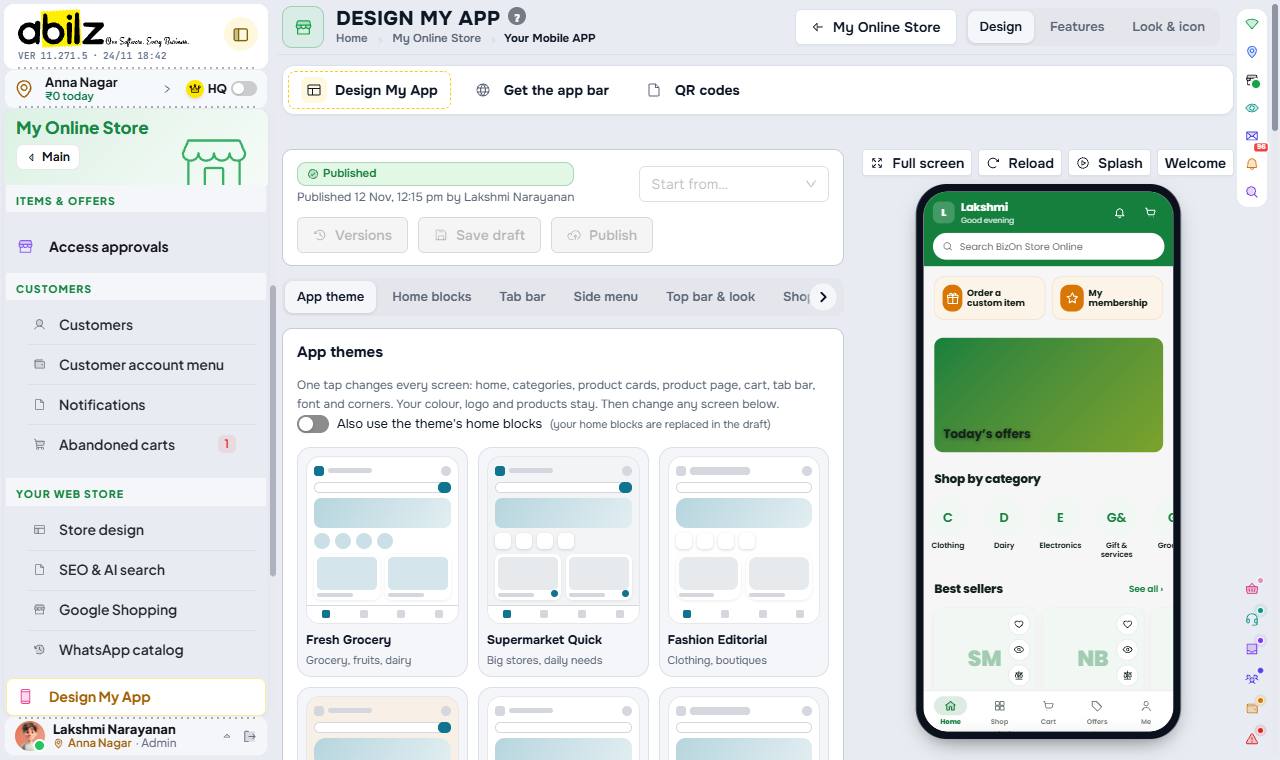
- My Online Store › My Online Stores › Overview: four app tiles (installed, allowed notifications, orders from the app today, the last notification).
- My Online Store › Orders & money › Orders: a return the customer asked for shows on the order. Press Accept the return or Not accepted (with a note). The customer is told. After the goods come back, make a credit note from the invoice for the refund.
- Messages › Sent › Sent messages › Push sent (a tab): every notification of every store.
- Push sent in HQ view: read only, every location.
- Back in stock: when a product comes back, waiting customers who allowed notifications are told by themselves (checked every 10 minutes). The others stay in the list for WhatsApp.
Was this helpful?
Something wrong in this guide?
Still stuck?Press ? in your portal, then Raise a ticket. It carries the page you are on.
Contact AbilZ