

My Online Stores (for both the web store and the app)
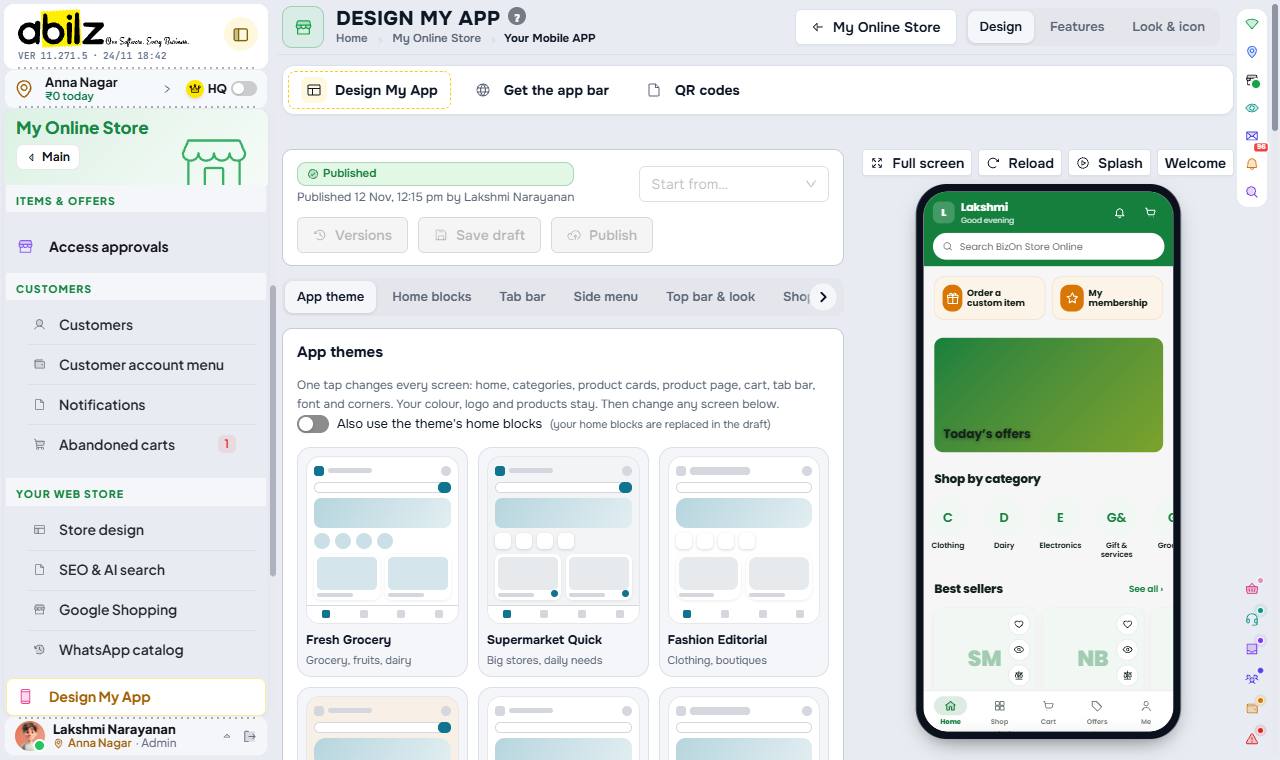
- My Online Store (for both the web store and the app):
- Overview, and Orders with Request Quote, Invoices and Wholesale orders as its tabs. The Placed on column shows Website or App, and you can filter by it.
- Store settlements, Items Online, Offers & coupons, Back in stock, Reviews & photos.
- Customer account menu: switch each row of My account on or off for the website and for the app, and move it up or down. The camera buttons and Share the app are App only.
- Notifications: one send reaches the app and website customers who allowed notifications in the browser. That works on Android and computers; on iPhone, only in the app. The website asks only after an order and in My account, so the app stays the main ask.
- Customers: everyone who ordered, with website and app orders. With the app module there are also tabs for Installed the app, Frequent in the app, Special days, Bill feedback and Prescriptions.
- Abandoned carts: carts left on the website or in the app. Remind with a free notification (if the customer allowed them) or WhatsApp.
- The numbers are in Reports › Online › Online reports (the My Online Store Report tab): website visits, people, pages and orders, and the app's installs, opens and orders.
- Your Web Store: Store design and SEO & AI search.
- Your Mobile APP: Design My App, Get the app bar and QR codes.
Was this helpful?
Something wrong in this guide?
Still stuck?Press ? in your portal, then Raise a ticket. It carries the page you are on.
Contact AbilZ