

Table ready: in Restaurant › Every day › Reservations & wait list, tap Tell on a booking or a wait-list guest.
- Table ready: in Restaurant › Every day › Reservations & wait list, tap Tell on a booking or a wait-list guest. They get "Your table is ready" in the app. If they have no app, it goes by WhatsApp.
- Takeaway ready: put the customer on the takeaway bill before sending the kitchen ticket. When you mark the token Ready, they get "Your order is ready, token K12".
- Change either one under Notifications › Automatic (Table ready, Takeaway food ready).
- Save this bill QR: the receipt prints "Scan to save this bill in our app and earn points" when the customer doesn't have the app yet. The scan opens the store with the bill number and total filled in. Settings › POS › Receipt has three choices: when the customer has not got the app, on every receipt, or not printed.
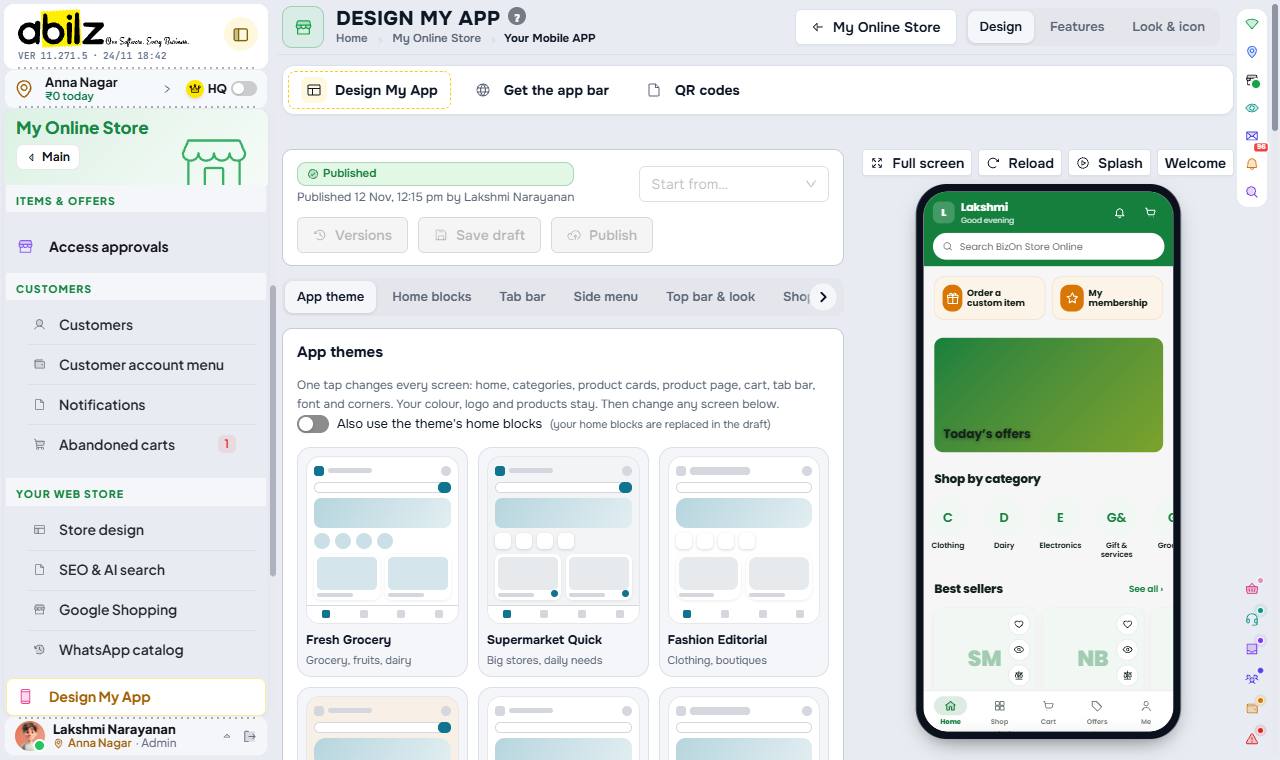
- The app is installed only from your website and QR codes. There is no Play Store or App Store listing.
Was this helpful?
Something wrong in this guide?
Still stuck?Press ? in your portal, then Raise a ticket. It carries the page you are on.
Contact AbilZ