

An agreed price for one customer, and rebates for dealer groups by sales slab.
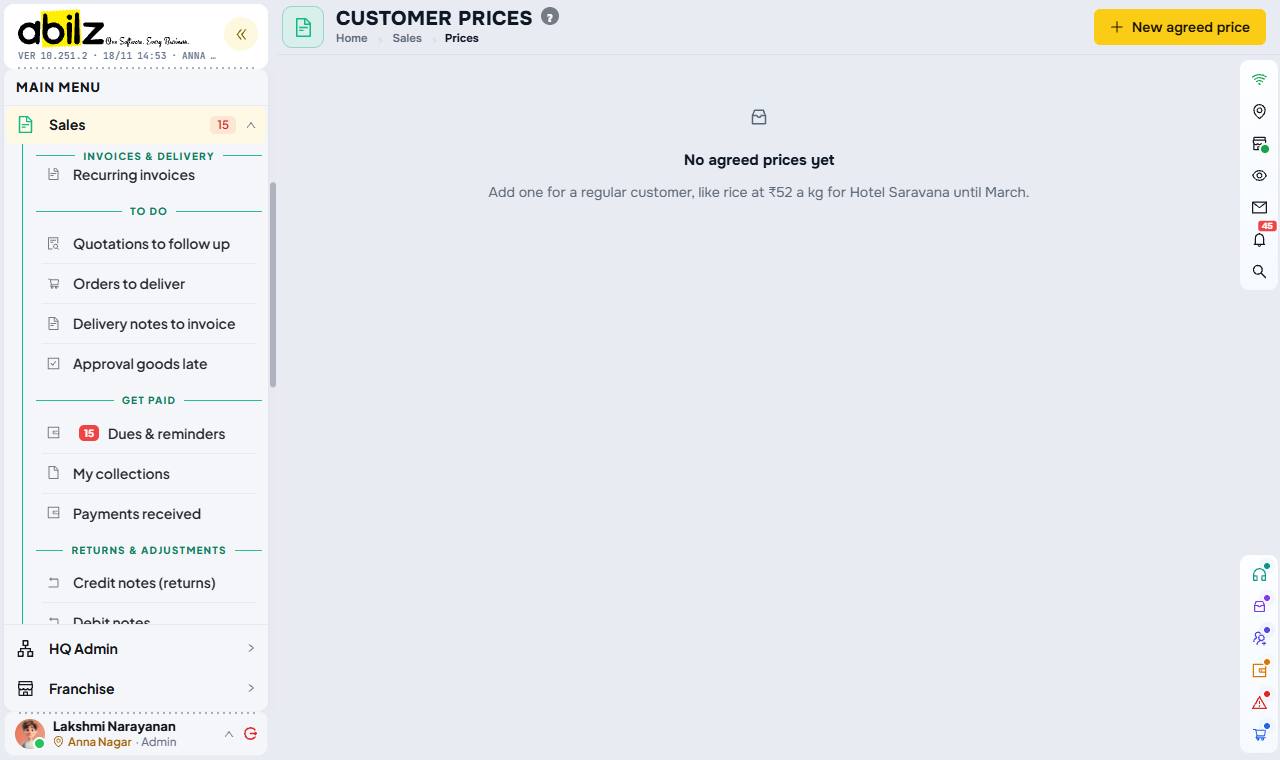
Customer prices
Sales › Prices › Customer prices. An agreed price for a regular customer, for example rice at ₹52 a kg for Hotel Saravana until March.
- Pick the Customer (name or mobile) and the Item (leave the size empty for every size).
- Type the Agreed price (before GST) and the Dates, and an optional note like Yearly contract.
- Their bills use the agreed price by themselves. Change or Remove this agreed price? on the line.
Dealer rebates
Sales › Prices › Dealer rebates.
- Make a group like Dealers in Settings › Customers & marketing setup › Customer groups.
- Add a plan for a group: the sales slabs and the rebate for each.
- The list shows each customer's Sales, Rebate now and how far the Next slab is.
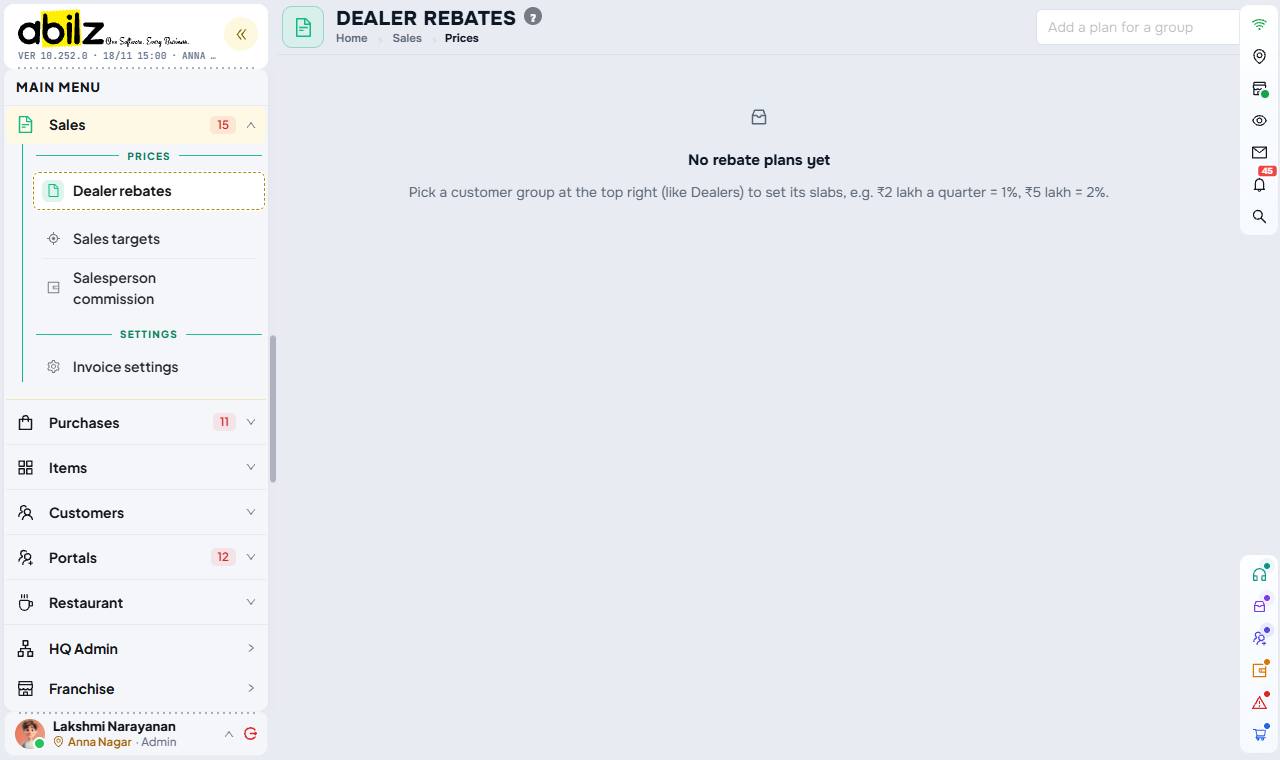
Note Only HQ Admin can change the rebate plans.
Was this helpful?
Something wrong in this guide?
Still stuck?Press ? in your portal, then Raise a ticket. It carries the page you are on.
Contact AbilZ