

Numbers at confirm: invoices, credit notes and debit notes show DRAFT-n while they are drafts and get their real number when confirmed or posted, so numbers and dates always run in order.
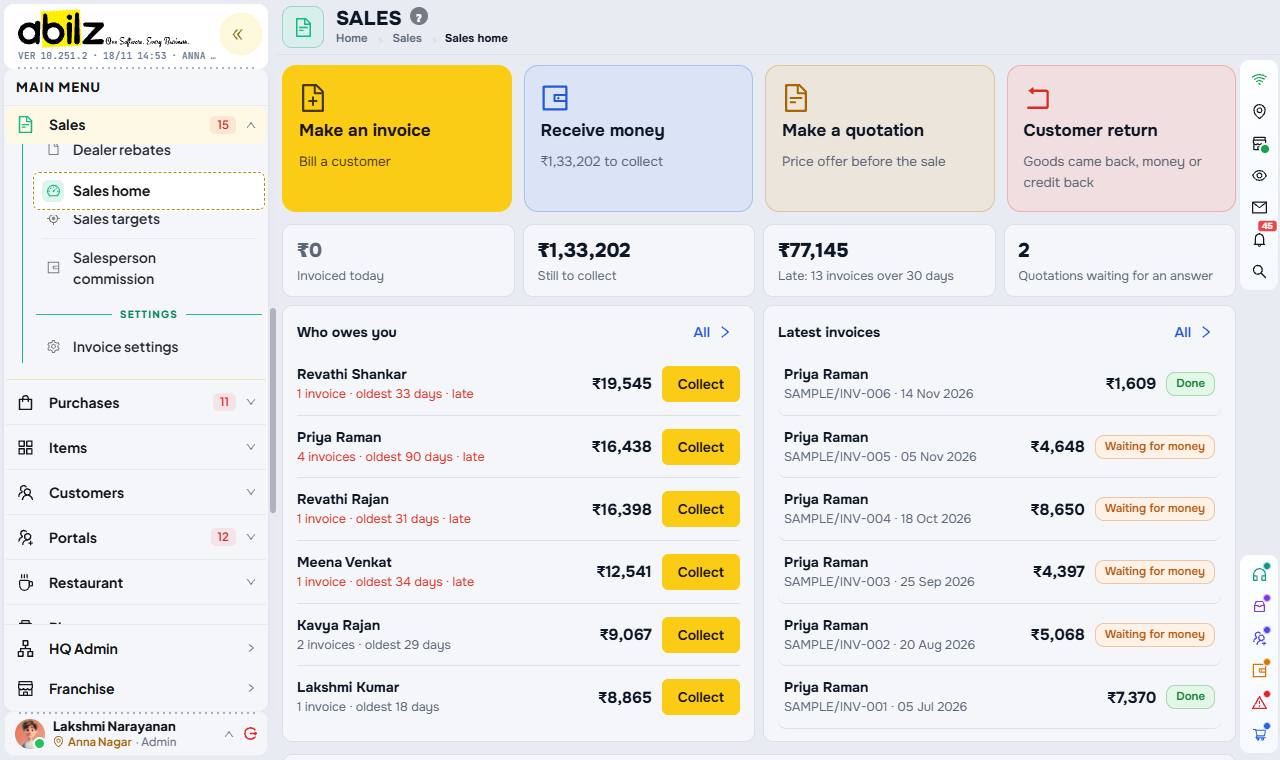
- Numbers at confirm: invoices, credit notes and debit notes show DRAFT-n while they are drafts and get their real number when confirmed or posted, so numbers and dates always run in order. Drafts made before this kept their old number as DRAFT-<old number>; those old numbers are unused (listed in the audit log).
- Reminders keep going: after the last day, again every 7 days until paid (the Settings button on Dues & reminders: After the last day, again every … days; 0 = stop). On the 1st of each month one statement message per customer with everything they owe.
- Stop new credit for late payers (same Settings, off until you turn it on; 30 days when on): confirming a credit invoice for a customer with a bill late more than that needs the manager PIN. A draft invoice shows the customer's payment habit under their name: pays in about N days, what is late.
- Interest on late payments (same Settings, off until you turn it on; 18% a year after 30 days late): on the 1st a draft debit note per customer with a line for each late invoice. Check it and post it.
- Quotations: Customer said no asks why (Price, Delivery time, Went to another shop, Not needed now, Other). A sent quotation past its Valid for days becomes Expired by itself; both can be sent again. Report: Reports › Invoice sales, Quotations won and lost (win rate and why lost, by month).
- e-Invoice: credit and debit notes get an IRN too (e-way bills are for invoices only). Still in test mode until the GSP login is set.
- Collectors: on Sales › Get paid › Dues & reminders, pick the collector for each customer. My collections shows a collector only their customers, with what they collected today and the cash to hand over (payments taken there are marked "Collected by <name>").
Was this helpful?
Something wrong in this guide?
Still stuck?Press ? in your portal, then Raise a ticket. It carries the page you are on.
Contact AbilZ