

Received → Checking → Waiting approval → Approved → In repair → Ready → Delivered
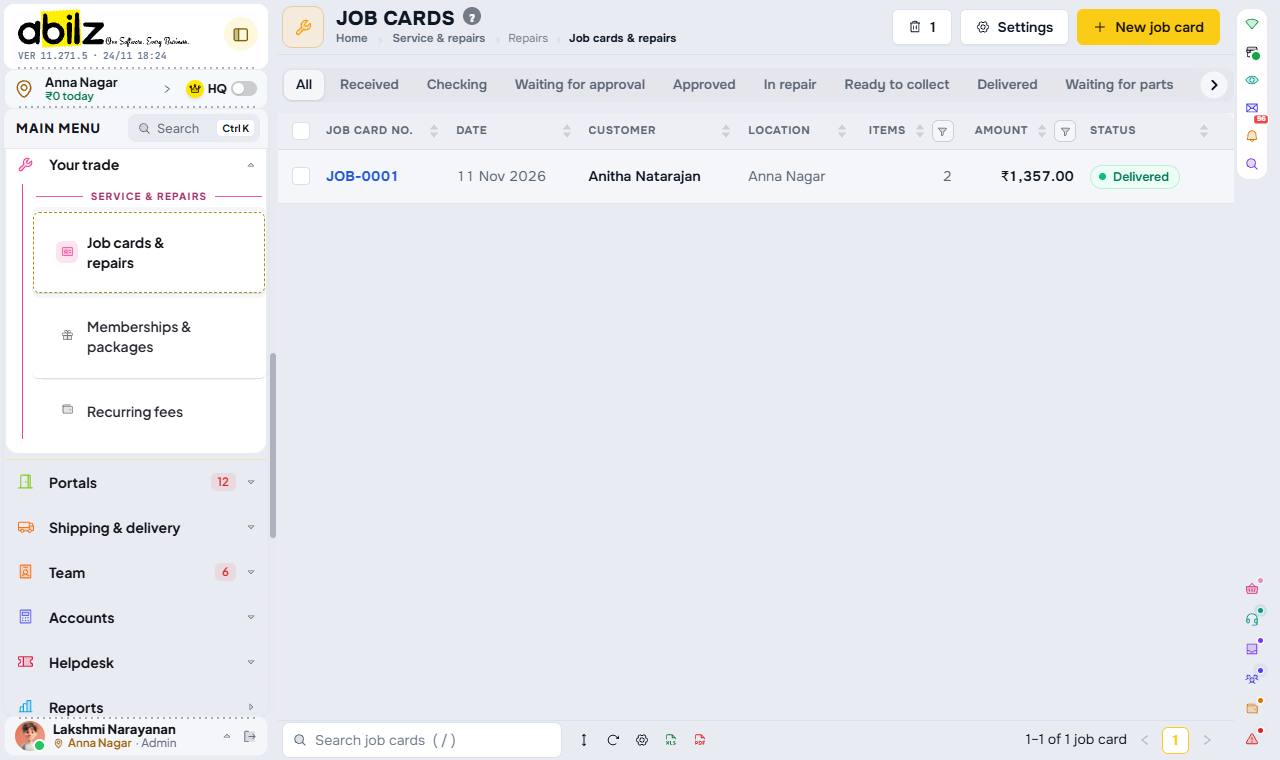
Side paths: Waiting for parts, Not approved (the customer said no, or it cannot be repaired), Returned without charge and Cancelled.
- New job card: the customer, the item, its serial or IMEI, the problem and the job type. The technician can be chosen now or later.
- Checking: the technician looks at the item.
- Send the estimate: add the parts and the work. If the job type has a usual labour charge, a Labour line is added for you. The customer gets a WhatsApp message with their status link.
- Approval: the customer taps Approve or Reject on their link, or staff mark it.
- In repair: the technician's work timer starts. Waiting for parts, Ready and Return stop it.
- Ready: the customer is told their item is ready to collect, with the amount. Remind sends it again.
- Deliver: makes the invoice from the job card. Check it and confirm. If the job type has a warranty, the warranty date is set.
Was this helpful?
Something wrong in this guide?
Still stuck?Press ? in your portal, then Raise a ticket. It carries the page you are on.
Contact AbilZ