

Carts made by floor staff in the Staffs app, followed until the counter bills them.
Point of Sale [POS] › Counters & staff › Floor sales (staff carts).
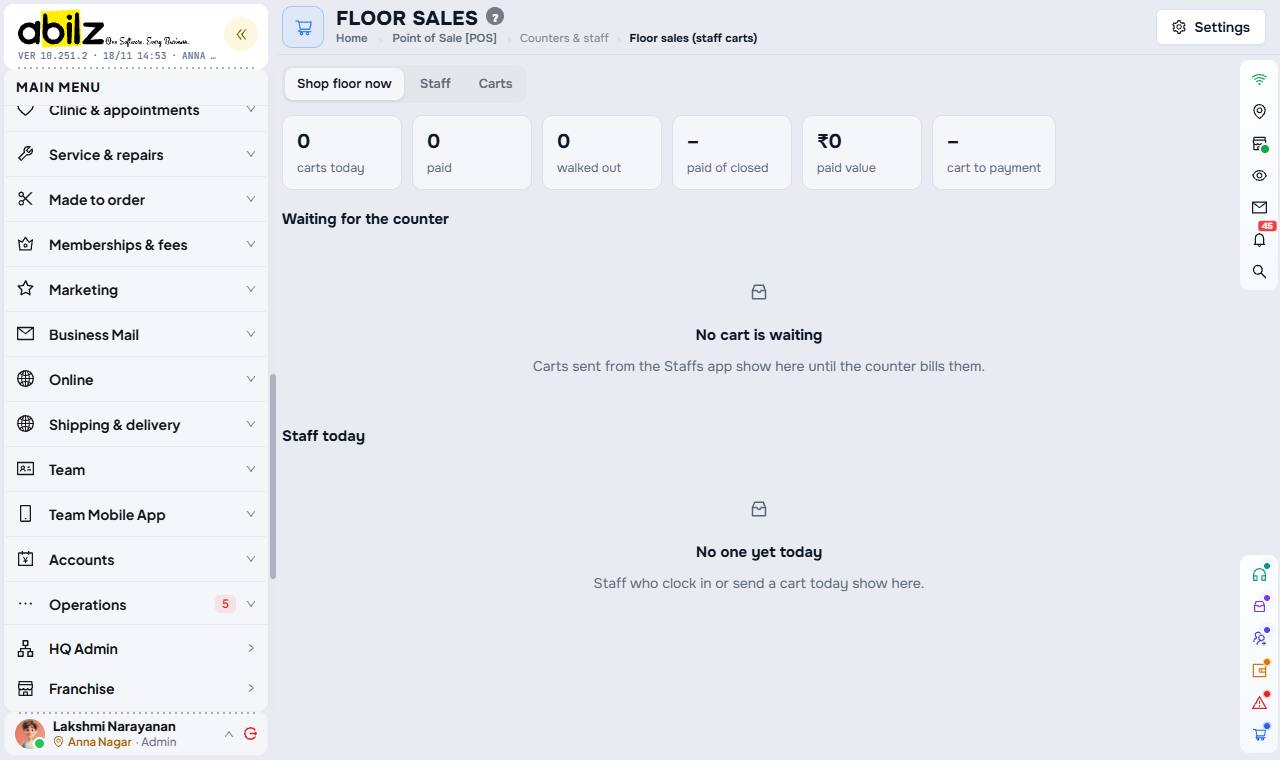
Floor staff add items for a customer in the Staffs app and send the cart with a Token. The counter opens the token and bills it.
- Waiting carts show until the counter bills them: token, staff, customer, items and amount.
- By staff shows each person's Carts, how many were Paid, Walked out, the Paid %, Paid value, Average bill and the time from Cart to payment.
- Changed at counter shows items taken off a cart at the counter.
- Pick the days and the person (Everyone or one name).
Was this helpful?
Something wrong in this guide?
Still stuck?Press ? in your portal, then Raise a ticket. It carries the page you are on.
Contact AbilZ