

Discount limit on invoices: confirming an invoice whose discount (line and bill discounts together) is above the cashier discount limit (Settings › Business & locations › Location settings, Selling) asks for the manager's PIN, like the counter.
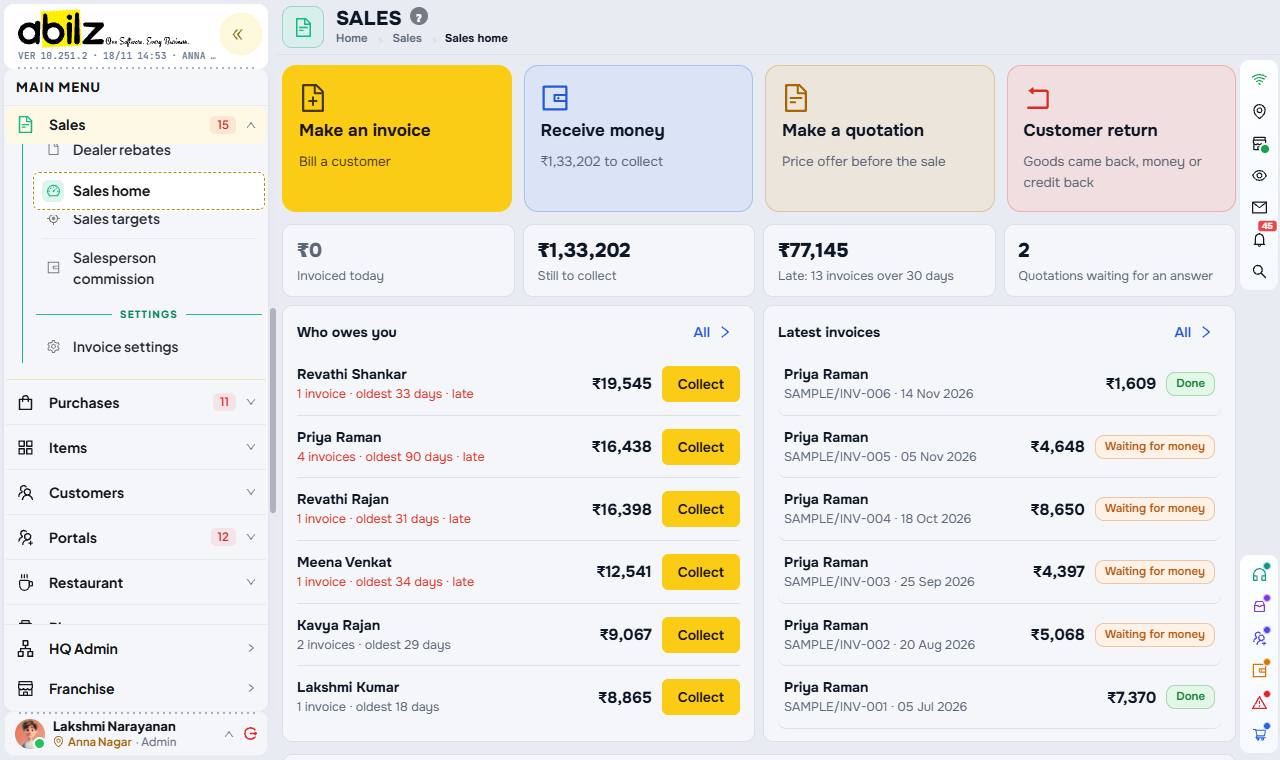
- Discount limit on invoices: confirming an invoice whose discount (line and bill discounts together) is above the cashier discount limit (Settings › Business & locations › Location settings, Selling) asks for the manager's PIN, like the counter. The owner is not asked. The switch is Discount limit as at the counter in Settings › Selling & POS › Invoice settings (on to start).
- Below cost: Invoice settings, Selling below cost, needs the manager's PIN (off: only the red warning).
- Delivery notes to invoice (Sales › To do › Delivery notes › Delivery notes to invoice, a tab on Delivery notes): goods sent on delivery notes and not billed yet, per customer. Make one invoice drafts one invoice with a line per delivered item, each noting its delivery note. Turn on Monthly billing for a customer and a draft is made on the 1st for last month's notes. Notes made from a sales order or an invoice are not here (they are billed through those).
- Back-orders: Orders to deliver has a Back-orders tab with what open orders still need, short items first. Now when a purchase is received, the counter is told "Rice 25 kg arrived: 3 orders waiting".
- Payments matched: a bank statement line that names an open invoice (its number, the customer's mobile, or the UTR a customer typed on the pay page) shows Invoice found; Record as its payment books it into that bank account and matches it. Pay-link payments whose page was closed before it came back are found within 10 minutes.
- Customer prices (Sales › Prices › Customer prices): an agreed price before GST for one customer and one item (or size), from and till dates. New invoice lines for that customer take it by themselves.
- Dealer rebates (Sales › Prices › Dealer rebates; only HQ can change the plans): slabs per customer group, each month or quarter (e.g. ₹2 lakh = 1%, ₹5 lakh = 2%). At the end of the period a DRAFT credit note is made for each customer who reached a slab: no stock, no GST, off their dues. Check and post it. The page shows each customer's sales so far and how much more for the next slab.
- Export invoices (Invoice settings, Export invoices): on an invoice choose Export Under LUT (no IGST) (no GST on the invoice) or With IGST paid, with LUT number, shipping bill number and date, port code. The print says so, and GSTR-1 lists them in 6A Exports (place of supply 96).
Was this helpful?
Something wrong in this guide?
Still stuck?Press ? in your portal, then Raise a ticket. It carries the page you are on.
Contact AbilZ