

Confirmed sales orders waiting for delivery in one table, items short for them, and delivery notes still to bill.
Orders to deliver
Sales › To do › Sales orders › Orders to deliver opens as a tab at the top of Sales orders; the number of orders waiting shows on the Sales orders row in the menu. Confirmed sales orders hold their stock and stay here until they are invoiced.
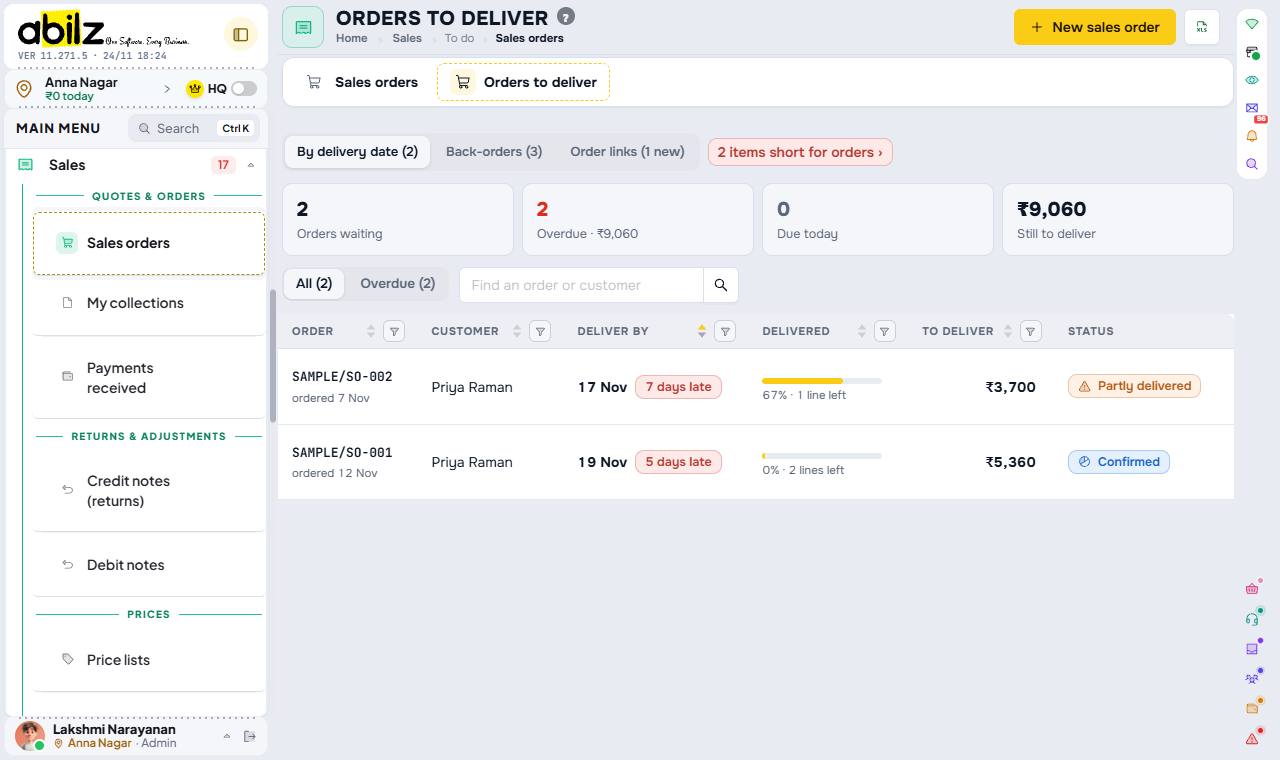
By delivery date is the main tab:
- Four boxes on top: Orders waiting, Overdue (with their value), Due today and Still to deliver (the value not delivered yet).
- Pick All, Overdue, Today, This week, Later or No date to see only those orders. Each choice shows how many it has.
- Find an order or customer searches by order number or customer name.
- The table has one row per order: Order (with the day it was ordered), Customer, Deliver by, Delivered, To deliver and Status. Tap a column heading to sort by it; the nearest Deliver by comes first.
- Deliver by says how many days late an order is, Today, or in how many days it is due.
- Delivered shows a bar with the share delivered and how many lines are left. When everything is delivered it says All delivered · invoice it.
- Tap a row to open the order. New sales order (top right) starts a new one.
Back-orders lists every item that confirmed orders still have to deliver: To deliver, In stock, Short and the Orders waiting for it. The short items come first. When some are short, a red line on top says how many; Ask purchases for them opens Purchase requests so you can ask for them. The red … items short for orders button on the other tabs jumps here.
Order links gives a trade customer their own order link. Find the customer, then Copy the link or Send it on WhatsApp. On their phone they see your items at their price level, can order again from their last orders, and send the order. It comes in under New orders from links as a draft sales order: tap Check & confirm.
Delivery notes to invoice
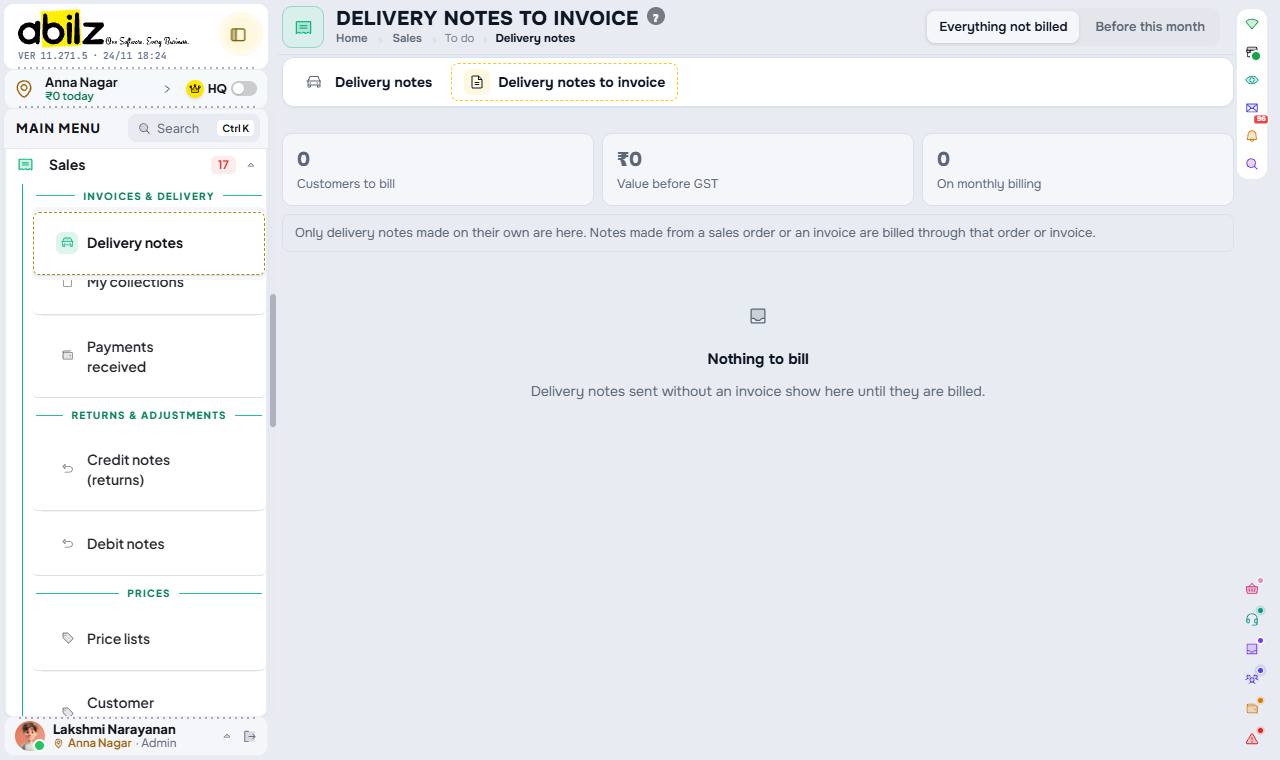
Sales › To do › Delivery notes › Delivery notes to invoice opens as a tab at the top of Delivery notes; the count shows on the Delivery notes row in the menu. Delivery notes sent without an invoice show here, by Customer, with how many Delivery notes, their Value and whether the customer is on Monthly billing.
- Make one invoice bills all the customer's open delivery notes at once, one line per delivered item.
- Turn on Monthly billing for a customer and a draft invoice is made on the 1st for last month's notes.
- Only delivery notes made on their own are here. Notes made from a sales order or an invoice are billed through that order or invoice.
Something wrong in this guide?
