

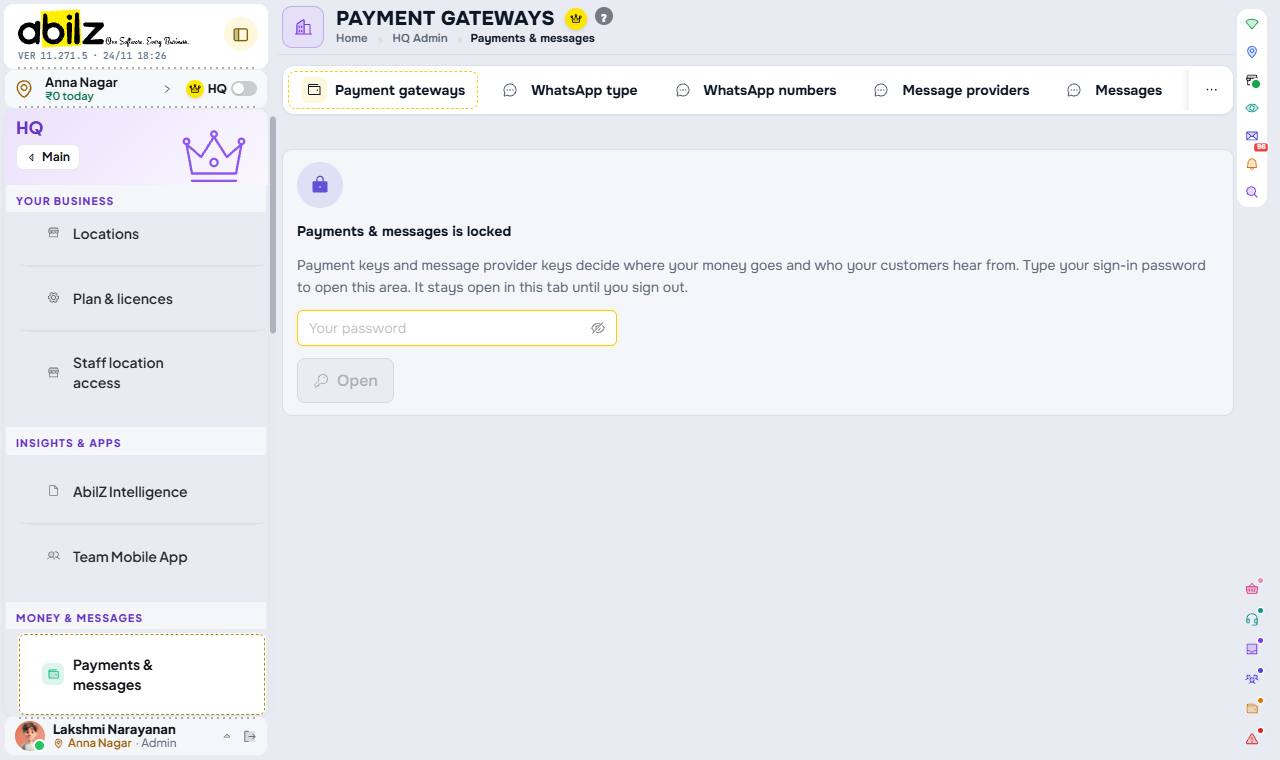
HQ › Payments & messages is where the keys live that decide where your money goes and who your customers hear from.
| Page | What it holds |
|---|---|
| Payment gateways | UPI and the online gateways (Razorpay, Cashfree, PayPal and the others) for HQ and every location; which gateways the business uses; whether locations may use their own. History tab. |
| Message providers | WhatsApp (Meta WhatsApp Cloud API), SMS (MSG91), Email server (HQ and each location). History tab. |
| WhatsApp type | Your own WhatsApp account, or AbilZ WhatsApp credit. |
| WhatsApp numbers | Each location its own WhatsApp number, or one number HQ sets for all. |
| Messages (every location) | The words of every email and app notification: locks, staff alerts, sender and footer. |
| Business Mail | Every location's Business Mail: counts, connection and storage. |
These pages are tabs of the Payments & messages row in the HQ menu.
Safety
- Only HQ Admin can open it. Type your sign-in password once; it stays open in that browser tab until you sign out.
- Keys are locked on the server after saving and never shown again, to anyone.
- Test before on: new keys are used only after Test connection passes with them (for email: after a test email goes through). Until then the page says Waiting for a test and nothing changes for customers.
- Every save asks your password again and is written in History (who, when, what; never the keys).
- When a key changes, the owner gets an email and a phone alert at once (Keys changed (security)). This alert cannot be switched off.
- Providers that do not send yet (Gupshup, Twilio, Interakt, Wati, Textlocal) are shown as Coming soon and cannot be chosen.
Locations
- When HQ allows it, a location manager still sets the location's own gateway and mail server in Settings › Business & locations › Payments and Settings › Business & locations › Email (these two rows show only to managers, never to the owner).
- HQ Admin opening those Settings pages goes straight to HQ › Payments & messages. The owner sees the payment and message parts of the business under Settings › Business & locations › Business settings, tabs Counter payments and Gateways & messages.
Was this helpful?
Something wrong in this guide?
Still stuck?Press ? in your portal, then Raise a ticket. It carries the page you are on.
Contact AbilZ