

Settings › Business & locations › Business settings › Logos & details (HQ: HQ › HQ locks, tab Business Settings). The other tabs are Number formats, Words on screens, Stock alerts, Counter payments, Gateways & messages, Data & updates, Theme & layout and Log.
One place for your logos, business details, header and footer lines and your look. Receipts, invoices and other documents, labels, emails and the online store read them when they print, so when you change the logo here it changes everywhere at once. Nothing is copied into each design.
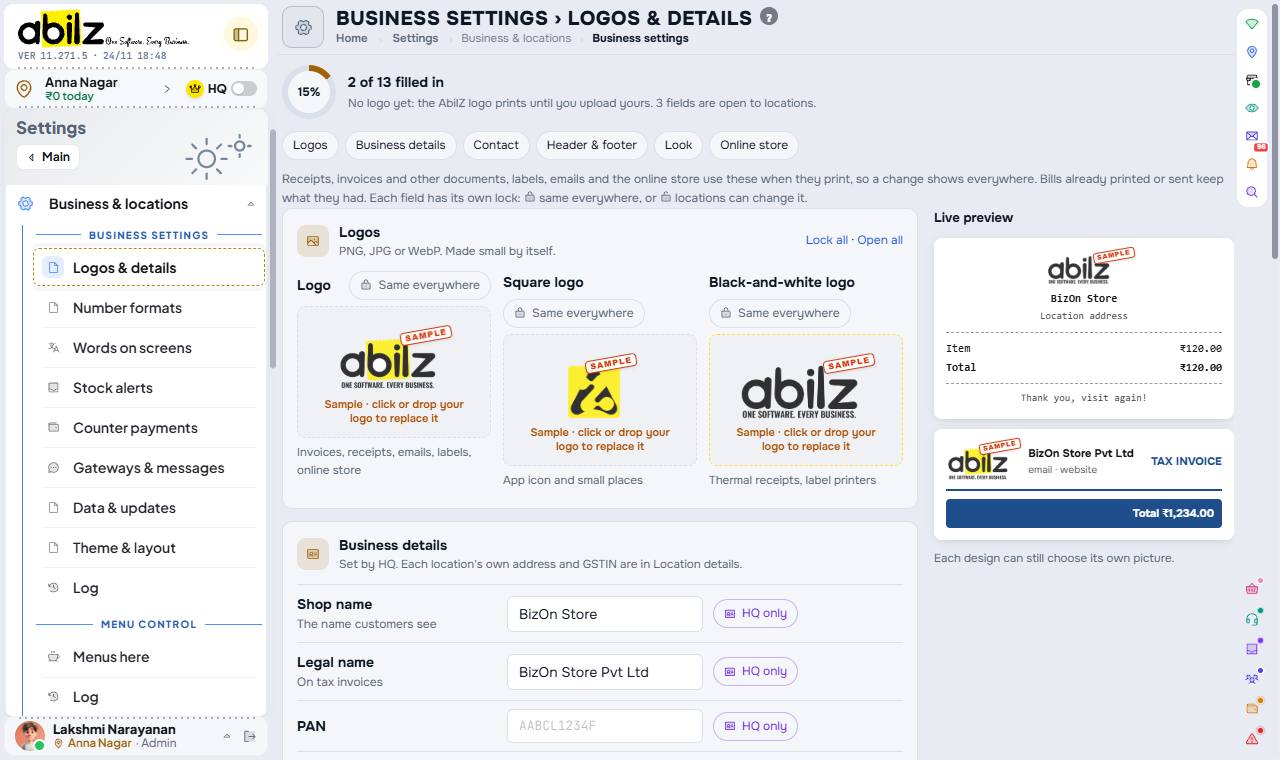
Bills already printed or sent keep what they had on that day.
Was this helpful?
Something wrong in this guide?
Still stuck?Press ? in your portal, then Raise a ticket. It carries the page you are on.
Contact AbilZ