

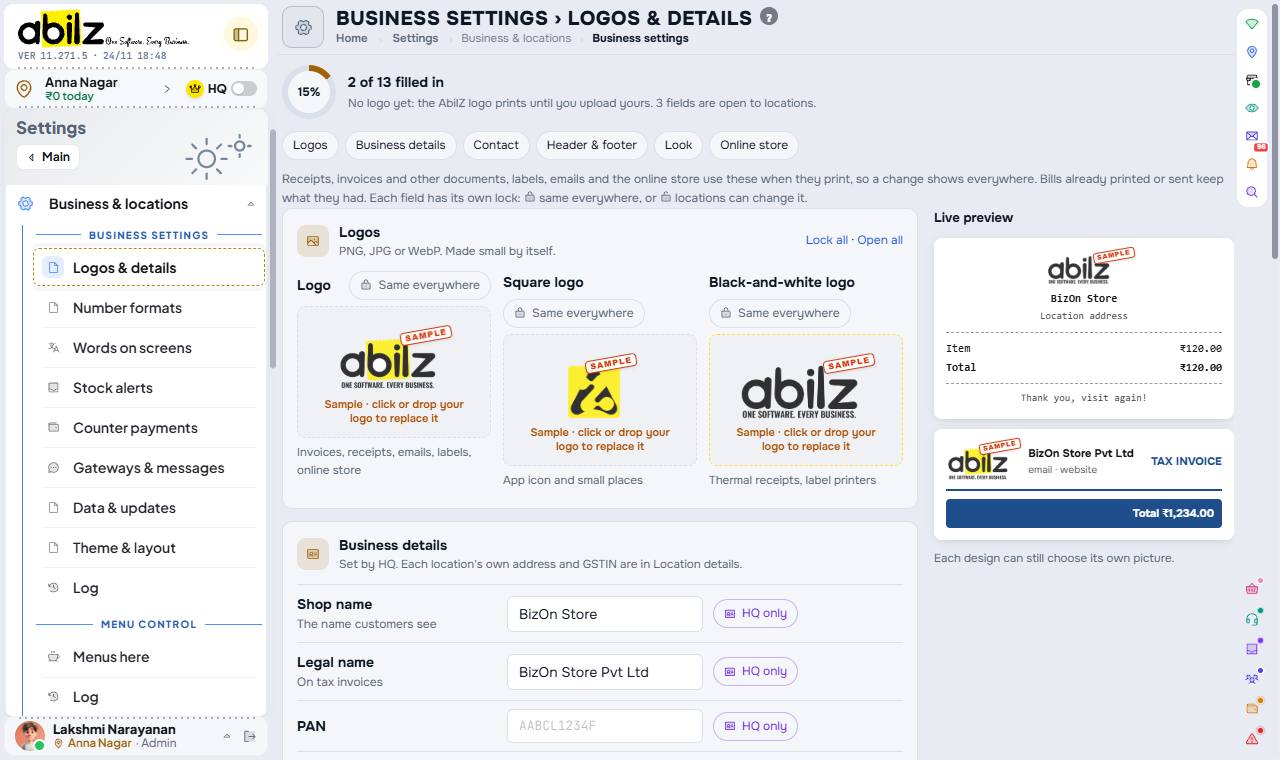
HQ's values are saved with Review & save and your password, like the other Business settings tabs; every change is in the Log tab. A location's own values are saved with Save for <location> and written in the activity log.
Was this helpful?
Something wrong in this guide?
Still stuck?Press ? in your portal, then Raise a ticket. It carries the page you are on.
Contact AbilZ