

Put each store on the map, for directions, delivery distance and Google.
- Settings › Business & locations › Location settings › Store location on the map (a tab): place this store's pin on the map.
- HQ › Locations › Stores on the map (a tab of Locations): every location on one map.
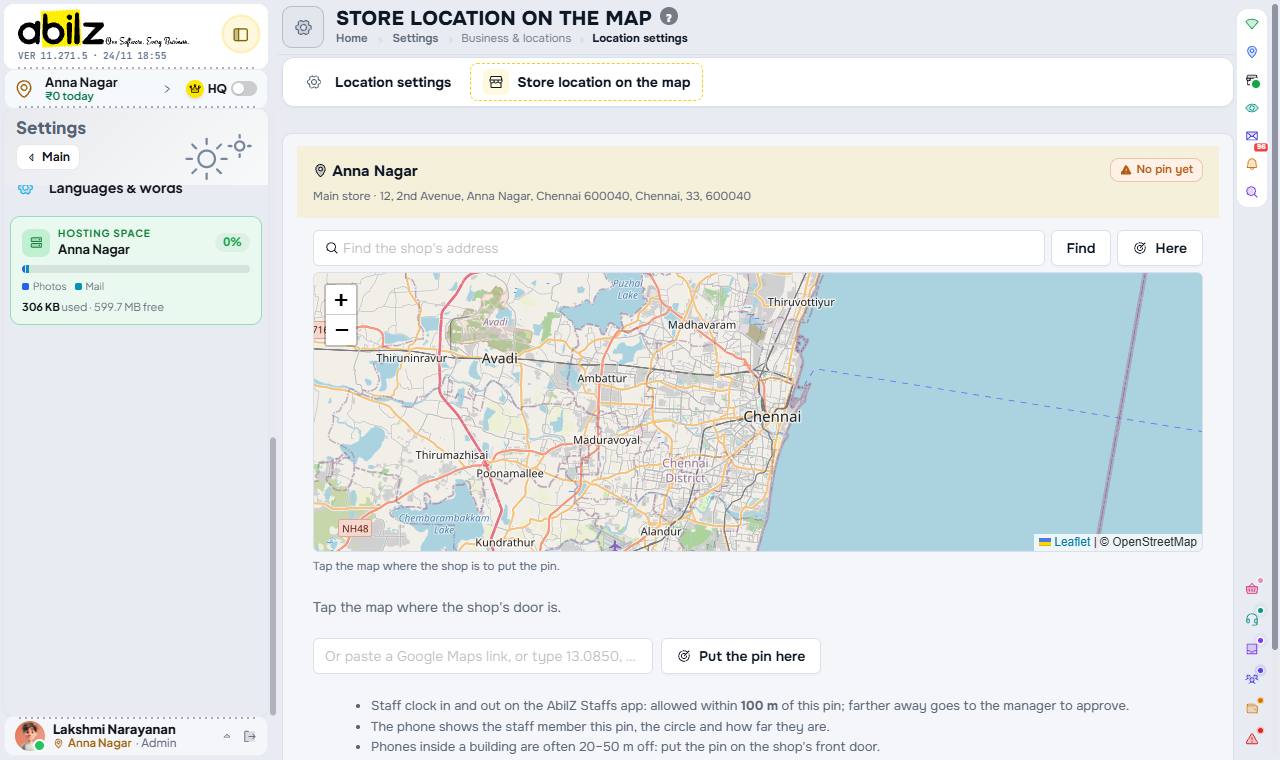
The pin is used for directions sent to customers, delivery distances and your Google Business listing.
Was this helpful?
Something wrong in this guide?
Still stuck?Press ? in your portal, then Raise a ticket. It carries the page you are on.
Contact AbilZ