

Install all (or Install / update the rest): installs every list that is missing or old.
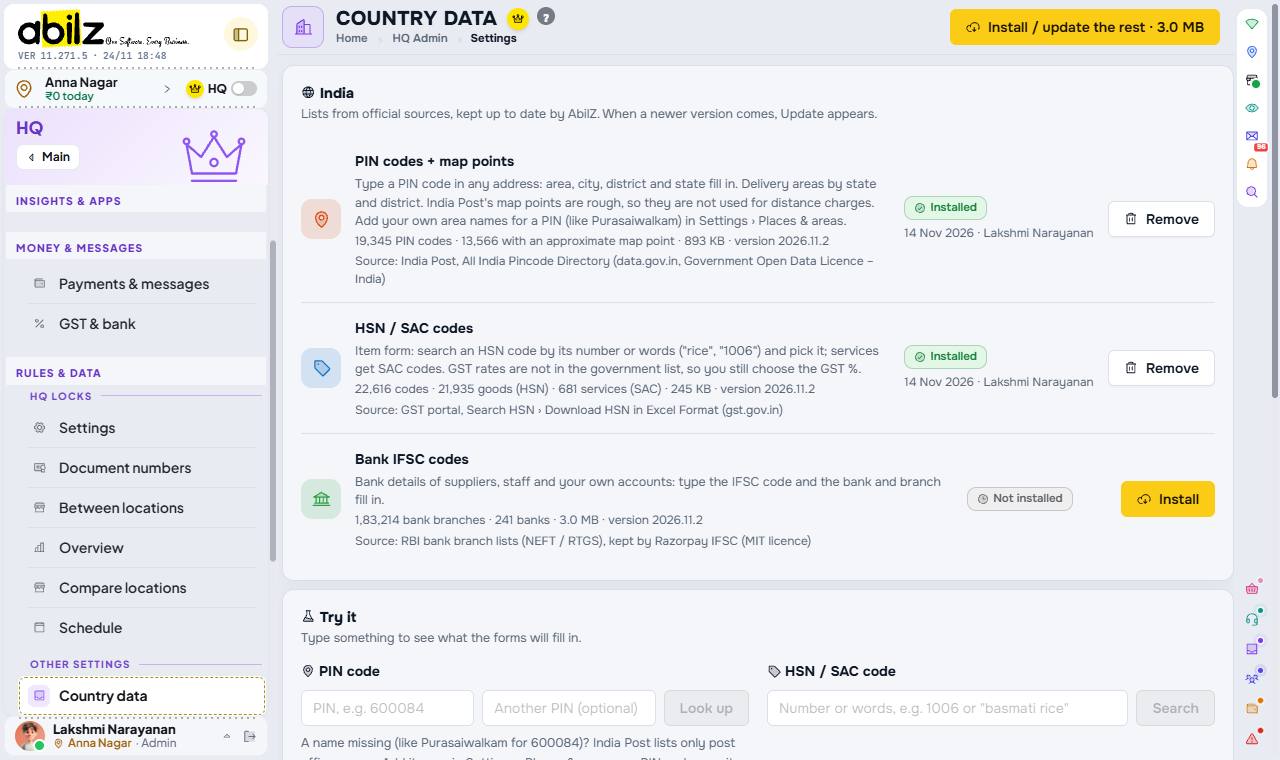
- Install all (or Install / update the rest): installs every list that is missing or old.
- Install / Update on one list. Update appears when AbilZ has a newer version.
- Remove: takes the list out. Saved addresses, items and bank details stay as they are; the forms just stop filling in.
- Try it: type a PIN code (and another one if you like) to see all its area names, an HSN search, or an IFSC code to see what the forms will fill in.
Was this helpful?
Something wrong in this guide?
Still stuck?Press ? in your portal, then Raise a ticket. It carries the page you are on.
Contact AbilZ