

Ready looks at the top: Clean, Dark band, Classic GST, Lined, plus colours.
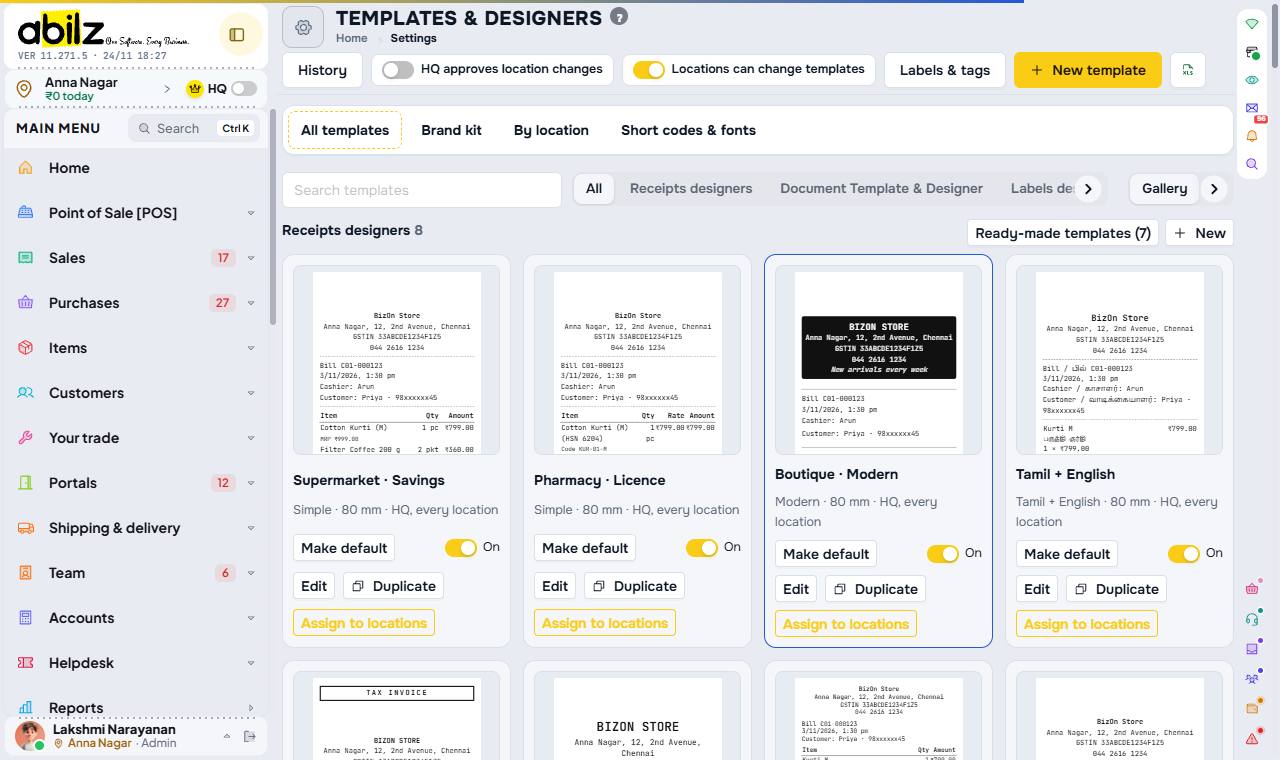
- Ready looks at the top: Clean, Dark band, Classic GST, Lined, plus colours. Changing the look keeps your parts, columns and words.
- Parts: every part of the page in one list. Switch a part on or off, drag it or use the arrows, and tap it to open its settings. Each part has Print only when (B2B, B2C, unpaid, paid, export, other state, same state, sales documents, purchase documents, tax documents), a text size and bold, and an own heading.
- Items table: switch columns on or off, rename them, set a width and move them. Tax invoices always keep HSN and GST %. CGST and SGST print inside your state, and IGST across states. Item names can be the full name, the short name, the local-language name, or the name with the local name.
- Page & look: paper (A4, US Letter, A5, Legal), landscape, margins, font, text size, colour, table heading style, round corners, logo, and the words on the page (write them in your language if you like).
- Top & bottom: the top and bottom bands. Place your logo, name, GSTIN, title, colour shapes, QR codes and page numbers anywhere by hand, the same way as in the label designer. The top band can print on every page, or on the first page with a short "continued" line after it. The bottom band prints on every page.
- Printing: watermark (Auto shows PAID, DRAFT or CANCELLED) and Used for.
- Preview: the real pages of one of your documents, split into pages exactly as it prints. Pick the document type, Latest, Longest or a number. Tap a part to change it. Compare with shows another design next to it. Versions brings back an earlier saved version.
- Check before you save lists what a GST tax invoice must show and is missing (GSTIN, name, title, number and date, Bill to, items, totals, signature).
Was this helpful?
Something wrong in this guide?
Still stuck?Press ? in your portal, then Raise a ticket. It carries the page you are on.
Contact AbilZ