

How the counter works at this location, POS defaults from HQ, and the licence keys for counters and apps.
POS settings
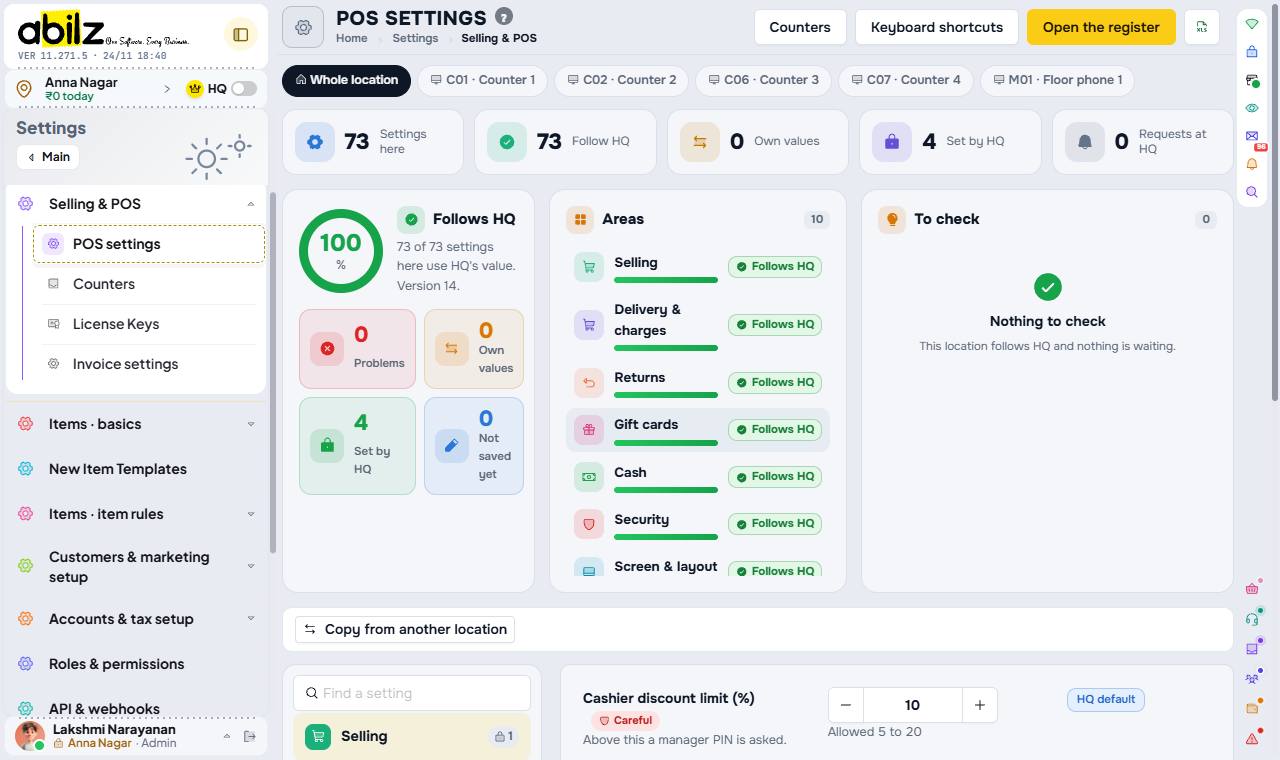
Settings › Selling & POS › POS settings. For stores that bill at a counter: what the counter shows, asks and prints. From here open Counters, the Keyboard shortcuts, or Open the register.
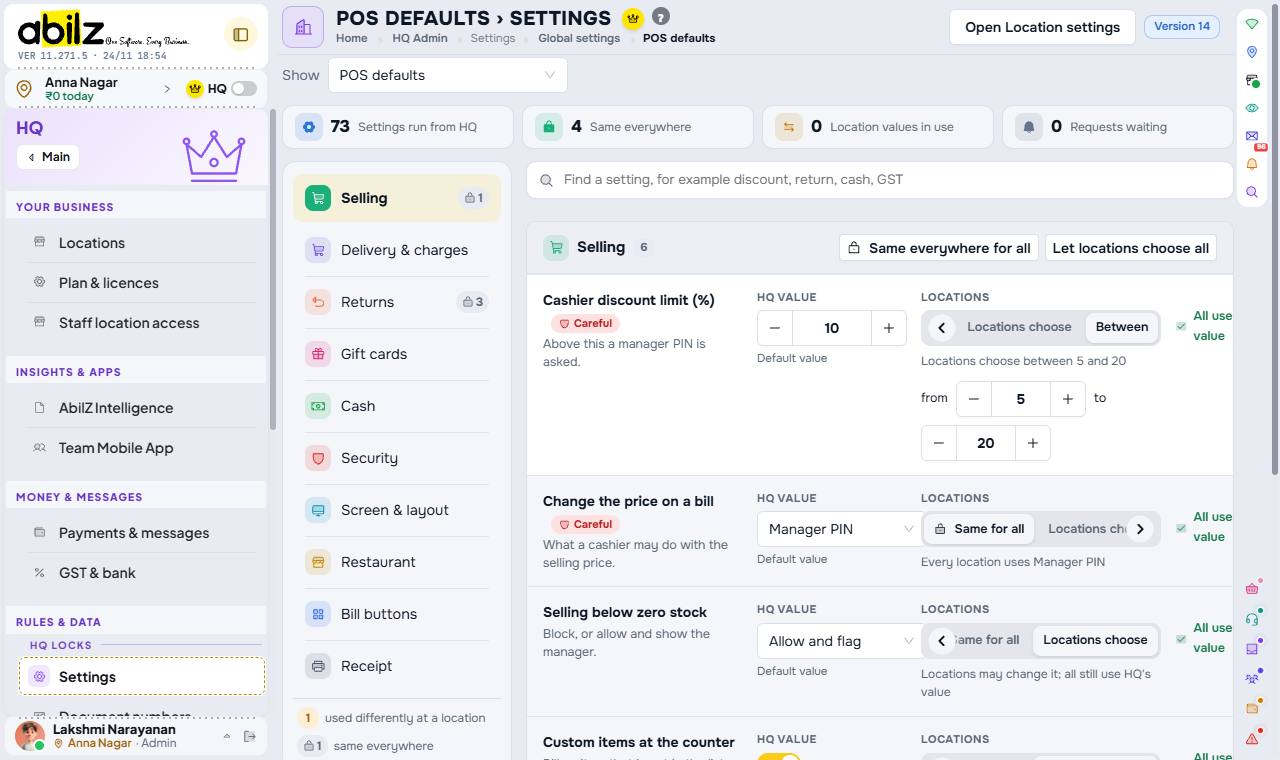
POS defaults (HQ Admin)
HQ › HQ locks › POS defaults: the starting POS settings for every location. A location can change what HQ leaves open.
Licence keys
Settings › Selling & POS › License Keys (and HQ › Plan & licences › License Keys for all locations): the keys for your counters and apps. A counter or app uses one key; free a key from a device you no longer use, then use it on the new one. See POS counter licences.
Was this helpful?
Something wrong in this guide?
Still stuck?Press ? in your portal, then Raise a ticket. It carries the page you are on.
Contact AbilZ