

How your business sends emails: the sending address and the email designs.
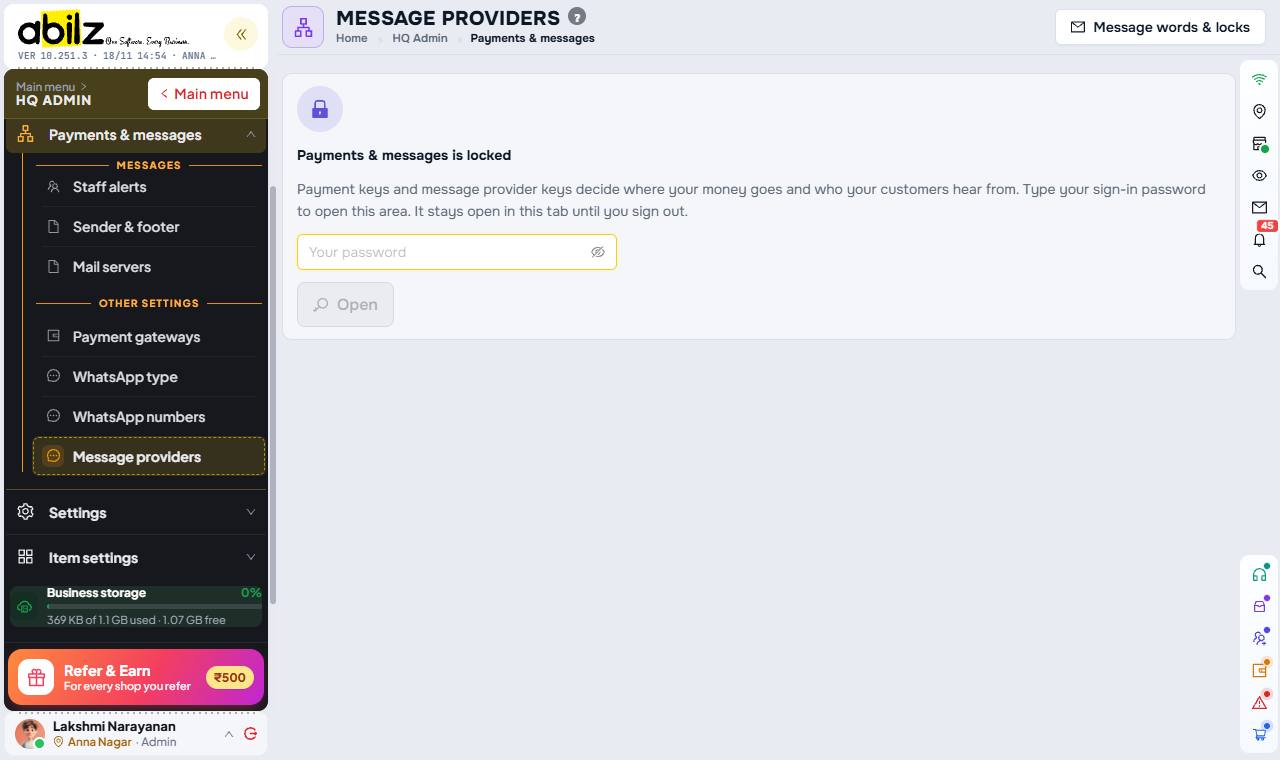
Settings › Business & locations › Email (for a location manager; the owner opens the same on HQ › Payments & messages, tab Message providers, part Email server). The address your bills, reminders and offers are sent from, and a test email. To change how the emails look, open Settings › Templates & designers › Messages Designer.
Was this helpful?
Something wrong in this guide?
Still stuck?Press ? in your portal, then Raise a ticket. It carries the page you are on.
Contact AbilZ