

Place by hand › Anywhere on the page: a seal, a signature picture, a QR code or any picture anywhere, on the first, last or every page.
- Place by hand › Anywhere on the page: a seal, a signature picture, a QR code or any picture anywhere, on the first, last or every page.
- Page & look:
- a picture behind every page (letterhead or a light logo watermark)
- a page border
- table lines, row height, heading in capitals, own heading colour
- fit a slightly long document on one page
- a second language under the headings (Tamil and Hindi built in; others from Settings › Languages & words)
- Parts: each part can have a frame and a fill colour. Each column of the items table can be aligned left, centre or right.
- GST help:
- the e-Invoice box (IRN, acknowledgement, QR)
- the UPI QR uses your UPI ID from Settings › Payments
- titles change by themselves: Export invoice, Bill of supply (no GST on any line), Invoice (no GSTIN)
- export-under-LUT and reverse-charge lines
- checks of the document itself: items without HSN, buyer GSTIN, number longer than 16 characters
- How it prints:
- My design
- On my printed paper: upload a scan of your bill book, drag each detail onto its blank, set the item rows and columns, and line it up in mm. Only the details print.
- HTML code (Pro): your own HTML and CSS with {{fields}}.
- Magic: upload a photo of any invoice or describe it in words. AbilZ builds the same look; then you fine-tune it. Reading a photo needs AbilZ AI on the server; words always work.
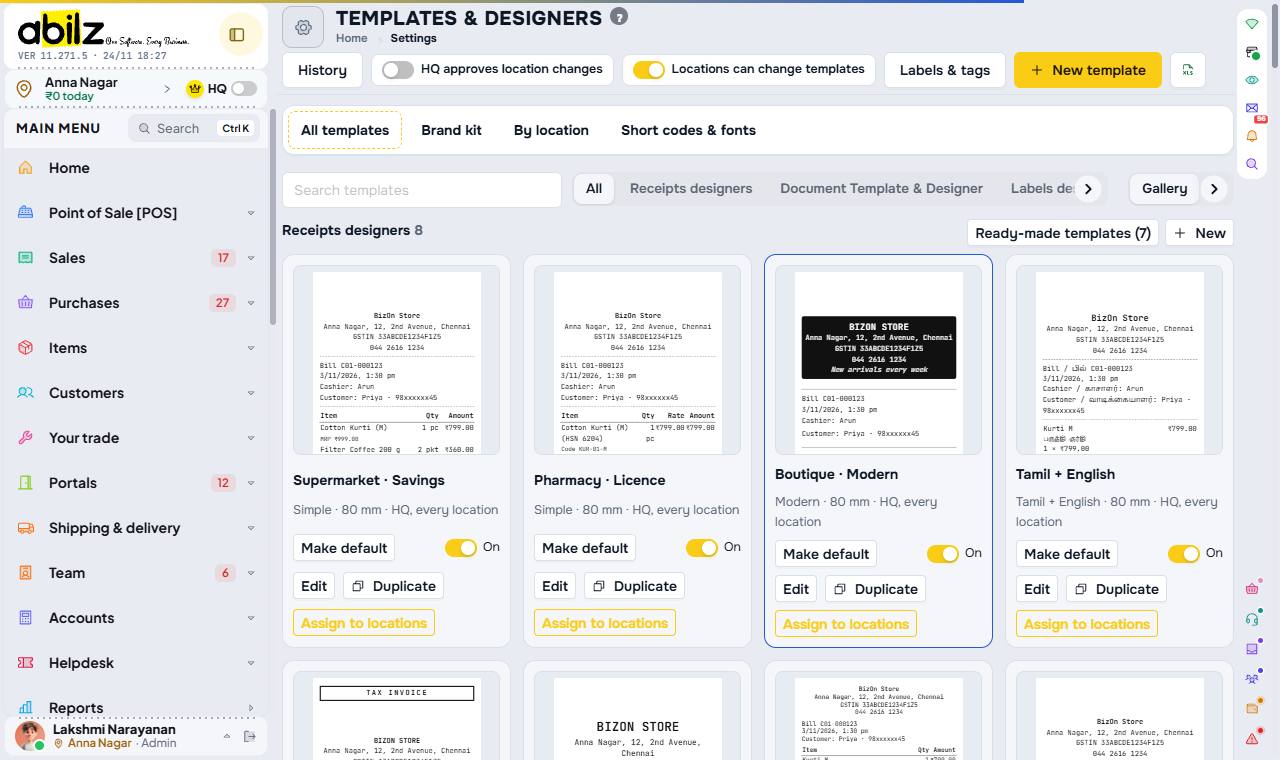
- Ready-made: 12 designs, including Pharmacy, Services with seal, Wholesale B2B and Restaurant.
Was this helpful?
Something wrong in this guide?
Still stuck?Press ? in your portal, then Raise a ticket. It carries the page you are on.
Contact AbilZ