

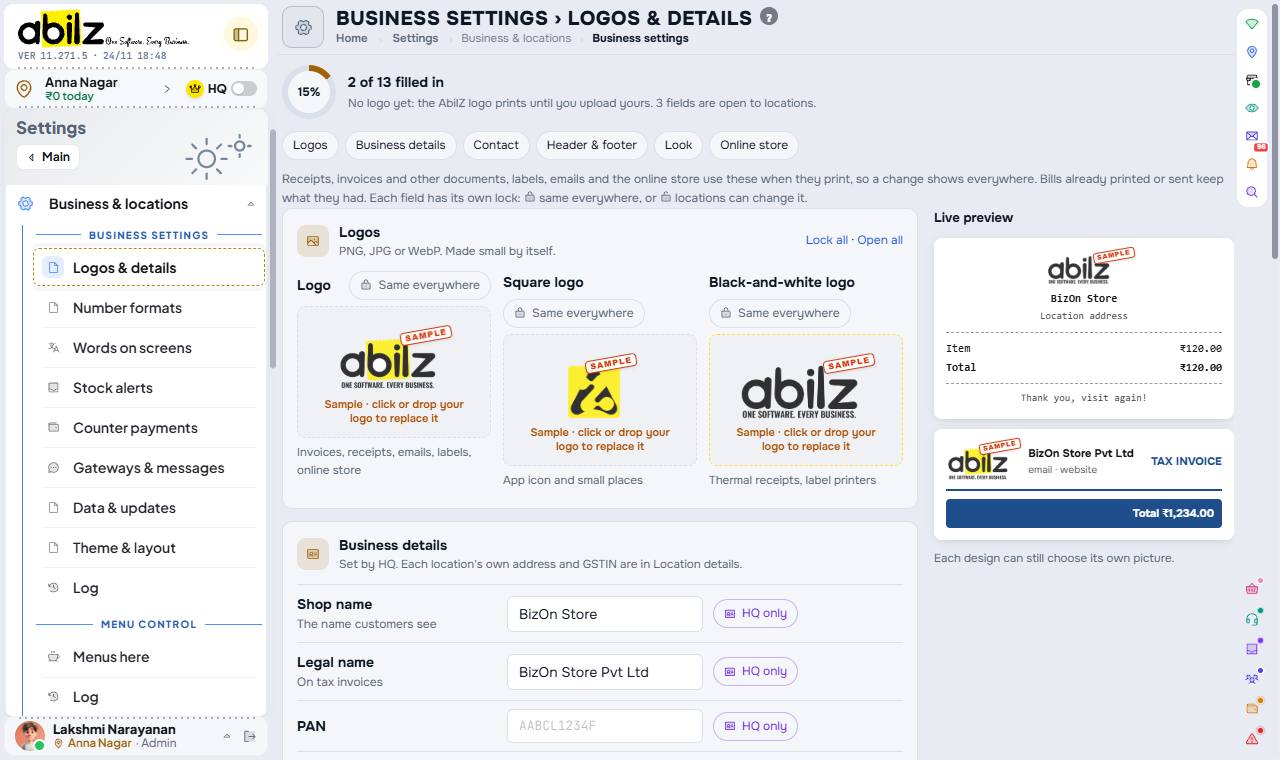
Above each part, HQ picks Same everywhere (locked: locations print HQ's) or Locations can change. When a part is open, the location manager sees This location at the bottom of the tab: empty boxes use HQ's value, Use HQ's values clears the location's own. When HQ locks a part again, the location's old values are ignored (kept, but not printed).
Was this helpful?
Something wrong in this guide?
Still stuck?Press ? in your portal, then Raise a ticket. It carries the page you are on.
Contact AbilZ