

Track expiry by batch, serial numbers and IMEI of each unit, and the warranty of what you sold.
Batches & expiry
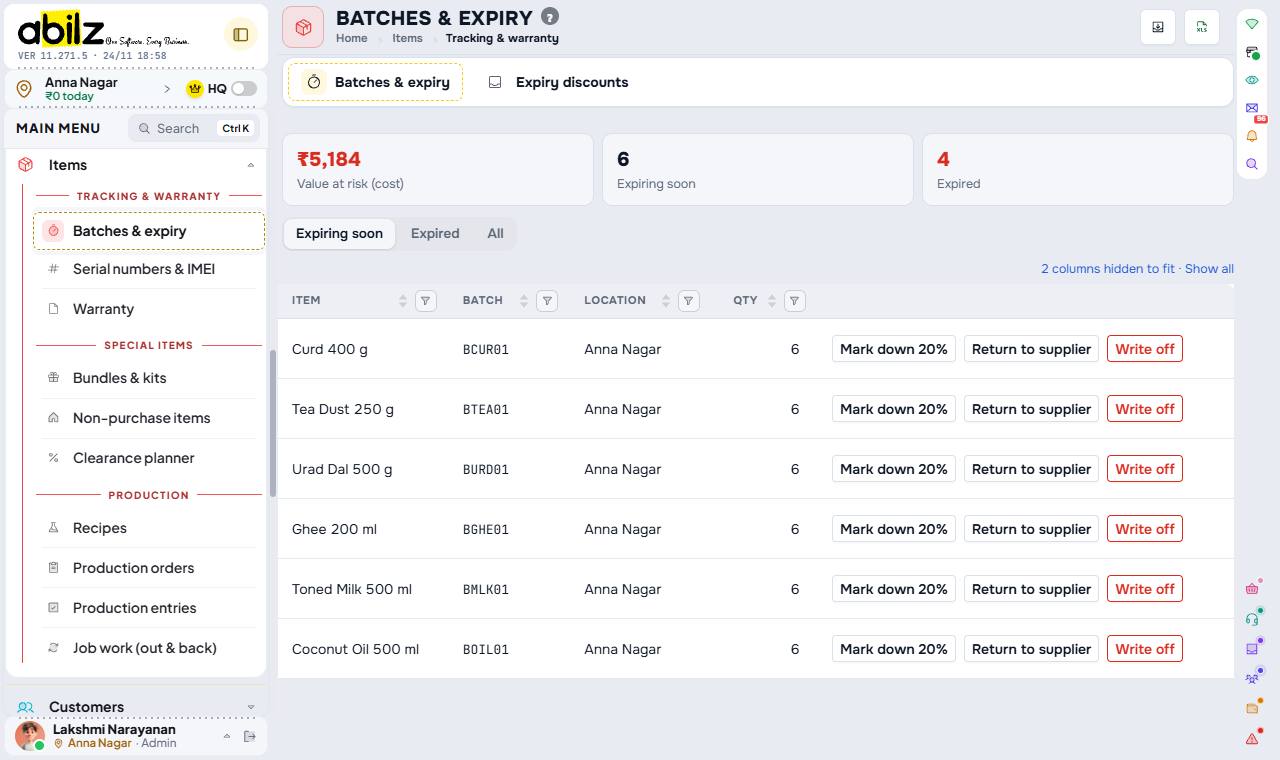
Items › Tracking & warranty › Batches & expiry lists each Batch with its Location, Expiry, Qty and Cost value. For a batch close to expiry:
- Mark down 20% to sell it faster,
- Return to supplier, or
- Write off what cannot be sold.
Serial numbers & IMEI
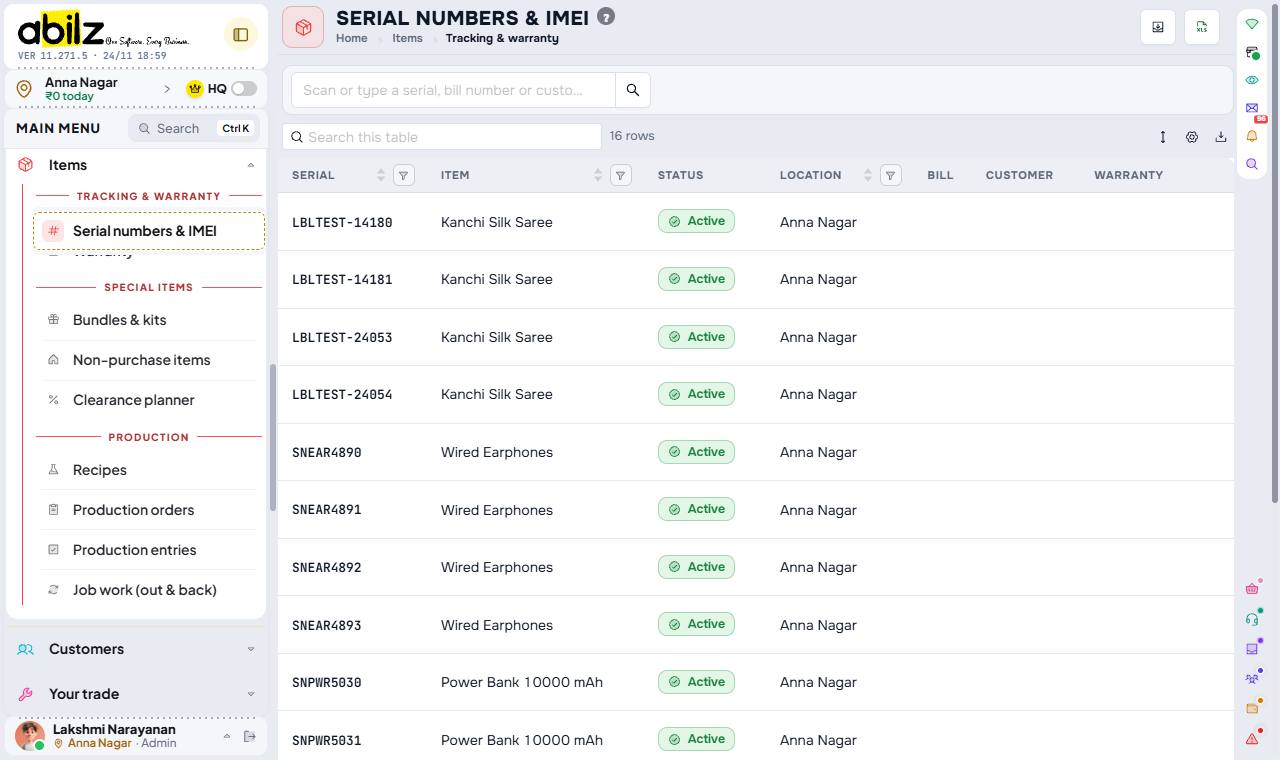
Items › Tracking & warranty › Serial numbers & IMEI. Scan or type a serial, bill number or customer to find a unit: its Status, Location, Bill, Customer and Warranty. Book repair when it goes for repair, Returned from repair when it comes back.
Warranty
Items › Tracking & warranty › Warranty shows what is under warranty:
- units with a serial or IMEI sold with a warranty,
- items with a warranty but no serial, from counter bills and invoices (returned ones are left out),
- delivered job cards whose job type gives a warranty on the work.
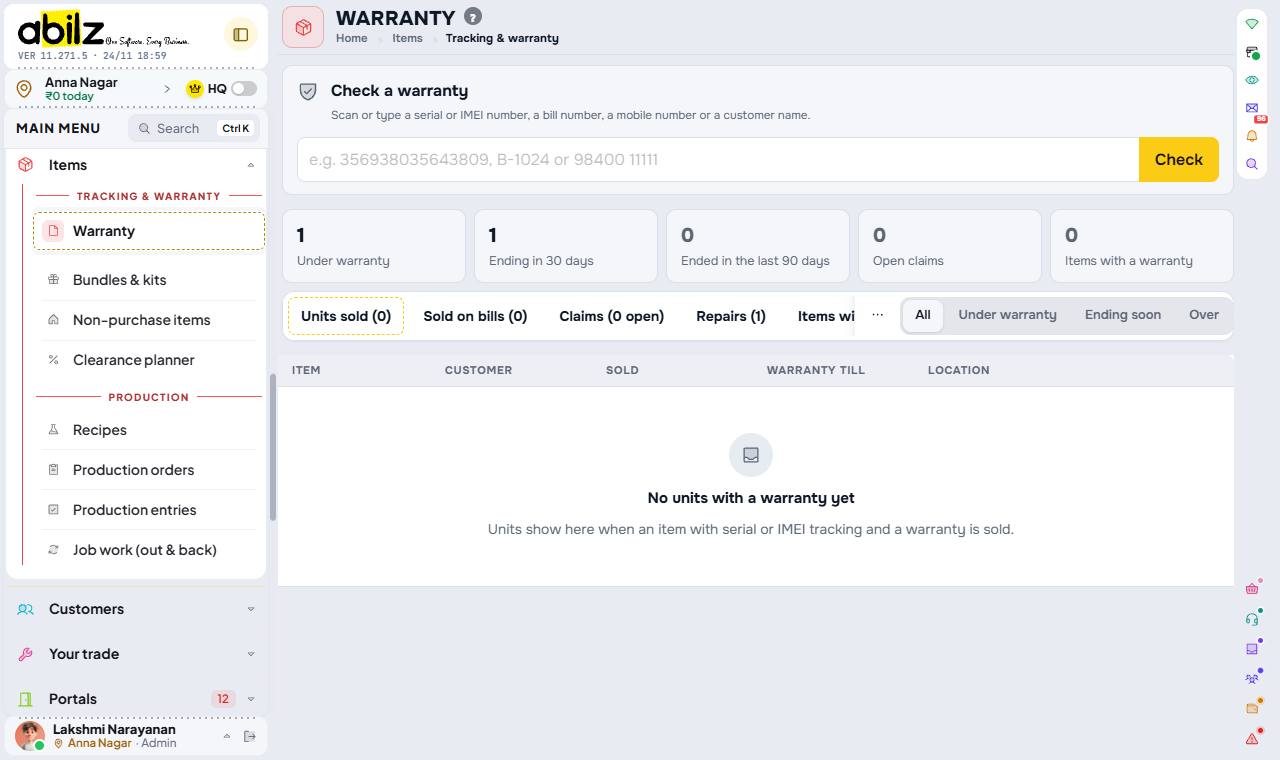
Search with a serial, a bill number or a mobile number. Each line shows Sold, Warranty till and who gives it. Open the bill, the invoice or the job card from the line.
Tip To give an item a warranty, open the item and fill Warranty: the period and who gives it. It prints on the bill.
Was this helpful?
Something wrong in this guide?
Still stuck?Press ? in your portal, then Raise a ticket. It carries the page you are on.
Contact AbilZ