

Change many prices at once, plan a festival price ahead, and see every price change with who made it.
Update prices
Items › Prices & margins › Update prices.
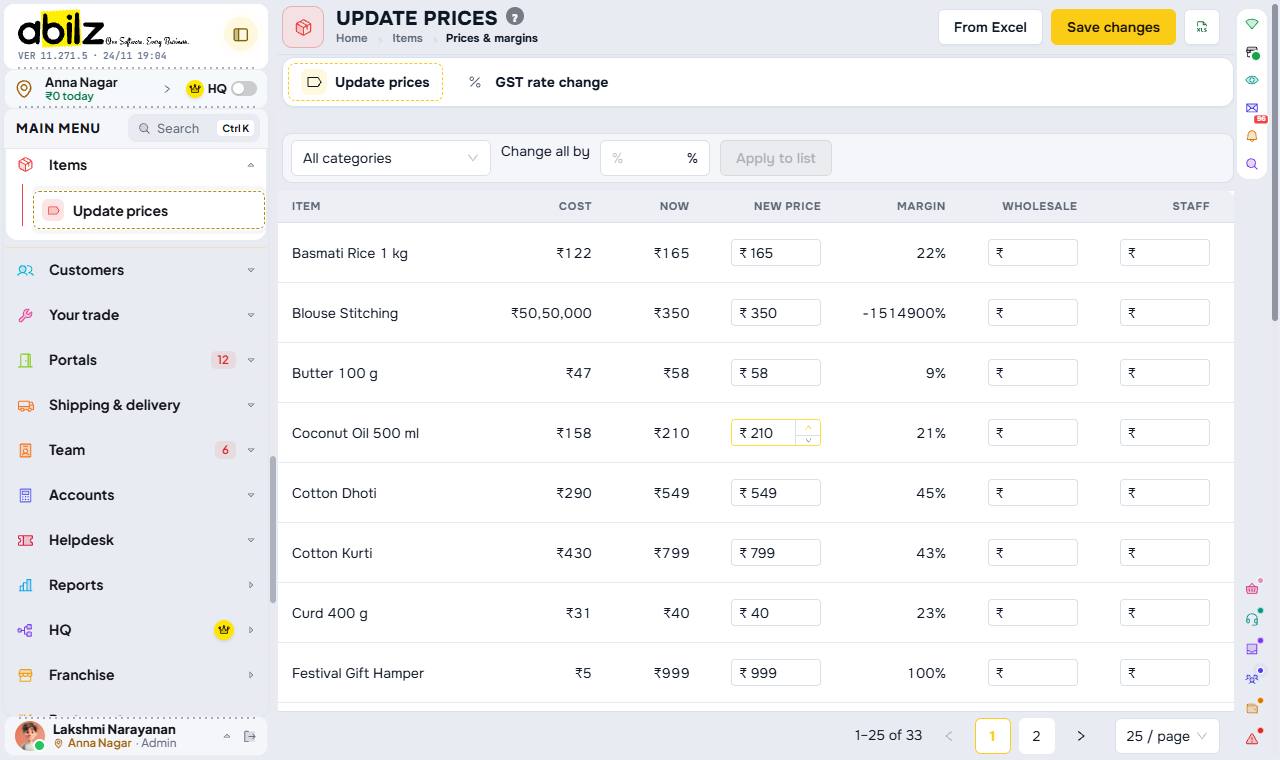
- Pick a category (or All categories) to list its items with Cost, the price Now and the Margin.
- Type the New price on the lines you want to change. Wholesale and Staff prices can be changed on the same line.
- To change many at once, use Apply to list (for example add 5% to all), or From Excel to bring the new prices from a sheet.
- Press Save changes. New prices are used at the counter and on documents from now on.
Tip After a price change, print new shelf labels: Print new labels on Reports › Logs & history › Price history.
Planned prices
Items › Prices & margins › Planned prices. Plan a Diwali, weekend or clearance price ahead.
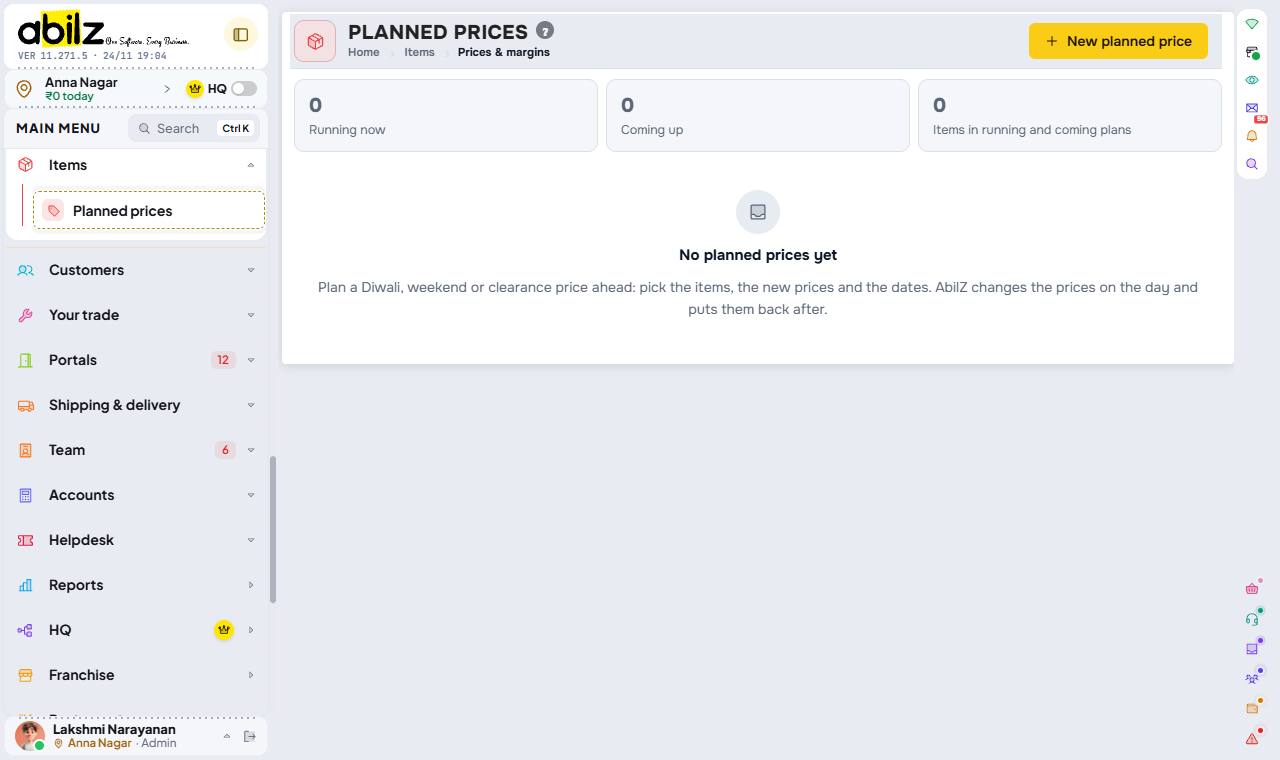
- Give the plan a name, for example Diwali offer.
- Add an item: type its name or code, or scan its barcode. Type the Planned price for each, or use Apply to all.
- Pick the Dates and press Save plan.
- AbilZ changes the prices on the first day and puts the usual prices back after the last day. Stop ends a plan early.
Note Items with sizes or colours are not listed here: their prices are set on each size.
Price history
Reports › Logs & history › Price history lists every change: When, Item, the Change, the Reason and By whom. Search by item or reason. From here you can open Update prices or Print new labels.
Was this helpful?
Something wrong in this guide?
Still stuck?Press ? in your portal, then Raise a ticket. It carries the page you are on.
Contact AbilZ