

Let the owner approve every price change made by others before it reaches the counter.
Items › Prices & margins › Price approvals. For the owner.
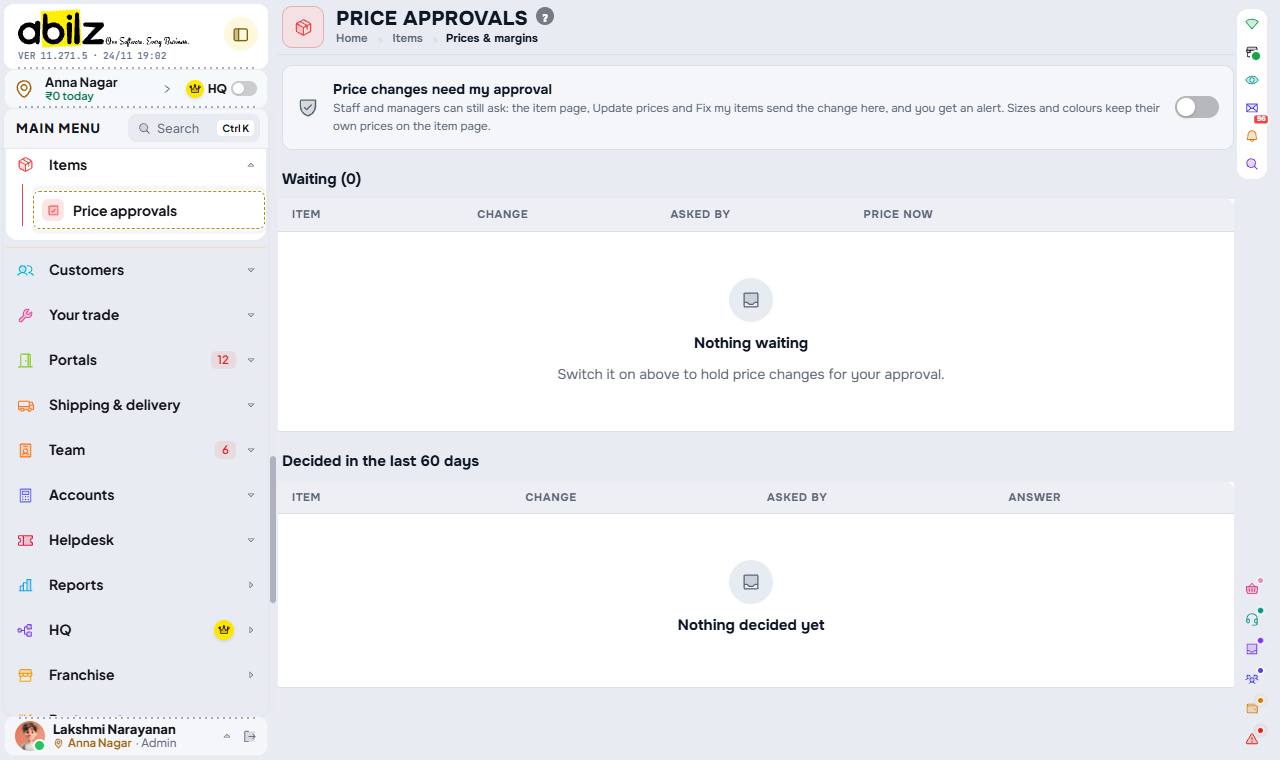
Switch it on
Turn on Price changes need my approval.
- On: a change of price, MRP or cost made by anyone else waits for you. You get an alert.
- Off: people with the permission change prices at once.
While it is on, staff and managers can still ask: the item page, Update prices and Fix my items send the change here. Planned prices can be made only by the owner. Sizes and colours keep their own prices on the item page.
Decide
Each request shows the item, the old and the new price, and who asked.
- Approve applies the change and logs it in Price history.
- Reject with a note: the person who asked sees it.
Decided in the last 60 days lists what you approved and rejected.
For staff
When approval is on, your price changes wait for the owner, and your requests show on this page with their status.
Was this helpful?
Something wrong in this guide?
Still stuck?Press ? in your portal, then Raise a ticket. It carries the page you are on.
Contact AbilZ