

Find items with missing details or wrong prices, and items that are in your list twice.
Fix my items
Items › Fix my items lists every item with a Problem: no HSN, no barcode, no photo, no cost, no category, or a price above the MRP.
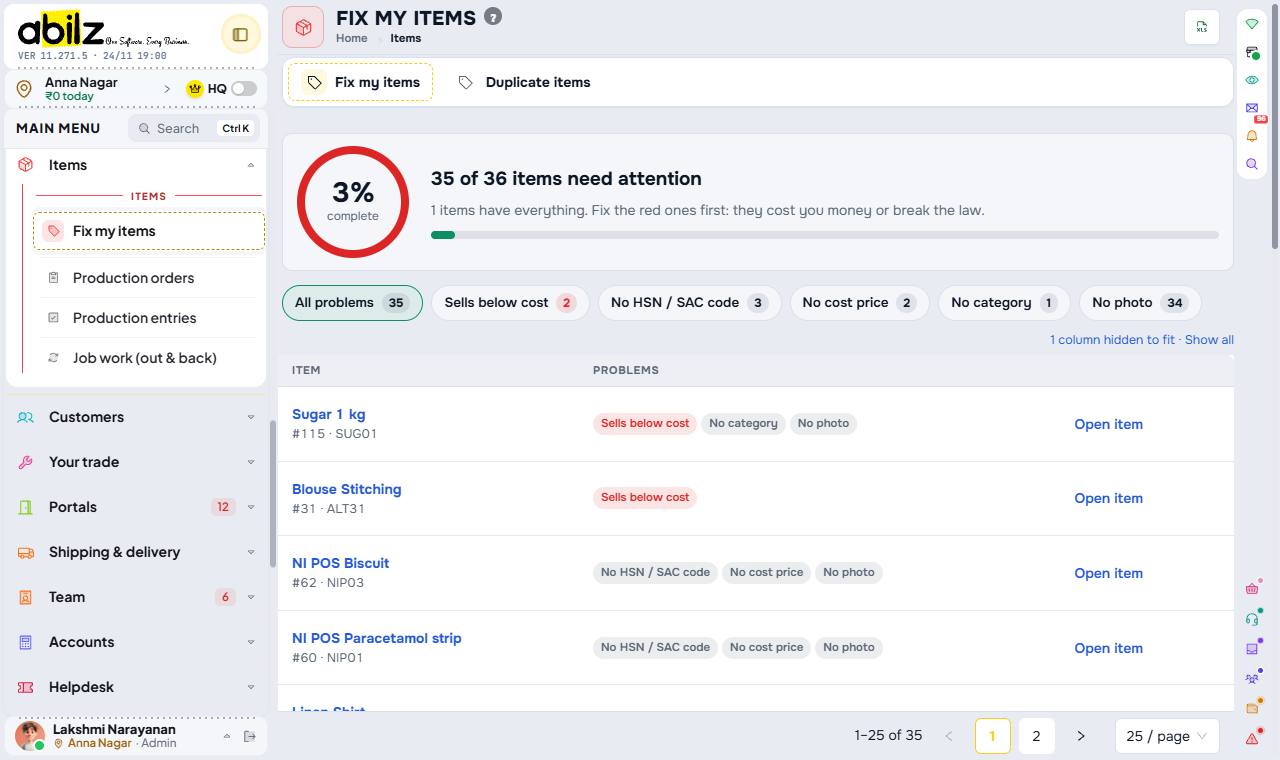
- Fix it on the line: type the HSN or the Cost price and press Save, Pick a category, or Set price to MRP.
- Open Item photos to add many photos at once. Open item for anything else.
- When nothing is left, the page says every item has its HSN, barcode, photo, cost, category and a correct price.
Duplicate items
Items › Fix my items › Duplicate items (a tab at the top) shows items that look the same: one barcode on two items, or two items with the same name.
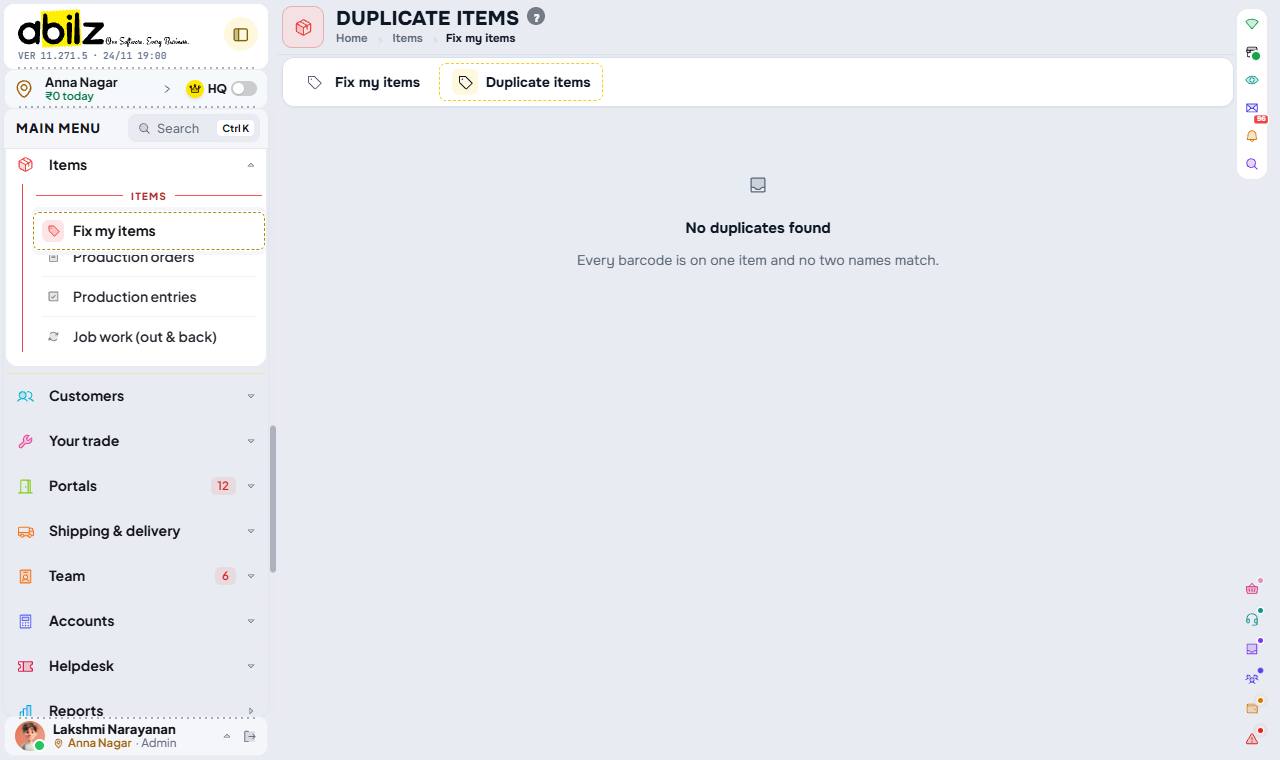
- Join the two into one, so stock and history stay together. This cannot be undone with one click, so check first.
- Not duplicates keeps both and takes them off this list.
Was this helpful?
Something wrong in this guide?
Still stuck?Press ? in your portal, then Raise a ticket. It carries the page you are on.
Contact AbilZ